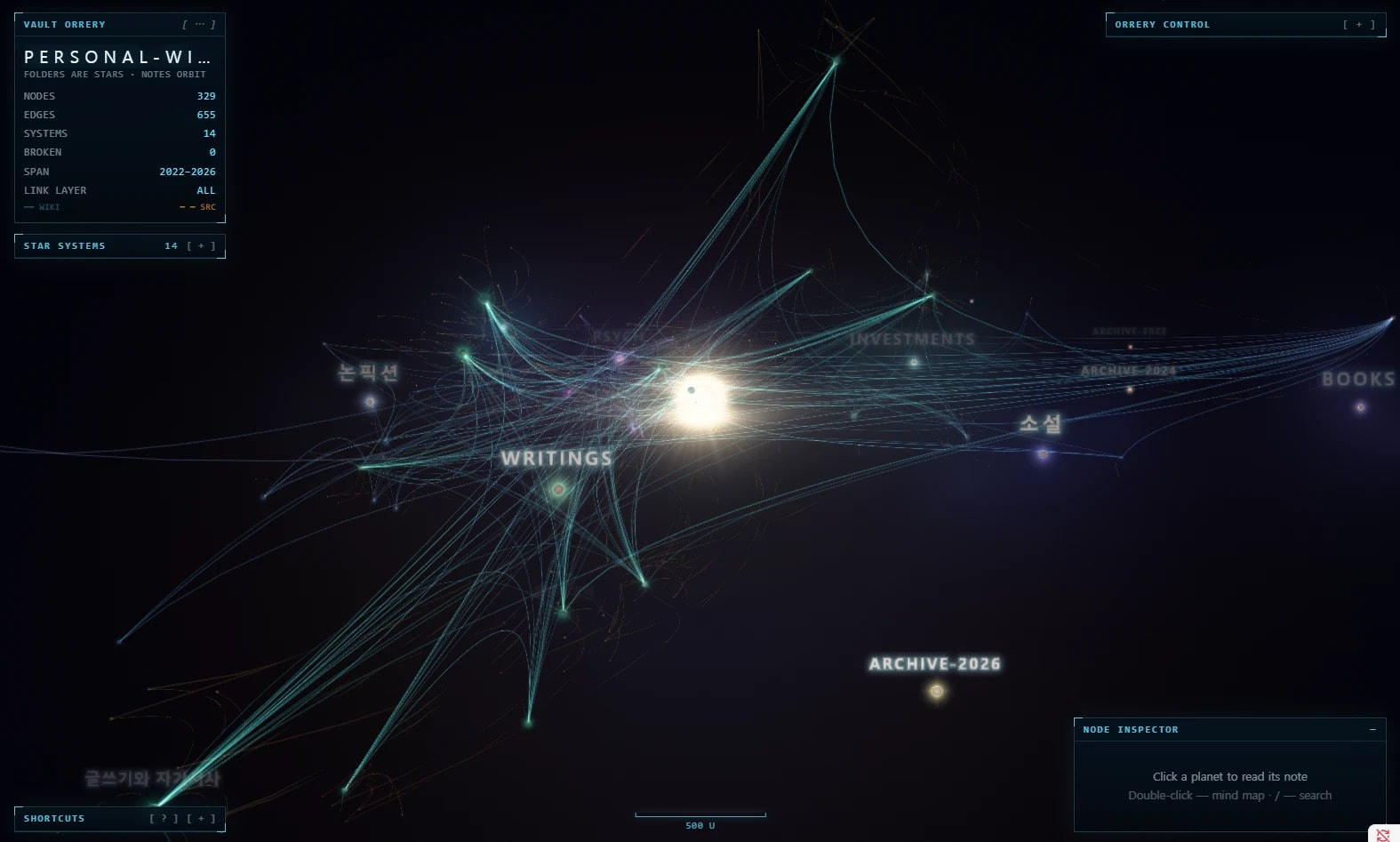
I downloaded Obsidian yesterday and like it so far. However, I would like folders to be shown in the graph view: with the folder name being the “hub” and the files being linked, or just with the files shown clustered together instead of all over the shop.
I can get this to work manually with a “hub” file per folder and up: properties (or plain links) in every file, but would rather it be automatic.
I gather that this is only possible with a community plugin. Which are recommended as being reliable and safe?
I found a few forum topics asking for the same thing or discussing plugins:
- Graph View - Show Folders like Puddles of Water
- Waypoint - Automatically generate content maps of your folders!
- Graph view - can't see folders, only notes show as orphans
- Show folders as areas in the graph
- Please link folders to children in graph view
- Creating a graph based on Folders - plugin help
- Vault Orrery: a 3D graph view where folders are stars and notes orbit them
- Graph View Folders
- Graph View - Upgrade Ideas
- How do I make notes of the same group closer to each other in graph view?
- Stronger Forces Between Groups in Graph View
- Group force in graph view
- Base: Add a Graph View (put graph view in base's view menu)
- Create a graph based on the folder structure
- How to structure graph by folder structure?
- Smart Cluster Graph — Folder-based community clusters, strongest bridge links & line crossing avoidance
- Suggestions and ideas