It now uses the same CodeMirror 6 editor that Obsidian uses when editing in the sidenotes. This should behave better with keyboard shortcuts. For now I’ve disabled editing in Reading Mode since it’s complicated to edit code for three different ways of editing the sidenotes. Besides, one is not really supposed to edit in Reading Mode. If it’s really wanted I’ll consider re-implementing it.
@RepresentatiON, regarding the issue of the sidenotes not showing in Editing Mode: I’ve had this happen sometimes right after I change settings for the plugin. Sometimes just restarting Obsidian fixes it. If you continue to have the same issue with this newest release, let me know.
Soon after the last release, I figured out how to implement realtime Markdown formatting while editing sidenotes. That adds a nice touch when editing the sidenotes.
Regarding the disabling of the sidenotes editing feature in reading mode. I liked this feature, and I would make it optional in the settings (if possible). It would be very useful to me. I think sidenotes editing in reading mode is a really good feature.
Regarding the problem with displaying footnotes. Apparently, there has been a misunderstanding, but everything is fine with the editing mode (everything works in it). The problem exists in READING MODE. I sent you a note in which the plugin refuses to display footnotes created before the plugin was activated.
The exact same problem was observed earlier with editing mode, and you managed to fix it. But again, the problem persists in READING MODE.
P.S. Restarting Obsidian and the plugin, as well as changing modes and settings, did not change the situation. This is either a bug or something else…
An option to edit sidenotes in Reading Mode. When enabled, one can click on a sidenote and edit in Reading Mode. This works for sidenotes formatted with HTML and with footnotes.
Fixed:
Issues with visibility and positioning of sidenotes that appeared with longer notes. Obsidian uses “DOM virtualization”, meaning it doesn’t render the entire note all at once, especially with longer notes. This caused issues when it could see a footnote reference in the text but not the footnote text at the bottom of the document. So now it relies on the Markdown file itself as the source of truth.
If you test it out, let me know if there are any issues.
Thank you again for your work. The footnotes in reading mode are now displayed, but there are still a few issues. I sent you videos in a private message, but it doesn’t show everything.
From time to time, there is a shift to the right, which makes the tufle blocks on the left side completely invisible. And when they are fully visible, the location of the footnotes in the video starts to shift, which is clearly visible. Moreover, this can happen completely unexpectedly. For example, the first 5 footnotes may be correctly positioned strictly one after the other, but the sixth or seventh is no longer strictly vertical, but slightly to the left and right of the previous ones.
When footnotes are close together and the editing process is underway, the footnotes overlap each other. Theoretically, this can be fixed by changing the width of the blocks, but the problem still exists.
I was unable to capture this bug on video, but after the first use of the plugin, footnotes one through six could be edited normally in read mode, but the seventh and eighth footnotes could not be edited at all. (That is, the editing field did not even appear, as if it were just text). IT’S ABOUT EDITING IN THE READING MODE
I also noticed a bug with footnote display. It happened once. Footnotes one through six were displayed in reading mode, but footnotes seven and eight were not. After restarting the plugin, the problem was solved, but the bug still exists.
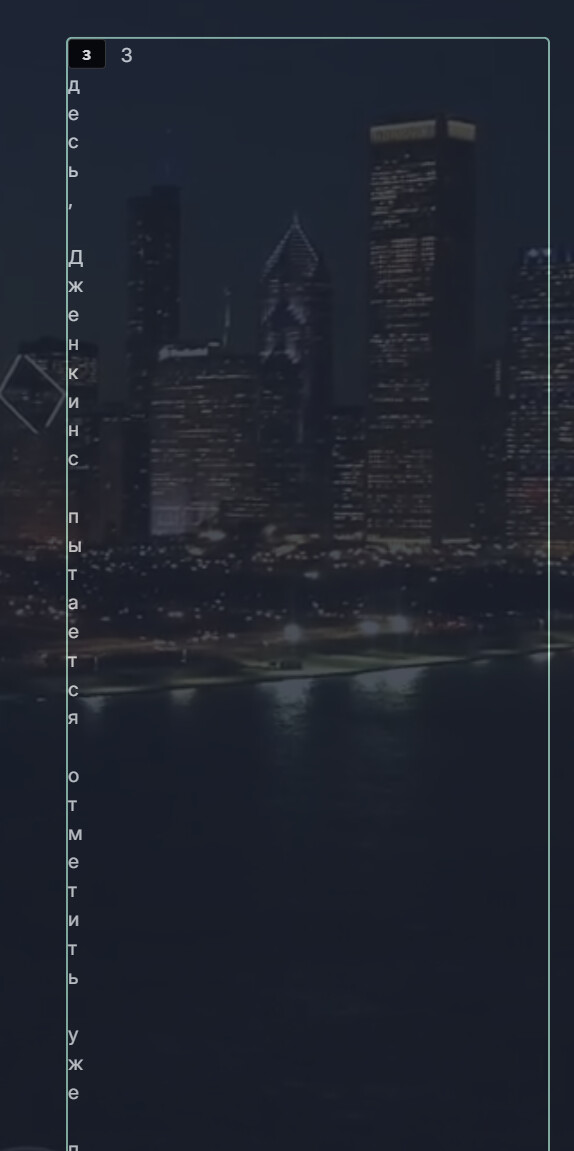
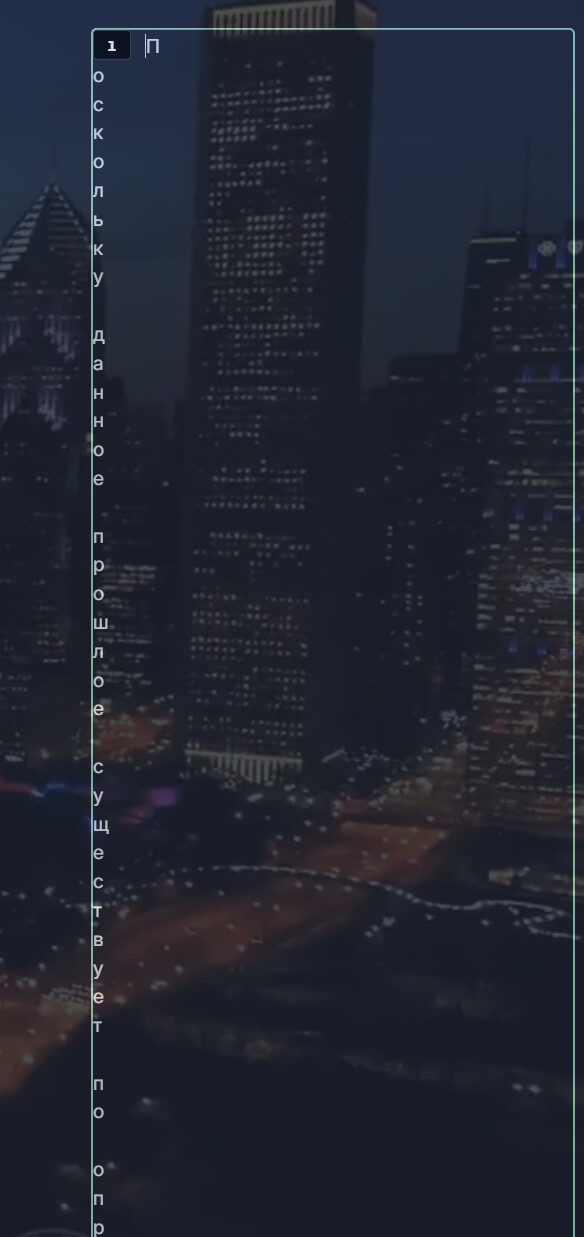
The problem in edit mode still persists. The block stretches across the entire note, and it is impossible to edit its content in any way. (This is clearly visible in the second video or on the screen below)
P.S. I think that if you refine the plugin a little more and fix any bugs that arise, it will become indispensable for the community as a whole. Thank you again for your persistence!
Thanks again @RepresentatiON for testing and describing the issues you’re experiencing. These issues are not always appearing on my setup. In some cases I can replicate them - in other I can’t.
The issue of the editor text becoming 1 letter per line is one I have no idea how to replicate. I did add some CSS that might prevent that theoretically though.
I think I’ve come up with a more stable way to position the sidenotes in Reading Mode. This same issue was causing positioning issues as well as some sidenotes to not get rendered at all. This only showed in long notes. In my tests it seems to be working better.
Hi, Thank you again for your work. I sent you a private message with a bug report and a possible issue related to the rightward shift when using the plugin. I attached videos.
There is a known bug. When using footnotes for sidenotes, and then editing a sidenote in Reading Mode. Right after changing a sidenote (pressing enter), it will show the updated text. If you click it again to edit again, it will show the text pre-edit. It does still update the footnote.
Thank you for your update. I tried using Ctrl + Z and noticed that you can only undo the selection once (on the first try). If you press Enter and then try to use Ctrl + Z, the undo will not work. Also, I don’t remember if this was in previous versions, but it seemed to me that in reading mode, the text section was also highlighted when I hovered the cursor over a specific sidenote (in editing mode, everything works great, but in reading mode, only the number is highlighted). Maybe I’m confusing something. I sent the video, i think you’ll understand what i imply.
I think, I managed to solve the problem with sidenotes displacement and the use of floating highlights. I sent you the CSS in a private message. Maybe this will help you somehow integrate this method or solution into your plugin to eliminate sidenotes conflicts with plugins like this one. A little thanks to AI ))
This adds compatibility with PDF export for HTML sidenotes. For technical reasons, making it work with footnotes is more difficult and I haven’t cracked it yet.
Just wanted to chime in and say I’m loving where this is going, stumbled across the thread and have been watching things going on. Haven’t had a chance to install the plugin and try it yet (hopefully this weekend), but really appreciate all the work you’re doing here!
Thanks @ShaneNZ. I’m hoping it’ll be stable enough to submit to the Community Plugins soon. If you get around to trying it, let me know how it goes. Still trying to make sure it works well enough for everyone’s unique setups.
Hi, I tested version 0.2.7. and attempted to export to PDF, but the span sidenotes are not displayed at all; they are simply not visible. Could it be that I have set some incorrect export settings?