Disclaimer
Is this project open source? Yes
Is this project completely free? Yes
Is this project vibe-coded beyond the author’s ability to comprehend how it works? No
Community Directory: Link
Hey everyone!
I built a small plugin that re-enables ELK (Eclipse Layout Kernel) layout support for Mermaid diagrams in Obsidian. ELK was supported in older Mermaid versions but got dropped at some point. This plugin patches the Mermaid renderer to bring it back.
How it works
Add %% elk %% at the top of any mermaid code block to switch to the ELK renderer for that specific diagram. Everything else keeps using the default renderer, nothing changes globally.
```mermaid
%% elk %% ← this line enables ELK for this diagram
flowchart LR
    A[Start] --> B[Process]
    B --> C[Done]
```
Custom classDef styling and Obsidian’s light/dark mode colors are both preserved.
Why ELK?
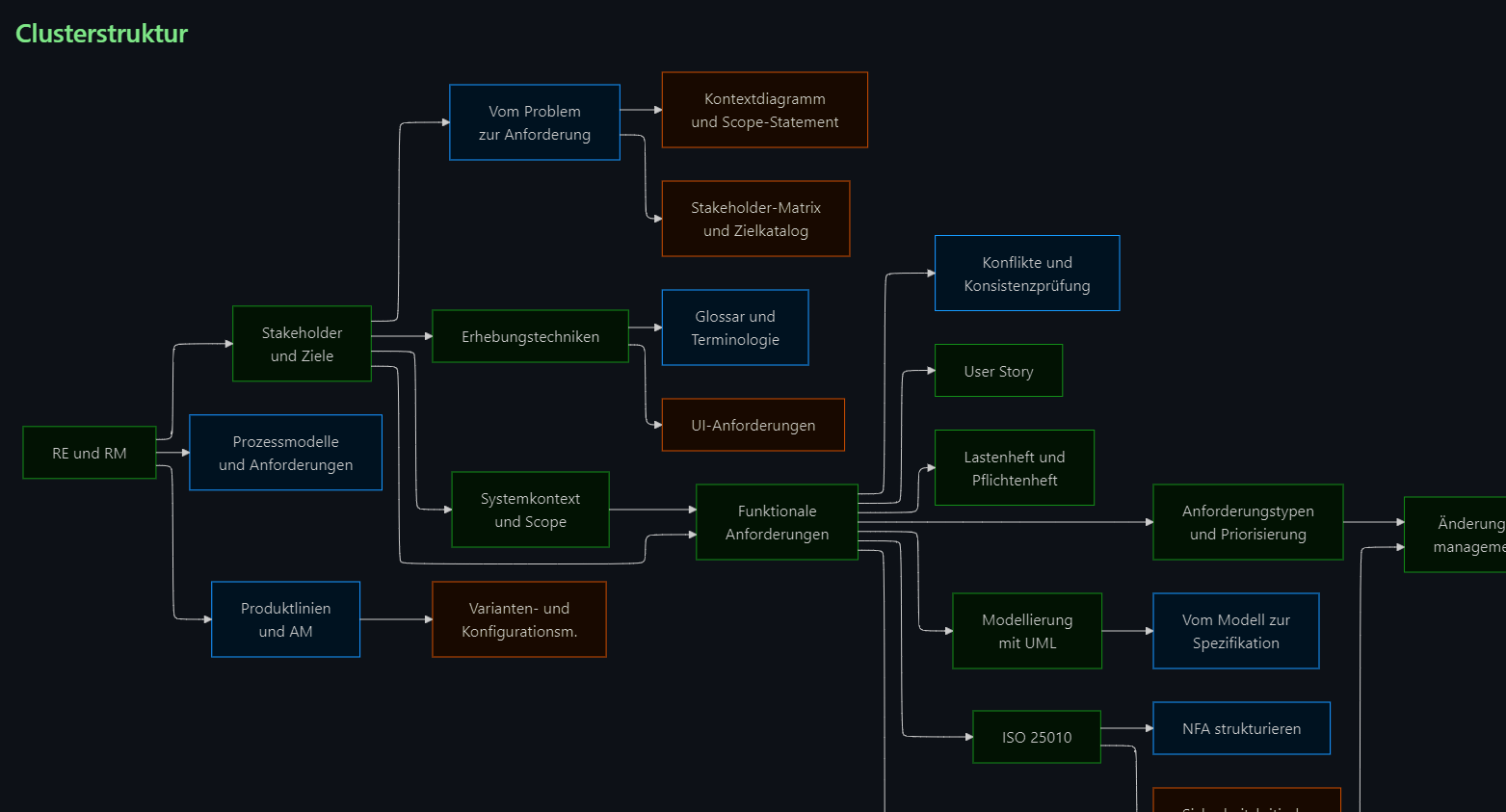
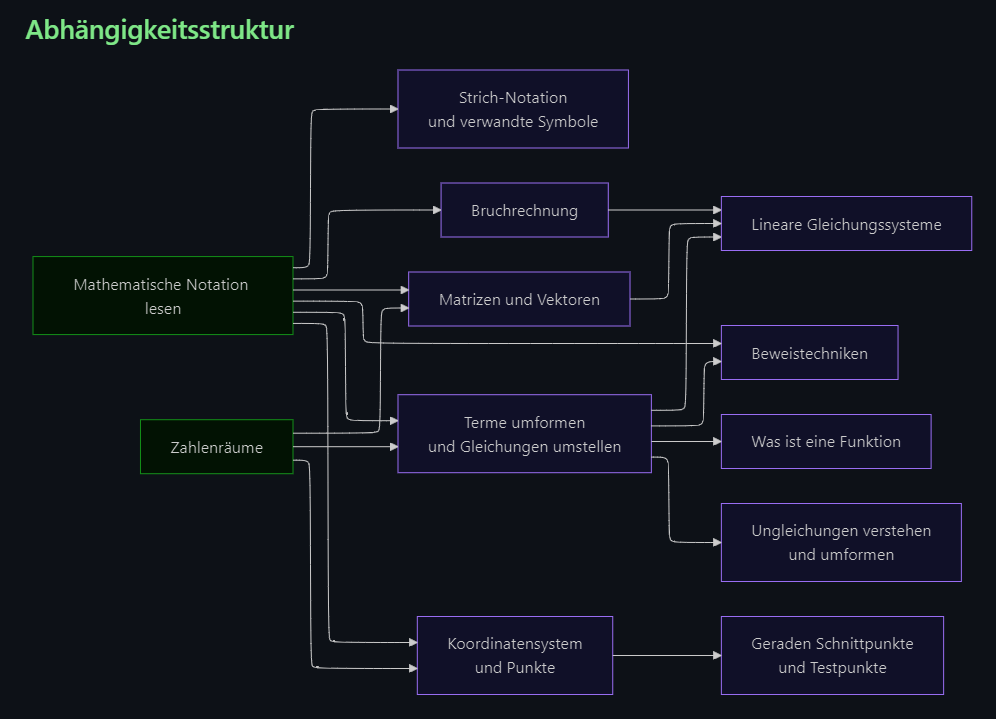
ELK produces significantly better automatic layouts for complex graphs with many nodes and crossing edges, especially flowcharts with lots of dependencies. The default Mermaid renderer can get pretty messy above a certain complexity.
Examples
Installation
The plugin is not yet in the Community Plugins directory (submission is in progress). Manual install for now:
-
Download
main.js,manifest.json, andstyles.cssfrom the latest release. -
In Obsidian:
Settings → Community Plugins → click the folder icon at the bottom right of the installed plugins list. This opens your plugins folder. -
Create a new folder named
mermaid-elk-rendererand drop the three files in. -
Restart Obsidian, enable the plugin, then restart once more.
-
The restart after enabling is
required.
Without it, the ELK renderer patch is not applied and
%% elk %%diagrams will not render correctly.
Source: GitHub - SmolBlackHole/mermaid-elk-renderer · GitHub

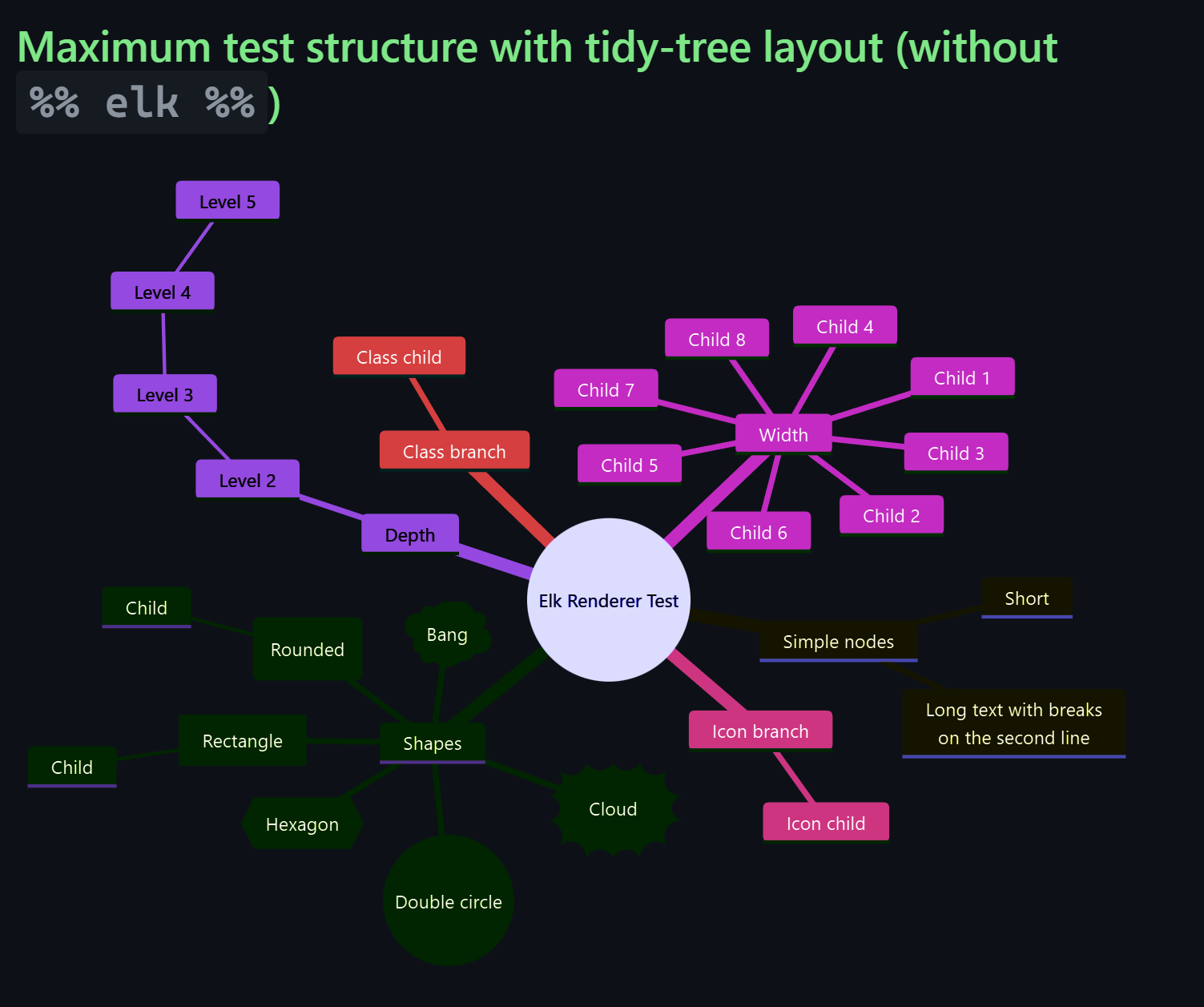

 often do not work in stock Obsidian. This plugin bundles Mermaid 11.16.0 and can use that instead.