zhl
October 14, 2025, 2:17pm
1
When there are punctuation marks before and after a bolded symbol, it does not render properly as bolded in edit mode.
This phenomenon often occurs in AI-generated text
yes. The vault started in restricted mode, no snippets and default theme
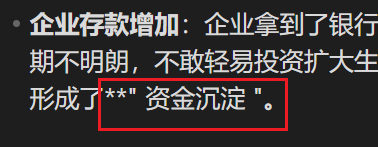
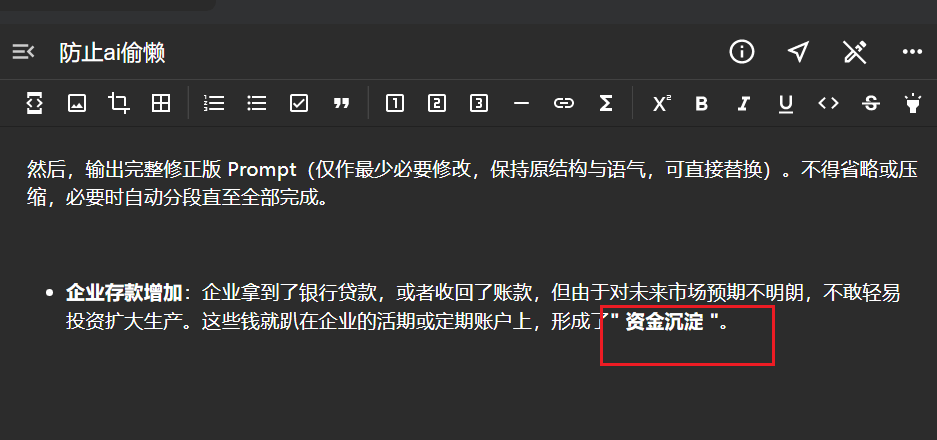
This is what it looks like in edit mode:
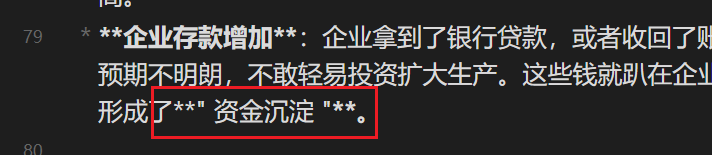
This is what it looks like in source mode:
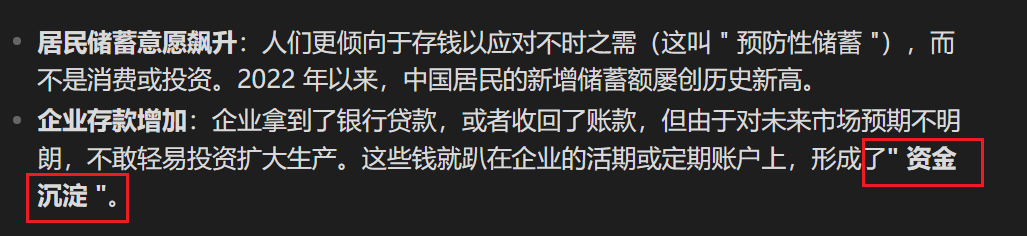
This is what it looks like in reading mode:
1 Like
Hi.
The Commonmark dingus seems to suggest that that is expected in a preview environment. Interested to see what the Obsidian team say.
Could you please paste your example text here in a code block so we can test it?
zhl
October 15, 2025, 2:29am
5
企业存款增加 :企业拿到了银行贷款,或者收回了账款,但由于对未来市场预期不明朗,不敢轻易投资扩大生产。这些钱就趴在企业的活期或定期账户上,形成了**" 资金沉淀 "**。
code block?
* **企业存款增加**:企业拿到了银行贷款,或者收回了账款,但由于对未来市场预期不明朗,不敢轻易投资扩大生产。这些钱就趴在企业的活期或定期账户上,形成了**" 资金沉淀 "**。
It looks like Editing View is displaying this correctly and Reading View is not. According to the specification that Obsidian’s Markdown is based on, “This is not emphasis, because the opening * is preceded by an alphanumeric and followed by punctuation” . (The reasoning behind that is a little complicated.)
zhl
October 15, 2025, 1:20pm
7
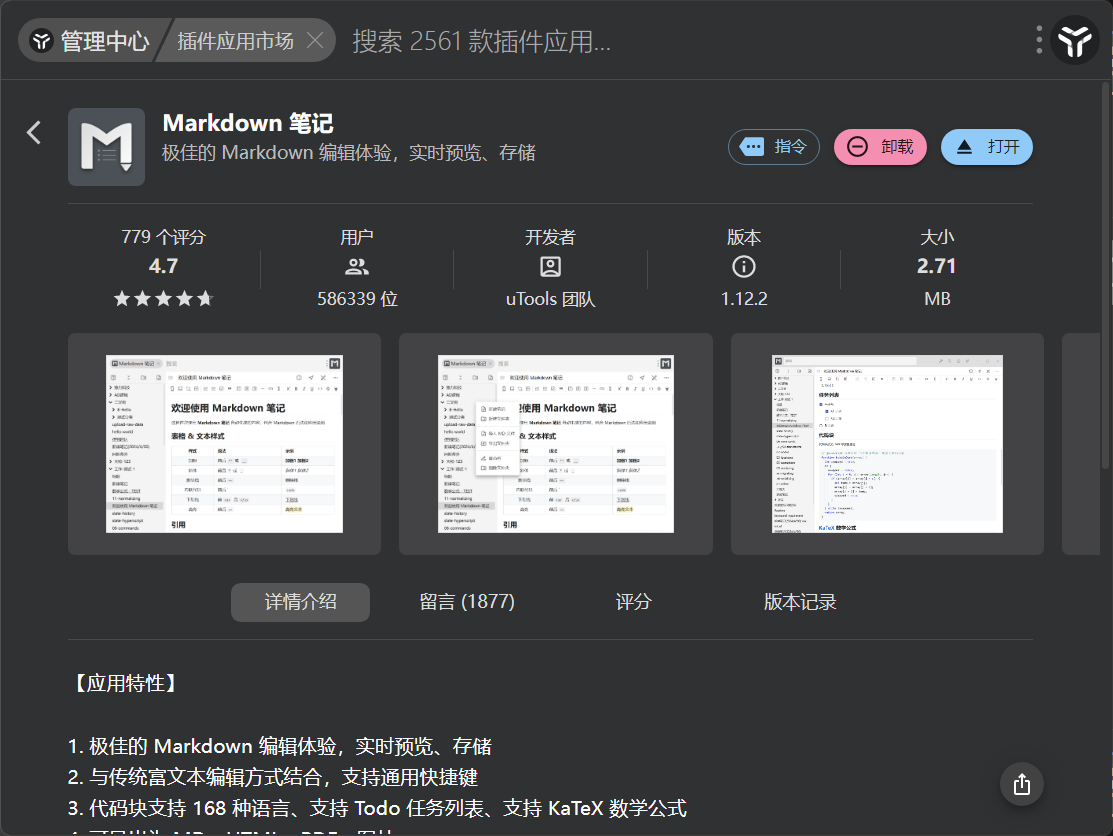
I tested this text in a Markdown note plugin within a small software application (uTools), and it displayed perfectly fine there without any issues. I believe a software as excellent as Obsidian shouldn’t have similar problems.
zhl
October 15, 2025, 1:52pm
8
Note: This is in editing mode.
According to commonmark, **" 资金沉淀 "**。 should not be bold. So the editor is correct and the reader is not.
There are some bugs, in both editor and reading mode, with respect to handling of markers that are summarized here:
Both Editor(s) (source mode & live preview) and reading mode do not handle correctly markdown markers for bold, italic, highlight, etc when spaces (whitespace) between the text and the marker are present.
before _text _ after
before *text * after
before **text ** after
before ==text == after
Source | Live Preview | Reading | Reference Implementation
[Obsidian_0GwOuF5GBZ]
Major Problems
Both editor(s) and reading mode detect the text within the markers as bold/italics/etc. They should n…
However, I want to reiterate that what you are asking is not what the spec dictates. In fact, a long time ago open this FR
Some aspects of the commonmark spec do not play well with CJK languages.
For example, according to the spec punctuation should be handled as whitespaces hence
a**.test.**b should NOT be bold, whereas a**test**b has test in bold.
This is problematic for Chinese users. This FR is used to track a proposed deviation from the commonmark spec: handle Chinese punctuation symbols (that are different from regular punctuation symbols) as regular letters.
2 Likes