Hey team, I’ve been hacking away at a related plugin that I think will be useful.
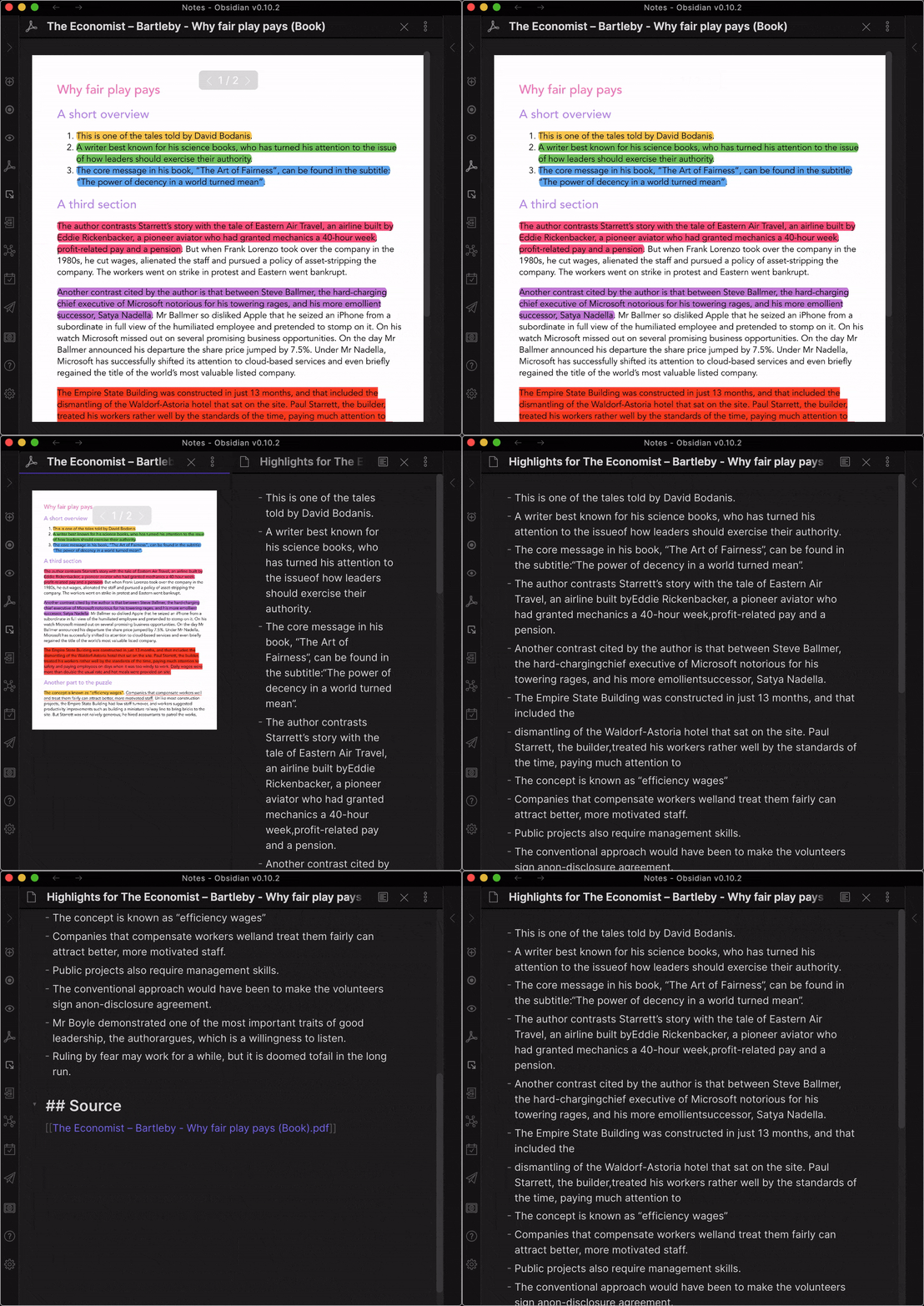
This time it allows you to extract highlighted and underlined text from your PDFs into a markdown file in your Obsidian vault.
Super simple to use, too. Just open a PDF in Obsidian, click a button and a few seconds later you have the highlights in markdown.
Here’s a quick demo to show:
There are also a bunch of settings (similar to the “Extract Highlights Plugin”) such as
- Include page number (Default: off)
- Include highlight color (Default: off)
- Create links (Default: off)
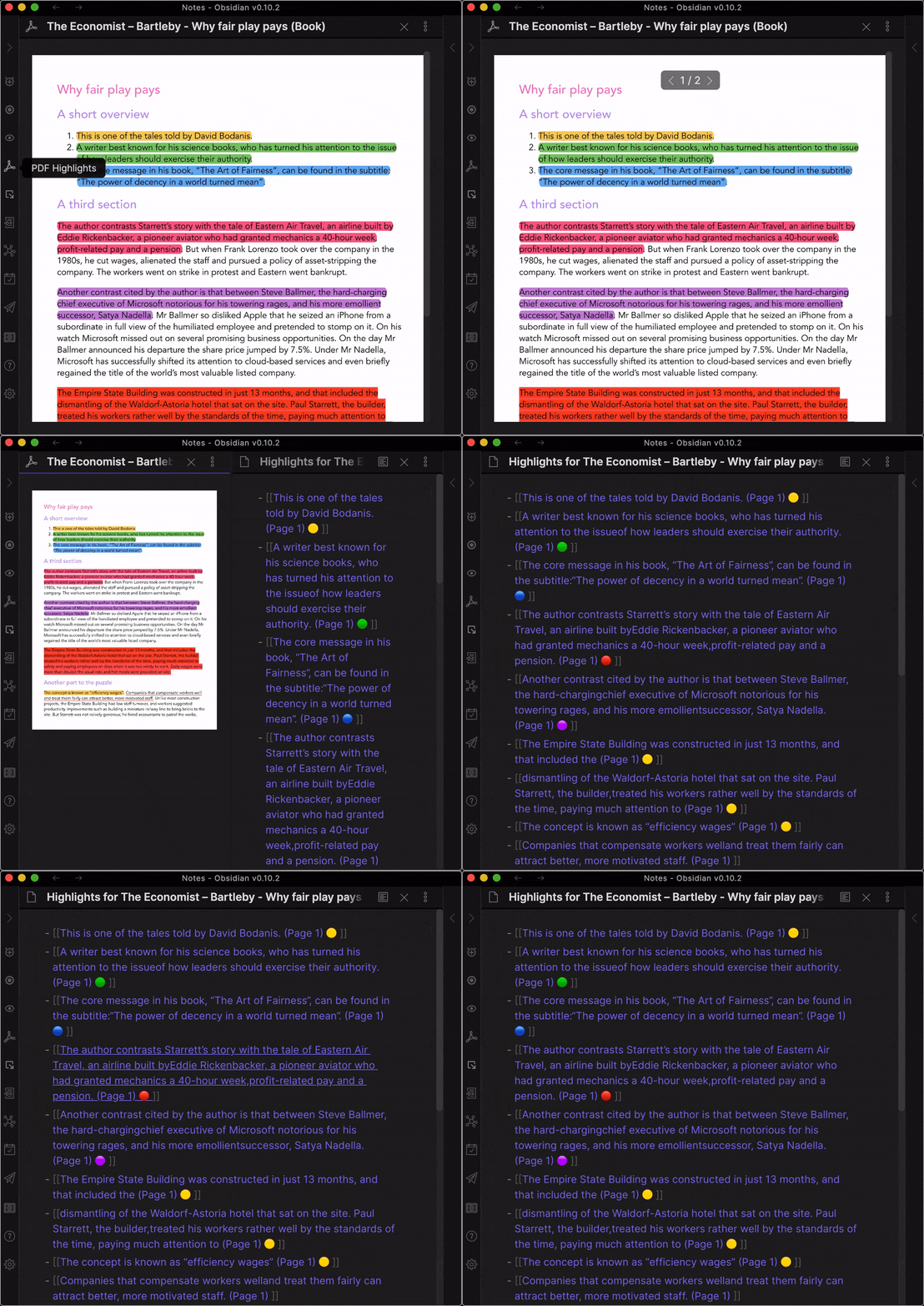
Let me know if this tickles your fancy at all and most importantly: What should we name this puppy and what side-bar icon should it have?
- “Distill PDF Highlights”
- “PDF Highlights”
- “PDF Annotations”
- Suggestions?!
Thanks!
Alexis