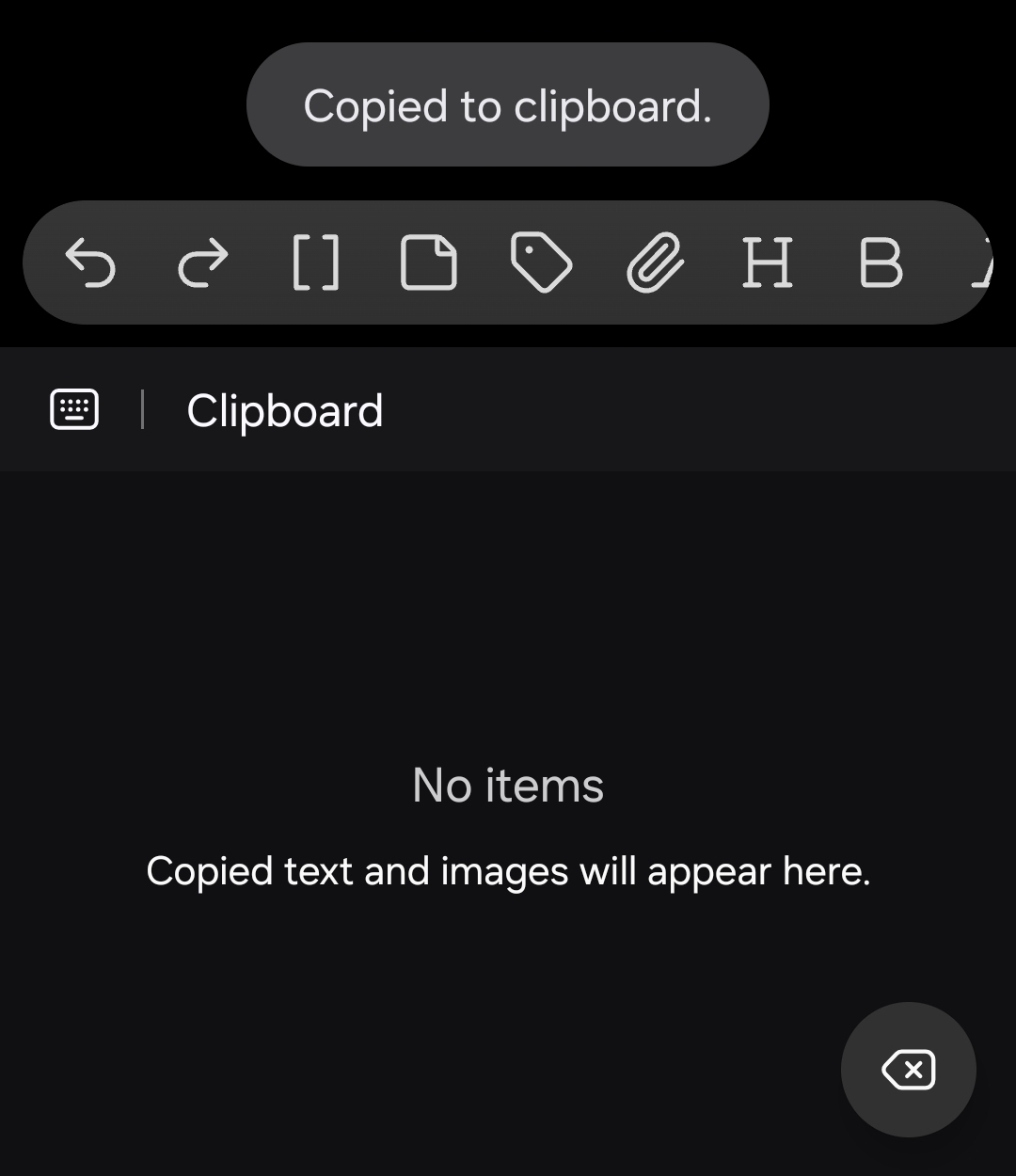
Text is copied and it is shown in the list of Android clipboard items.
Actual result
Text is copied, but it is not added to the list of Android clipboard items.
This is incorrect behavior on Android and a potential security issue (user can not see what is on the clipboard or delete sensitive items).
Environment
SYSTEM INFO:
Obsidian version: 1.12.7 (303)

API version: 1.12.7

Operating system: Android 16 (samsung SM-S901U1)

Webview version: 147.0.7727.55

Login status: logged in

Language: en

Catalyst license: none

Live preview: on

Base theme: adapt to system

Community theme: none

Snippets enabled: 0

Restricted mode: on
It’s working fine for me. Also if the texr is copied and you paste in another app and it works, the problem is likely in the virtual keyboard app that you use.
This copy function also suddenly stopped working for me a few days ago in Obsidian (when I highlight and click on the small popup that says “Copy”).
However, when I click on the copy icon in the Obsidian toolbar, the copy action works. Which seems to suggest that it’s Android’s keyboard that causes the problem… Hope they fix it.
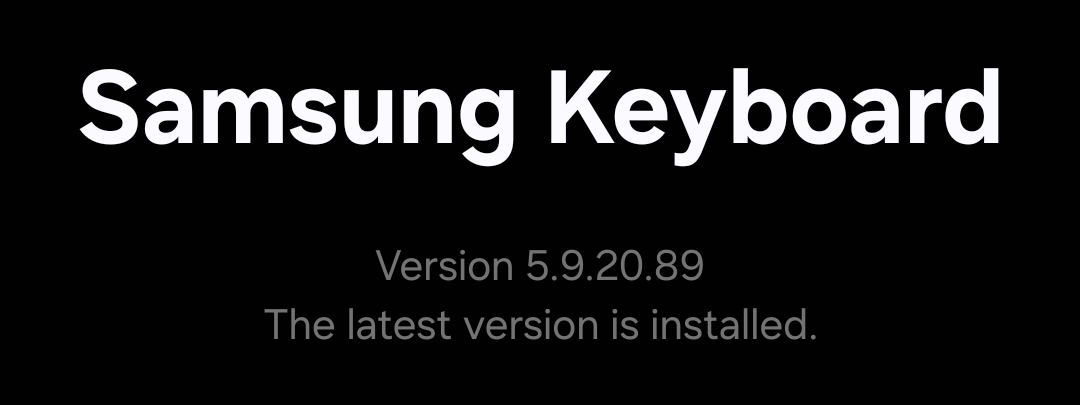
This an issue with the latest version of Android System Webview on Samsung devices that use Samsung keyboard, I think. I had the same issue.
I don’t know which version of Android System Webview this started happening on, but I downgraded to a version from a month ago and I don’t have this issue anymore. My device runs Android 10 and was manufactured by Samsung.
I’ll leave the details here if anyone else wants to try this fix for themselves.
Android System Webview version that I had before (latest as of April 24, 2026 - stable): 147.0.7727.55
Version of Android System Webview that I downgraded to: 146.0.7680.116
I don’t know if this is fixable on Obsidian’s side but a proper fix for this would be great.
I experience this issue too and it’s very annoying as I often write in obsidian and then copy the text to other apps. I don’t have the same issue in other apps so seems to be somewhat related to Obsidian. Also, I noticed that text copied out of Obsidian always has a few trailing newlines ever since this issue started appearing for me. Do other people experience this as well? I’m very thankful for any workarounds for this.
Dog, thank you for the information about Android System Webview. Hopefully, Obsidian can contact Google through developer channels and tell them it is impacting their users.
I should clarify that this issue is new for me too. It worked fine in Obsidian earlier.
The keyboard is working fine, including copying to the clipboard item list, in other apps.
This is specifically affecting Obsidian. It may be partly caused by a system (e.g. Webview) or manufacturer (e.g. Samsung Keyboard) library, but it’s clear there’s a regression impacting a group of users.
There’s also a report on Reddit (“Cant copy in editing mode on Android”) from a week ago.
The text is copied. It does not appear on the list of clipboard items shown by Samsung Keyboard. That means the user may think it was not copied, and they can not manage clipboard items normally.
I made the screen recording. How do I upload it here? It is not allowing me to upload an MP4 or a ZIP. The list of allowed file formats does not have any video formats.
Source mode - The bug is present in source mode. It does not work.
Same version of Chrome on same device: (Chrome 147.0.7727.111, Obsidian now shows Webview version: 147.0.7727.111) - It works on https://example.com on Chrome.
Linked codemirror in Chrome - It works (I copied “let x = ‘y’”, then a multiline copy, from the rich text box. Both worked.).