Once you are done reading, please delete the above notes
Use case or problem
I working with images a lot and new image system have… Problems. There’re exist few comm plugins like Image Toolkit that making full screen view better then in current Obsidian solution (i can copy, rotate, flip and etc from this window (and what most important for me: zoom via mouse scroll without additional buttons), but when i open full screen one image by plugin 2 times it opens via Obsidian’s fullscreen too. Its annoying a bit. Same problem with resize plugins, they’re just broken and there’re no way to let them work (and i dont think authors can do smth with it). All problems is about windows only.
Proposed solution
Add option to disable: image resize, image fullscreen on windows, or at least add option to select on which action will be activated fullscreen (like not double click, but some button on keyboard + click)
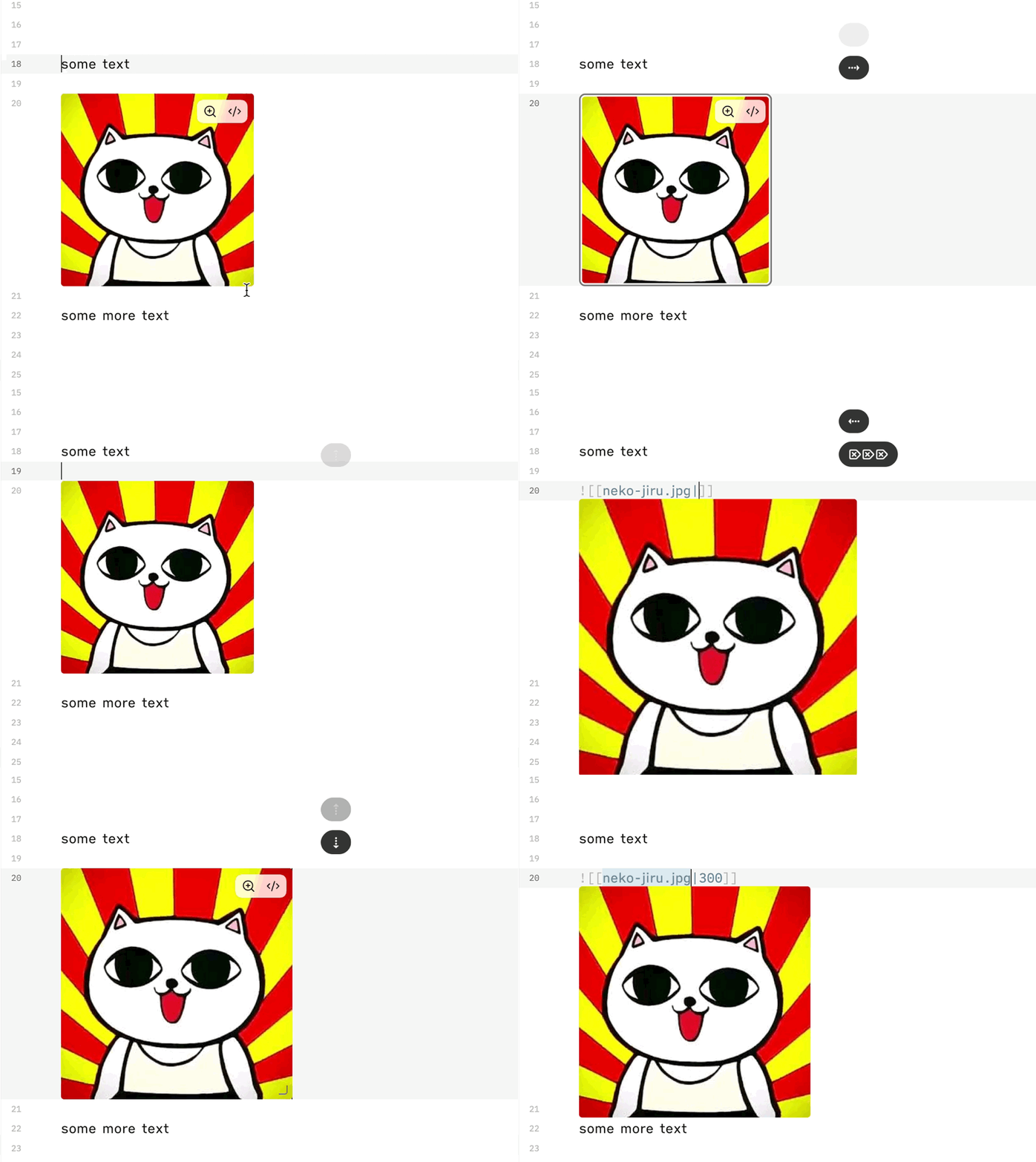
Also it’ll be best if you let user select way to edit image: like in current version (when you need to press </> to see image code, or like in old versions. Like that everyone will can select whatever is more convenient for them
For exposing the link without using the mouse, you can type Enter when your cursor is on the image (you’ll see an outline) to expose the link and Tab to expose the image size if one is set.
I would also strongly appreciate an option to restore the previous Live Preview behavior.
Previously, clicking an image immediately revealed its Markdown code, which made it quick and natural to edit the filename, path, alt text, or image size. In Obsidian 1.13, clicking the image selects it, and I then have to press Enter or click another button to access the Markdown.
I understand that some users may prefer the new image selection system, so I am not asking for it to be removed. Please add a setting such as:
“Reveal image Markdown when clicked in Live Preview”
This would allow users to choose between the new behavior and the previous behavior. For people who frequently work directly with image embeds, the old workflow was considerably faster and more convenient.
I’d also like the option to revert to the old behavior, the new image system is not working at all for me. I can’t get the Markdown to show up, nor shrink, grow, or the vim commands to do anything at all.
Please bring back a way to access the image link’s raw markdown directly (as in previous versions), the same way other link types work. Right now image links are the only ones requiring an extra mouse interaction, which breaks consistency with the rest of the editor.
On top of that, the behaviour seems inconsistent even within itself: moving the cursor onto an image link sometimes reveals the source text, and sometimes still requires a separate mouse action. This unpredictability makes it hard to build a reliable workflow around it.
A toggle to restore the old direct-edit behaviour (as proposed above) would fix both issues, and would also help users who rely on keyboard navigation rather than mouse interaction for accessibility reasons.
Here’s an example for the inconsistency, disable the network so that the links don’t load, open up a sandbox vault and paste these lines. Both show the mouse interface but one additionally shows a PART of the code – the exclamation mark at the beginning is missing – when going through it with the text cursor.
The code was created by the automatic conversion to Markdown when pasting HTML, the content from https://pmc.ncbi.nlm.nih.gov regularly creates malformed links like this that need to be fixed manually.

[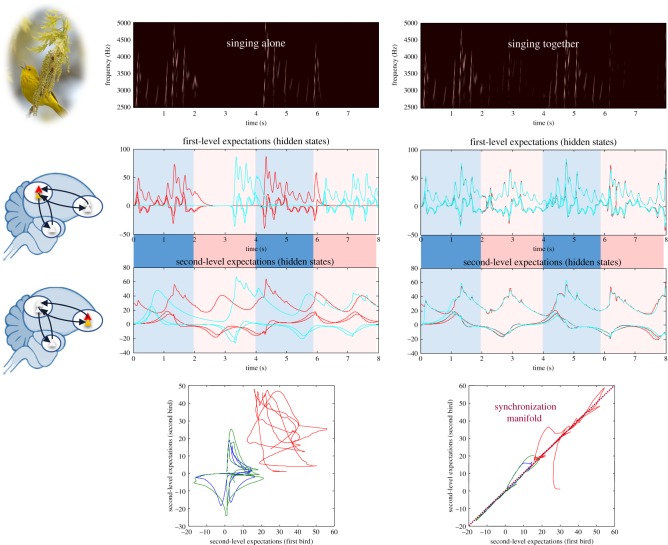](https://www.ncbi.nlm.nih.gov/core/lw/2.0/html/tileshop_pmc/tileshop_pmc_inline.html?title=Click%20on%20image%20to%20zoom&p=PMC3&id=5938575_rsif20170685-g2.jpg)
I agree with above posts - PLEASE BRING BACK THE OLD BEHAVIOUR. This is really awful! The cursor goes all over the place, especially in a huge vault hitting memory limits. Spending minutes to do something that took literally 1 second before!