New plugin, YouTube transcript fetcher is availabe
YouTube transcript fetcher is now available through BRAT
Given a Youtube url, this plugin will extract a transcript and save it to a note. By default the current note is used, but by checking the approptiate checkbox, a new note is created with the name of the video as the document name.
If an OpenAPI/Claude/Gemini key is configured in the plugin settings, the transcript will be cleaned up using a configurable model. It is possible to fine-tune the accompanying prompt in plugin settings.
I have tested this on linux and android. Testing on other platforms through BRAT will be appreciated. Any and all feedback is appreciated.
4 Likes
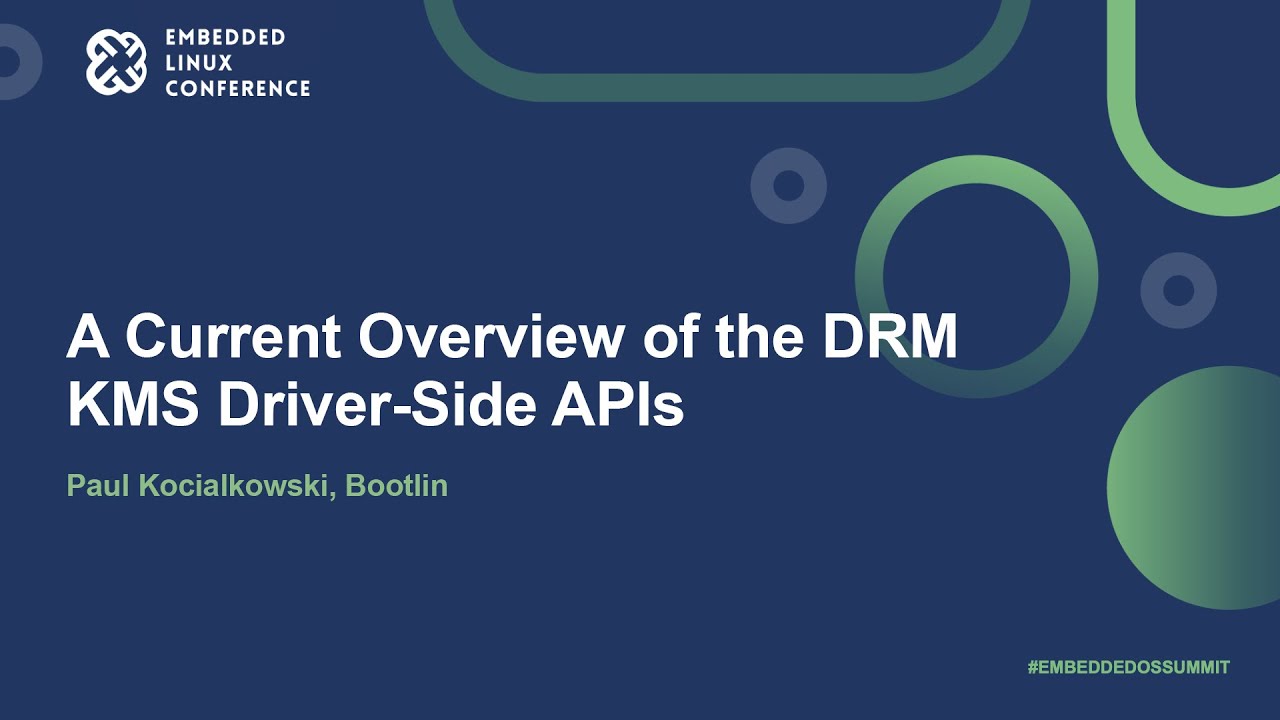
Did try it. However the transcript has no new lines, so its one huge long block of text. The video i tried was this one:-
This was tested on MacOS Tahoe.
Thank you for letting me know. I will investigate.
Hi @CarolineMathieson,
I happen to know you are a Python person. Didn’t try on Mac but works flawlessly on Linux and Windows:
Was that the raw transcript or after LLM processing?
Just the raw transcription. I do’n’t want to use AI processing.
1 Like
Version 1.0.23 is out, with bugfixes and new features:
Major Features
- PDF Output Format Support (#12)
• Save transcripts as PDF files (in addition to Markdown)
• Full PDF generation with Electron API
• Configurable in settings and modal
- Saved Directories Management
• Maintain a set of frequently used directories
• Quick selection from saved directories in modal
- Transcript Timestamps (#13)
• Include clickable timestamps in transcripts
• Configurable frequency (every sentence or every N seconds)
• Option to preserve timestamps in LLM processing output
- Timestamp Link Conversion (#14)
• Support for local video files
• Convert YouTube timestamps to local file links
• Configurable local video directory setting
- Channel Name Tagging
• Automatically tag notes with YouTube channel names
• Sanitized tag format (#channel-name)
• Toggle in settings and modal
UI/UX Improvements
- Clipboard URL Prefilling
• Automatically detects and prefills YouTube URLs from clipboard
- Conditional LLM Options Display
• LLM options only shown when providers are configured
• Cleaner interface for users without API keys
- Improved Transcript Formatting (#15)
• Better paragraph breaks and formatting
2 Likes
Much better! Timestamps are pretty frequent though. Maybe add an option to reduce them?
This is the new transcript from the previous example to illustrate:-
0:00 all right so let’s continue with more
0:02 Kindle stuff more driver stuff uh please
0:04 welcome my colleague Paul uh on DRM came
0:07 as driver side apis
0:10 [Applause]
0:16 thank you guys
0:17 um so
0:19 contradictory to what is on the slide
0:20 this is not post them 2033 but forgive
0:23 me about that
0:25 um
0:26 yeah I will start with a little bit of
0:28 introduction about myself so I’m Paul
0:29 schalkowsky I’m working at bootland we
0:32 are an engineering Service Company
0:33 working mostly on on Linux and also
0:35 bootloader and build system aspects I’ve
0:38 been working on graphics and multimedia
0:40 topics essentially on the DRM and v4l2
0:42 Frameworks of Linux I live in the
0:45 southwest of France and before I
0:47 continue with the slides I will make a
0:49 little bit of a disclaimer so these
So a timestamp every few seconds.
There is a setting for that. Default is every sentence, but it can be configured with seconds intervals. Take a look in the plugin settings.
Sorry, didn’t spot that setting.
Much faster than my script. (Sorry about the intrusion with it.)
I didn’t try your plugin extensively.
Questions: does it work on a single language only and does/will it have a fallback for ‘timedtext’ when the “Show Transcript” button is not set by the author? I mean there are a few scenarios I remember having to wrestle with.
I have implemented support for language preferences in an upcoming release.
Not sure I understand what you mean by ‘timedtext’ question.
1 Like
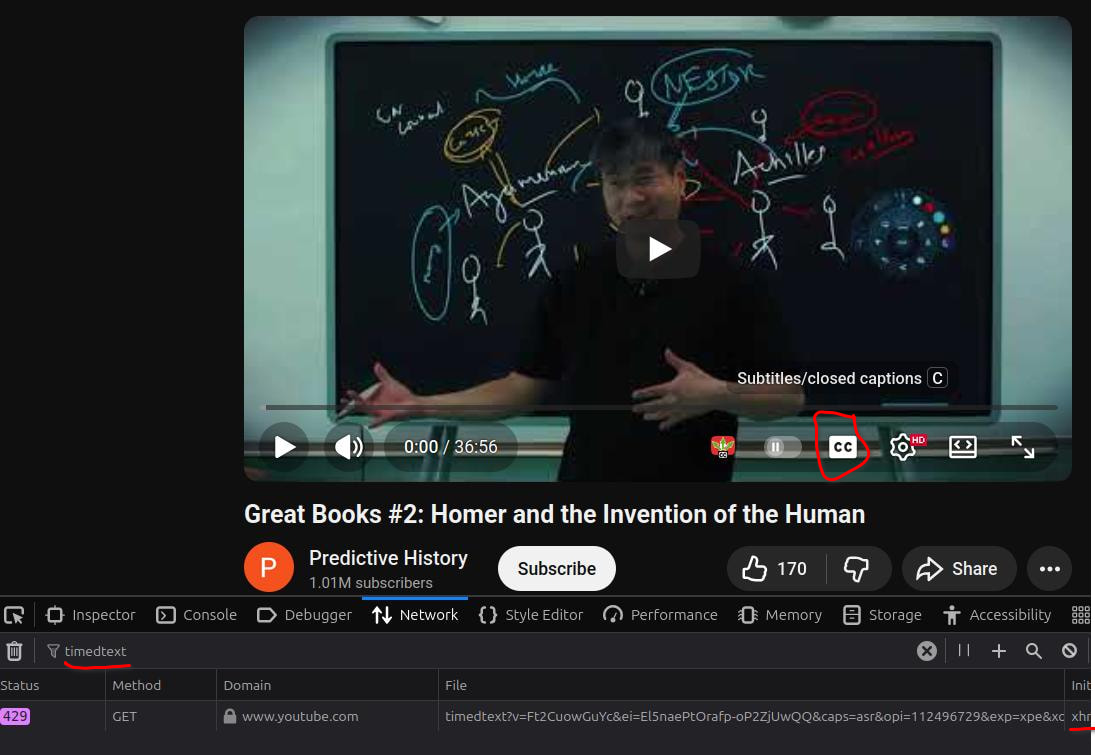
In some cases you cannot get subtitles with the normal yt-dlp method. For a time, I manually got captions using Firefox: press F12 > go to Network > filter for timedtext, press subs button on YT player > get file on bottom, which will be opened in new tab, resulting in a download, then that output had to be parsed (done with a script in my Obs).
Now I do this programmatically (I had an able bot do the coding) so no need to go through all these steps.
Timedtext was needed when you see there is a subtitle available but you cannot get it. WIth this method, I was able to get subs on videos uploaded 6-8 years ago, but of course, if no subs, you need to download video and faster-whisper it or upload it to your own YT account.
Also, a bug of some sort: lastly used method was not remembered. So if you put in details for an LLM, and do not want to use it, next time the app opens, the LLM is used as default again.
LLM would be okay, if it didn’t struggle with it for 2-3 mins without giving me anything back (Gemini).
So I opted out now by removing API Key details to have raw subs brought in as default.
1.0.27 is now out, with enhanced language handling. It will detect the available languages, and let you select the one you want if more than one are available. It is also possible to specify languages in preferred order in settings, like ‘en,de,fr’
Stopped working for me, even for links where I have set a manual caption:
“plugin:youtube-transcript-fetcher:3569 Transcript fetch error: Error: Transcript URL returned empty response. YouTube may be blocking automated requests or requiring authentication. Video: <VID_ID>. Try accessing the video in a browser first, or check if the video has captions enabled.”
- First try in 5-6 hours, no automation here.
Back to my python script.
Better but “Include timestamps” setting: true not honoured (v.1.0.32).
This is superb and very useful. Thanks for sharing.
I’m getting the same on MacOS Sequoia.
However, I processed it with AI and it made a great job of it. I’ve set up a free-tier Gemini account and am using the 2.0 Flash Lite… works well.
It would be useful (to me at least!) if OpenRouter could be supported. It uses the OpenAI API format, with a base URL of https://openrouter.ai/api/v1.
Thanks again.