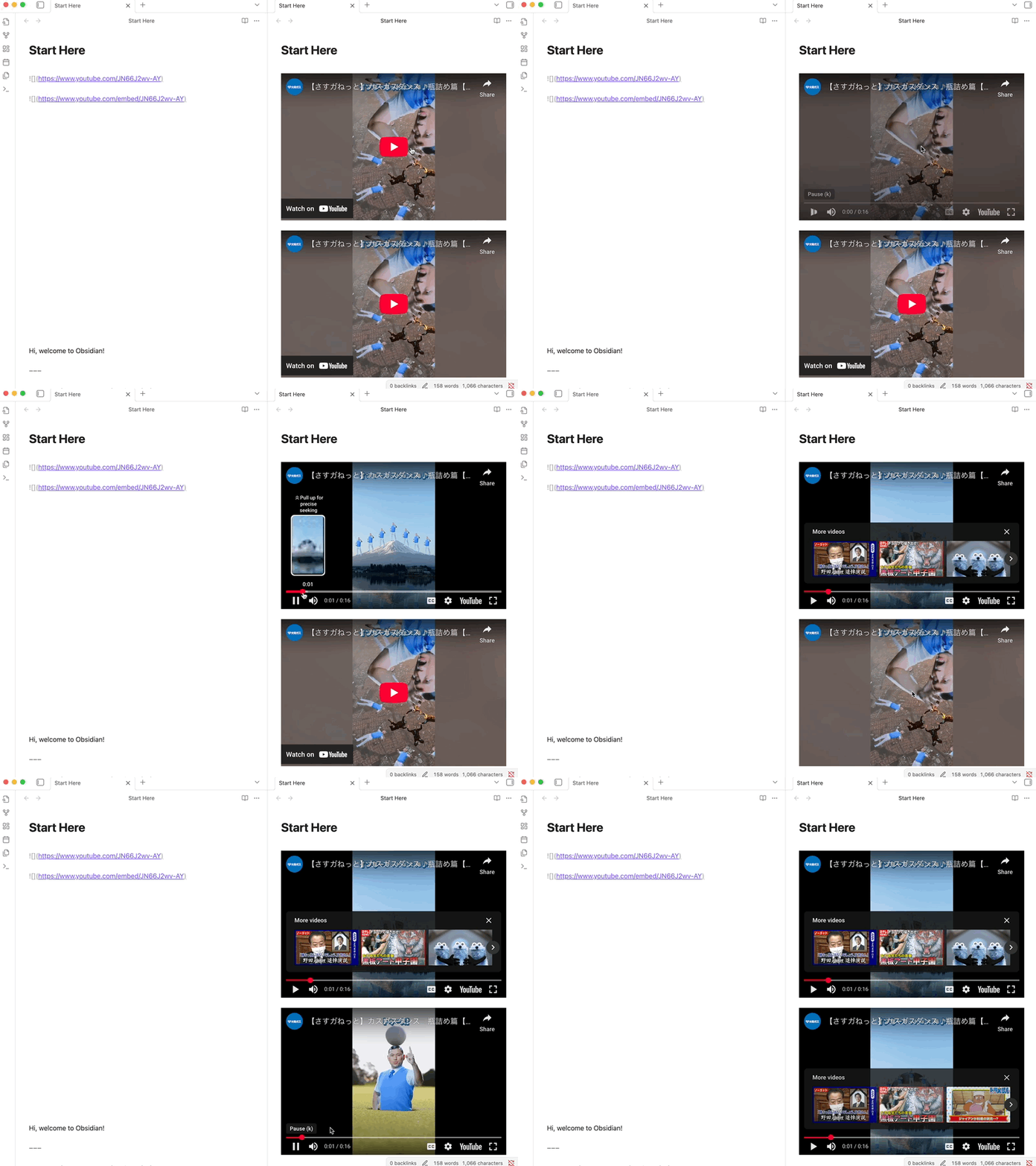
Steps to reproduce
Embed a Youtube Short into a note as you would a regular Youtube video
Attempt to play the video.
Did you follow the troubleshooting guide? [==Y==/N]
Yes
Expected result
The short playing as any other Youtube video would.
Actual result
Video player shows the message "An error occurred. Please try again later. (Playback ID: fBM18UrmAy0fILff)
Learn More
The Playback ID is seemingly randomised every time the video is loaded.
Environment
SYSTEM INFO:
Obsidian version: v1.8.10
Installer version: v1.8.4
Operating system: Windows 11 Home 10.0.22631
Login status: logged in
Language: en
Catalyst license: none
Insider build toggle: off
Live preview: on
Base theme: adapt to system
Community theme: none
Snippets enabled: 0
Restricted mode: off
Plugins installed: 0
Plugins enabled: 0
RECOMMENDATIONS:
none