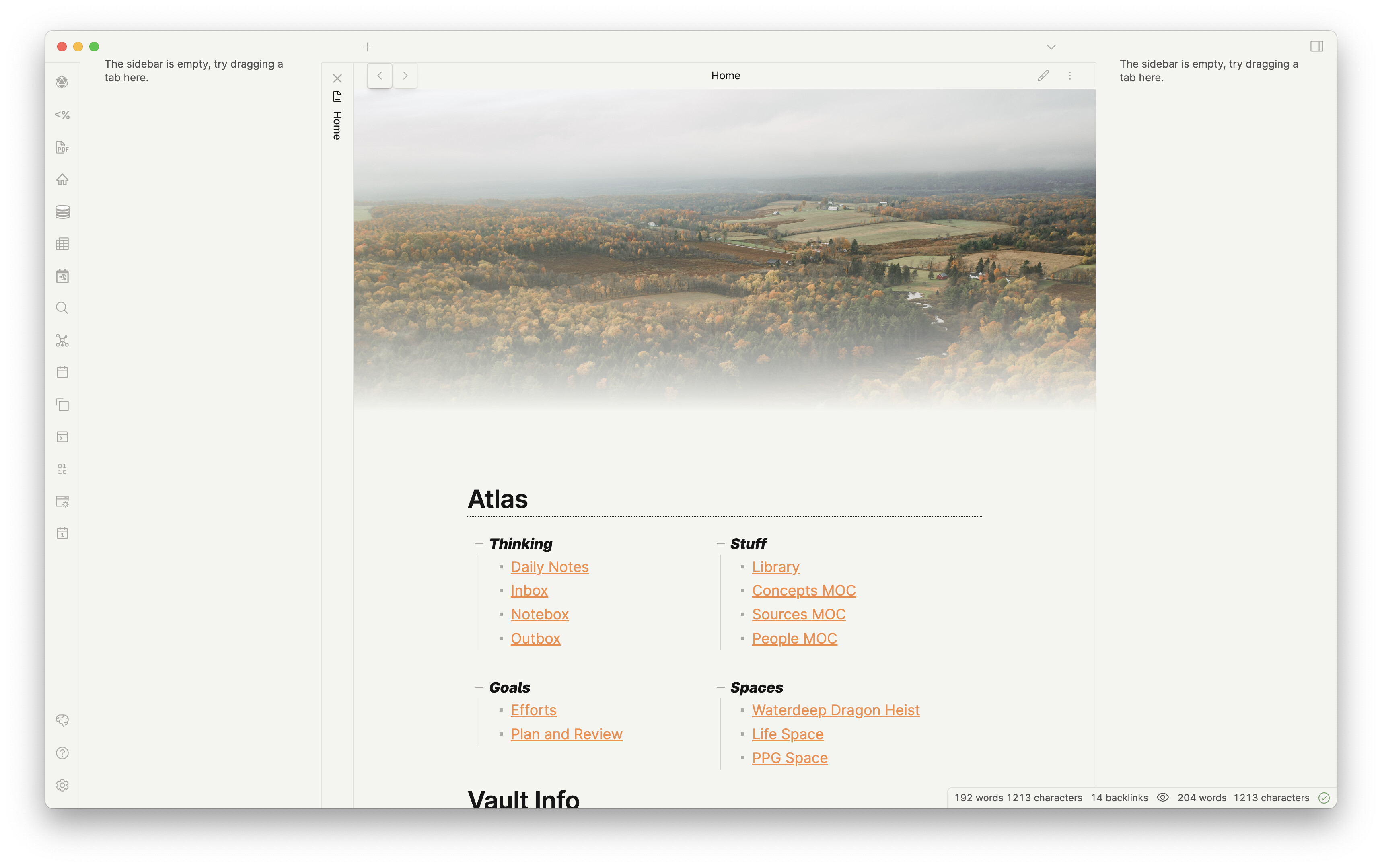
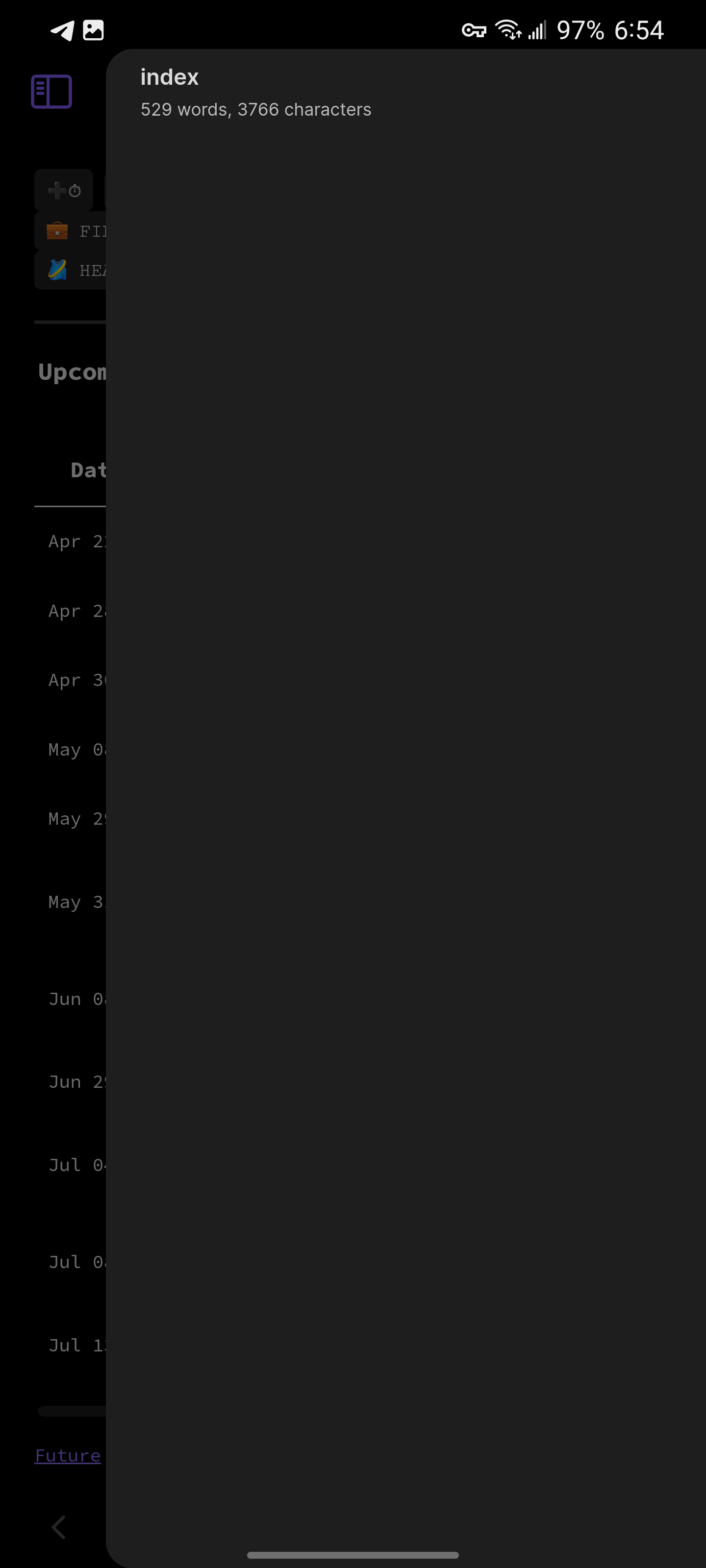
Open the Desktop app and load the workspace you save on Mobile.
The workspace loads and the sidebars are broken.
You can fix it by reloading a workspace you’ve saved on (if you have a workspace you’ve saved on Desktop).
Expected result
Ideally the Workspaces could load across devices, but would retain a version of the sidebars that is usable.
If Workspaces cannot be made to load across devices, then loading Desktop workspaces on Mobile should not be possible (and vice versa). The list of Workspaces List should be device dependent and omit Workspaces that are not made for the current device.
Actual result
The outcome is similar for workspaces saved on Desktop and opened on Mobile.
This is a major pain point for me when trying to set a Workspace as a Homepage using the Homepage plugin. I cannot set a Workspace that will work on both Desktop and Mobile.
Desktop/Mobile workspaces are now incompatible. We have not decided yet if we want to explicitly forbid loading a mobile workspace in desktop even in its broken state.
Thanks for the note! It was definitely alarming when it happened the first few times since it looked like I broke the app and it wasn’t clear at first that it was due to the loaded workspace.
My big use case for workspaces is controlling the plugins that are included in the sidebars (particularly on desktop). I have some that I only want in the sidebar if I’m doing certain activities – but they are there by default when I open the app. Using the Homepage plugin to set my Home to a workspace is the best way to meet that need – except that the Workspace I set as Home will be incompatible with my mobile devices.
I’m hoping y’all figure out a way to handle it soon. Workspaces seem really useful, but the value of them is pretty limited without a temporary fix that at least prevent it from breaking the layout on the wrong device.
I’m still having the issue where my sidebar contents (calendar, File browser, etc) disappear after changing workspaces. Closing and reopening brings them back. This was reported and fixed several releases ago, but somewhere along the way it came back
Similar here. I can see the folder list and can pull open the backlinks pane, but the calendar doesn’t show up. I can see “Calendar: Open Weekly Note” and “Calendar: Reveal active note” in the command pallet, but that’s it.
I’m getting this behavior on an Android phone and tablet, latest Obsidian app. No custom css or themes, no third party plugins (or any other community plugins), just plain vanilla.
I have exactly the same problem as of the last four days.
I think I have tried everything in the debugging post aside from the sandbox vault which I’ll have a look at tomorrow (it’s late here).
I can bring back the sidebar content temporarily by going into the Core Plugins menu and toggling Files and Search off and back on again. When I close and reopen the app, however, they’re gone again. At least it makes the mobile app semi-usable again!
I’ve just gone back through and enabled/disabled every community plugin (thanks for the link to the debug thread which recommended Divide and Conquer).
Result: the Homepage plugin is the culprit.
However, I missed this the first time I tested it, because the sidebar settings only disappear if the Homepage plugin is set to open a workspace (not a file, which is its default state) on startup.
@dddave, do you by any chance use the Homepage plugin, and if so, do you have it set to display a workspace on startup?
Either way, I’m going to go open a Github issue! Cheers.
I do, and sorry I hadn’t done the checks yet. I’ve been crazy busy.
The homepage plugin makes sense though. It feels like it started when that large update happened. I do use it and it is set to a workspace. I just tested by setting it it to a page and restarted, and sidebars are back. I suppose an issue should be reported to the dev.
Update - the developer of the Homepage plugin (mirnovov) has responded and confirmed that the bug is replicable, but has picked up a detail that the rest of us did not.
Mirnovov notes that workspaces created in mobile mode blank out the sidebar when activated in desktop mode, and workspaces created in desktop mode blank out the sidebar when activated in mobile mode.
I can confirm that I can replicate this, including in Restricted Mode.
So this does appear to be an Obsidian issue, not a plugin issue. I’m not sure of the etiquette here - should one of us create a separate bug report?