the workspaces core plugin should be made aware of device-specific workspaces (mobile and desktop/tablet workspaces are incompatible)
This was fixed in v1.5.8
Did you follow the troubleshooting guide?
Yes. I also tried to turn off all plugins completely (safe mode)
Expected result
I’m waiting for the Workspaces to load with the notes displayed in Left Menu
Actual result
Instead, notes and notebooks are not displayed
Environment
Additional information
If I create a Workspace, then it loads on the desktop without any problems
If I


open it on your mobile, it loads (for example, 3 notes), but the left menu becomes empty - there are no notes / notebooks
Only a reboot helps
I’ve tried disabling ALL plugins but it doesn’t help
Screenshots are attached
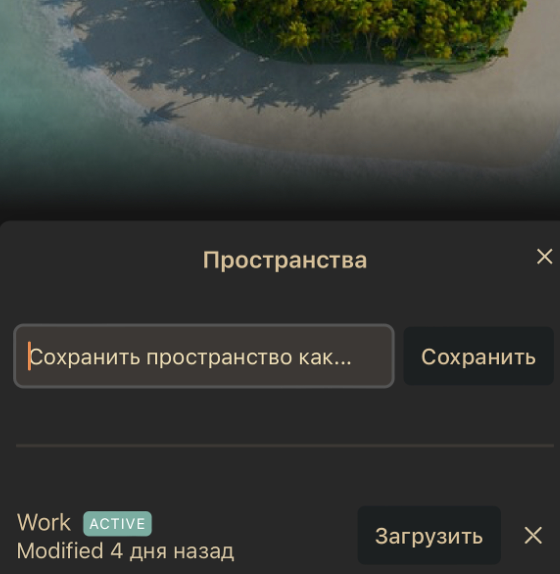
Try Default theme.
I am not sure I understand what you are trying to do. This bug report is not clear.


I tried to attach a screen recording
Use the left side tab switcher and select the file explorer.
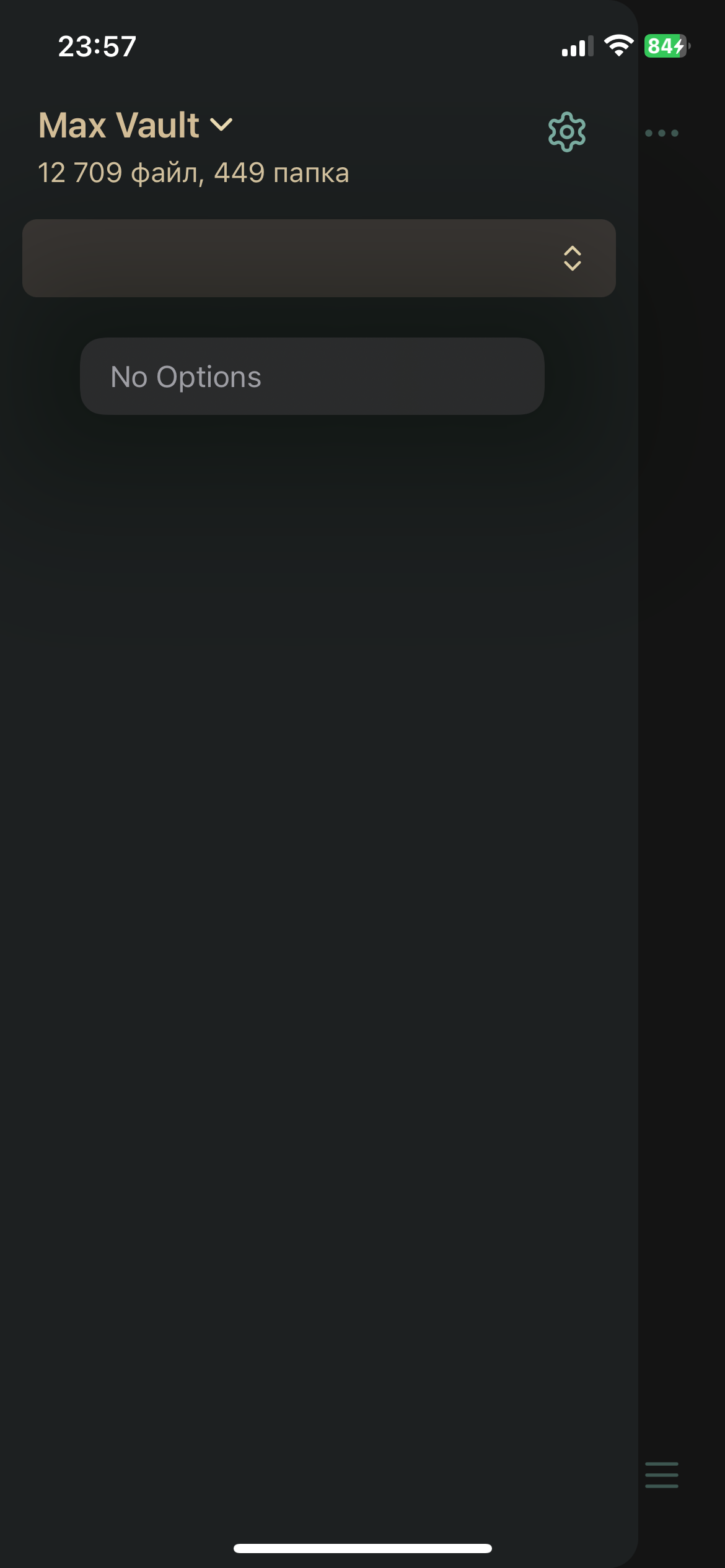
Use the command “show file explorer”
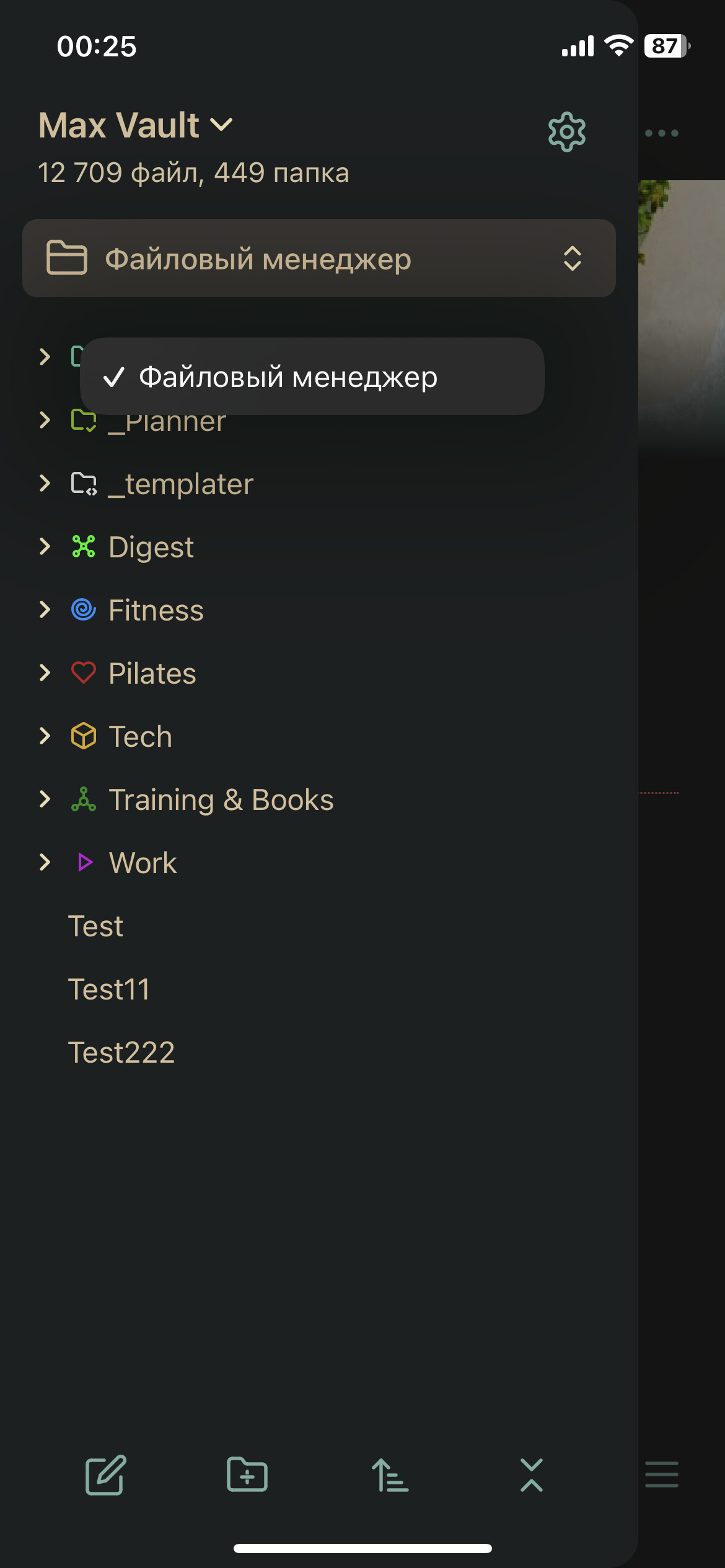
No it means is that that specific workspace you saved does not have those tabs.
Try saving it again.
We tested it on 3 devices
If I create a Workspace on mobile and upload it on mobile, everything works good
But if I create Workspace on the desktop (and also on mobile) it turns out like in the screenshot
Do I understand correctly that the mobile and desktop Workspaces are different work?
Steps to reproduce
- Create two workspaces on desktop computer (in my case Win 11).
- Open Obidian on your Android device.
- Sync (with Obidian Sync) to your Android device.
- Open an file/note (optional).
- Load another workspace (or just load the active workspace again).
Did you follow the troubleshooting guide?
Yes
Expected result
The Files panel with all Folders, Files, and buttons should be there as normal.
Actual result
The Files panel becomes empty, except for the vault name and the info about how many files and folders. See attached image.
Environment
Operating system: android 12 (samsung SM-T865)
Obsidian version: 1.8.10 (197)
API version: v1.8.10
Login status: logged in
Language: en
Catalyst license: none
Live preview: on
Base theme: dark
Community theme: none
Snippets enabled: 0
Restricted mode: on
Additional information
Have also tested on an brand new Samsung Galaxy S25 Ultra.
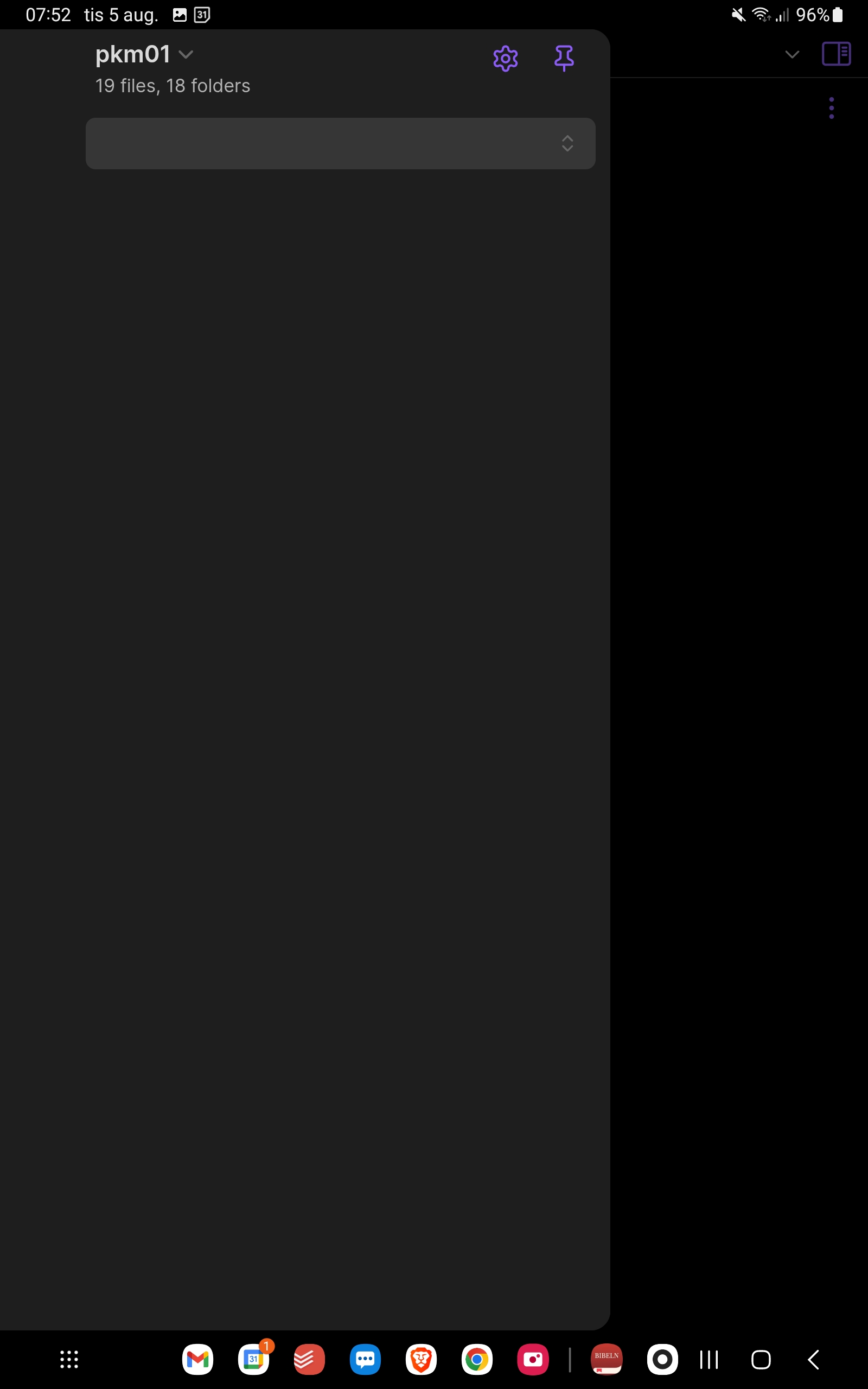
I thought this was fixed but we’re still able to load workspaces on a mobile device (phone-sized in my case) that were originally created on desktop, which results in:
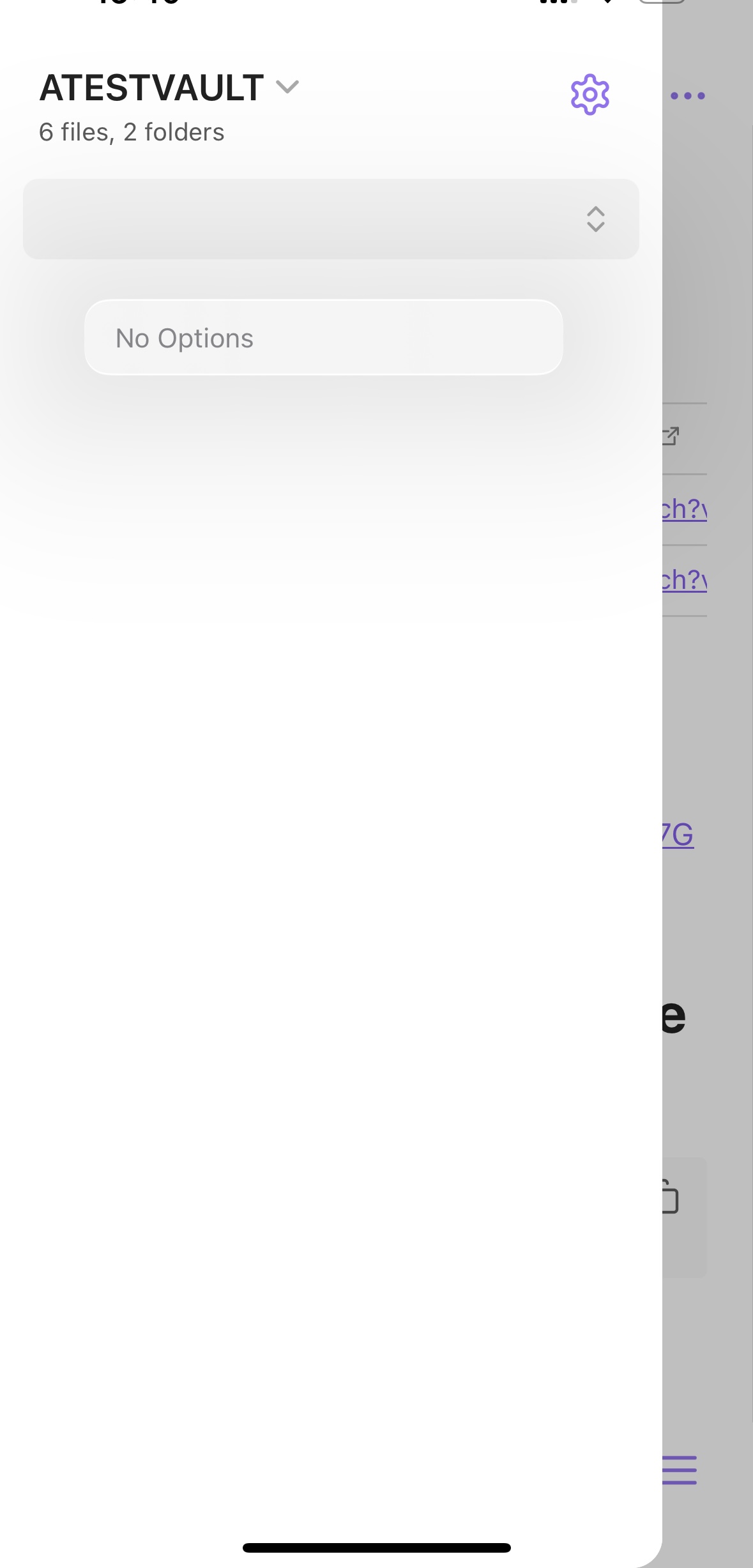
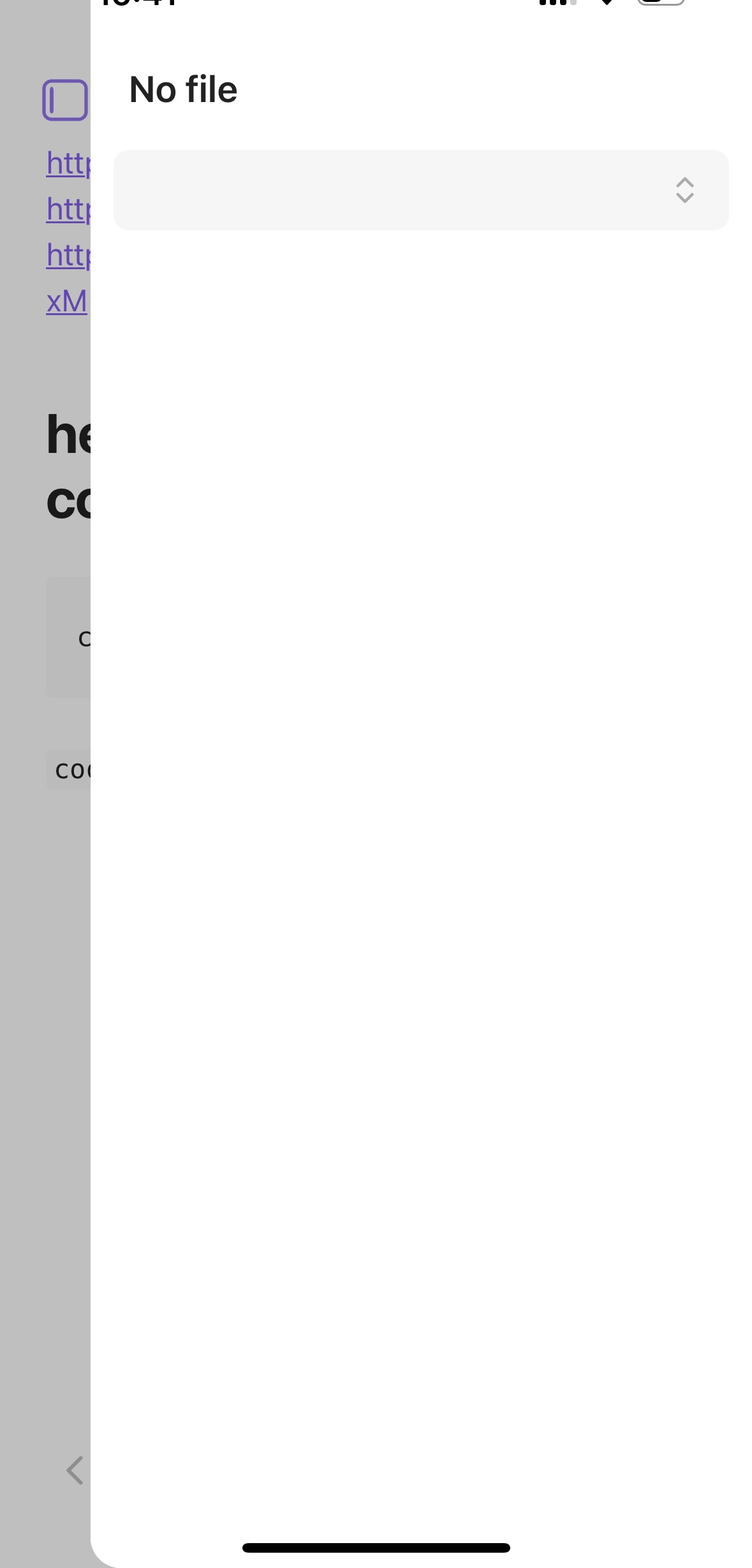
in the sidebars.
iOS v18.6, Obsidian v1.9.6.
There may be an easier way, but I was able to resolve the sidebar issue by renaming the VAULT/.obsidian/workspace-mobile.json file, restarting, and letting Obsidian create a new one.
Same issue with latest builds (1.10.1).
Since as far as I understand mobile and desktop workspace are not compatible and, broke the view, I suggest to avoid to show them on incompatible devices or, at least, display the device where they have been created.
This problem is still there in the latest version (1.10.3). Today I tried to open a workspace created on a Galaxy TAB S8 on Galaxy TAB S10 Ultra … with the same broken results. So not even workspaces created on the same kind of Android devices works (these two devices have of course different Android versions and UI versions). If I close Obsidian with this workspace open, and then open Obsidian again, the workspace opens fine and with the sidebars also working. (See also my detailed report on Aug 5, 2025 above.)
Hello!
I have the same issue: when loading a workspace layout from desktop on mobile, both panes (left and right) become completely empty. Also, Ribbon menu does not sync.