3. Colors - Export your data from Notion
To prepare your data for import, you will need to export your entire workspace using Notion’s HTML export format. We recommend that you do not use Notion’s Markdown export as it omits important data.
If the html export works, your notes will probably have embedded html like <span style="color: #6C4939">colored text</span>. I occasionally use html or CSS for colors, but usually I stick to solution 2 below:
1. Use a plugin like Text coloring.
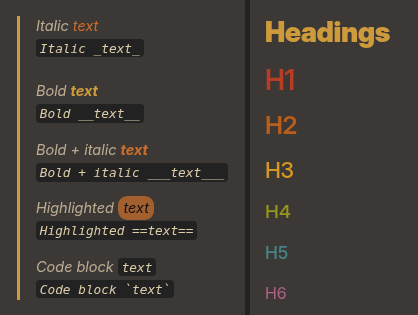
2. Use default markdown formatting and the Style Settings plugin.