Prism 3.7.0
 Important
App Version 1.9.0 or newer is required for this release.
 New and Improved
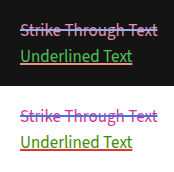
- Added Style Settings options for Strikethrough (~~) and Underline() text. #190
- Customise in:
Style Settings -> Prism Theme -> Editor -> Editor Text Color -> Light / Dark Theme#190
- Customise in:
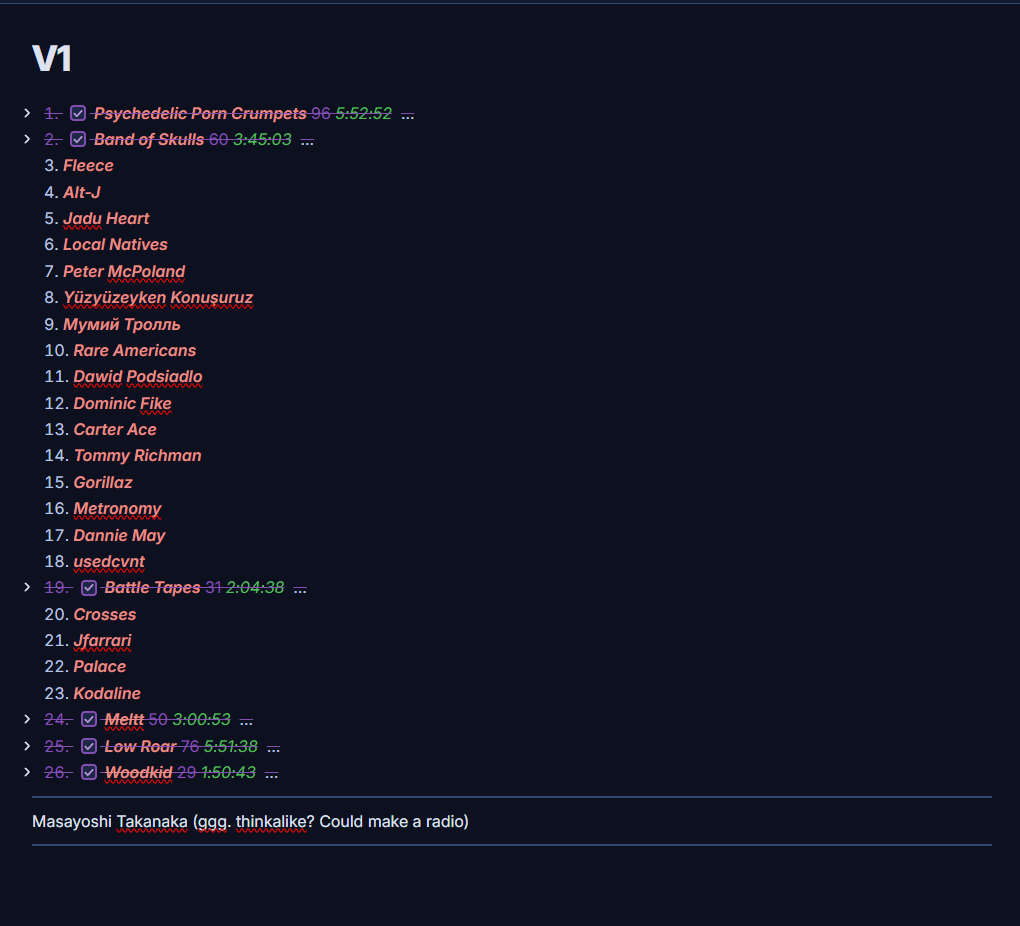
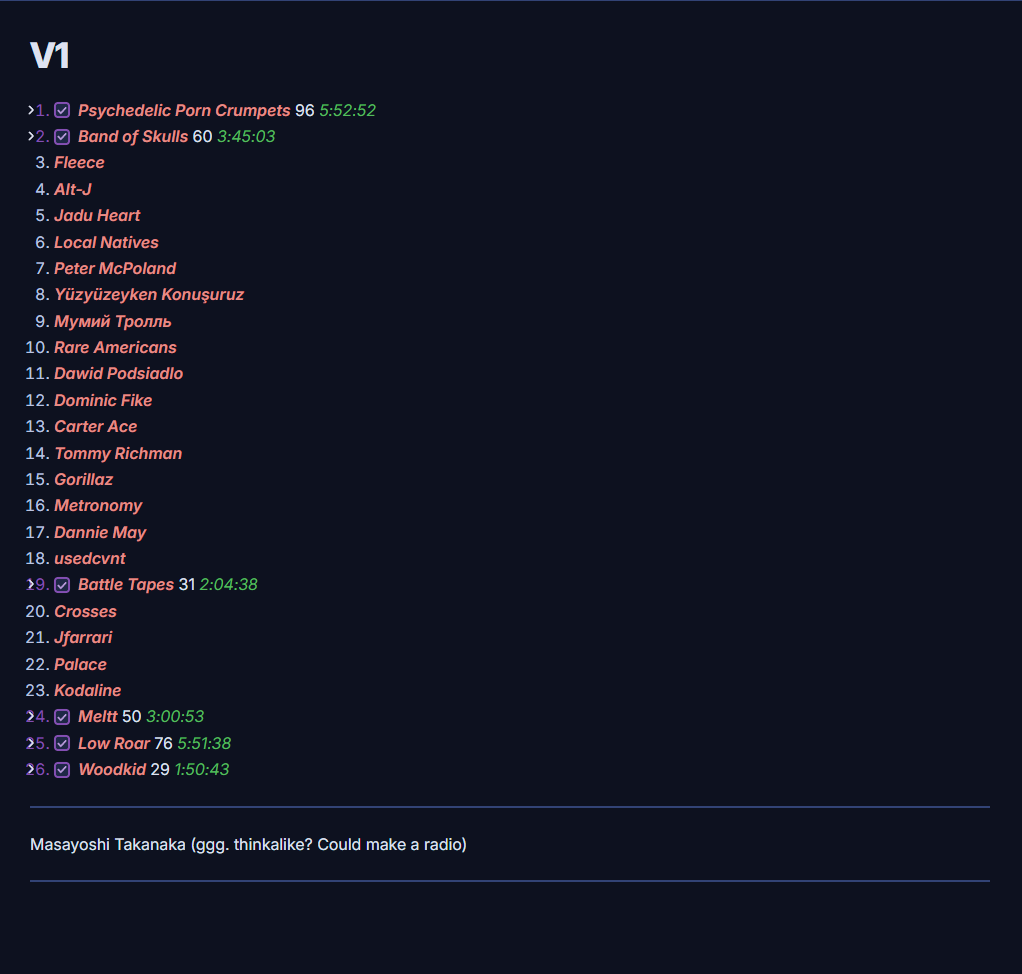
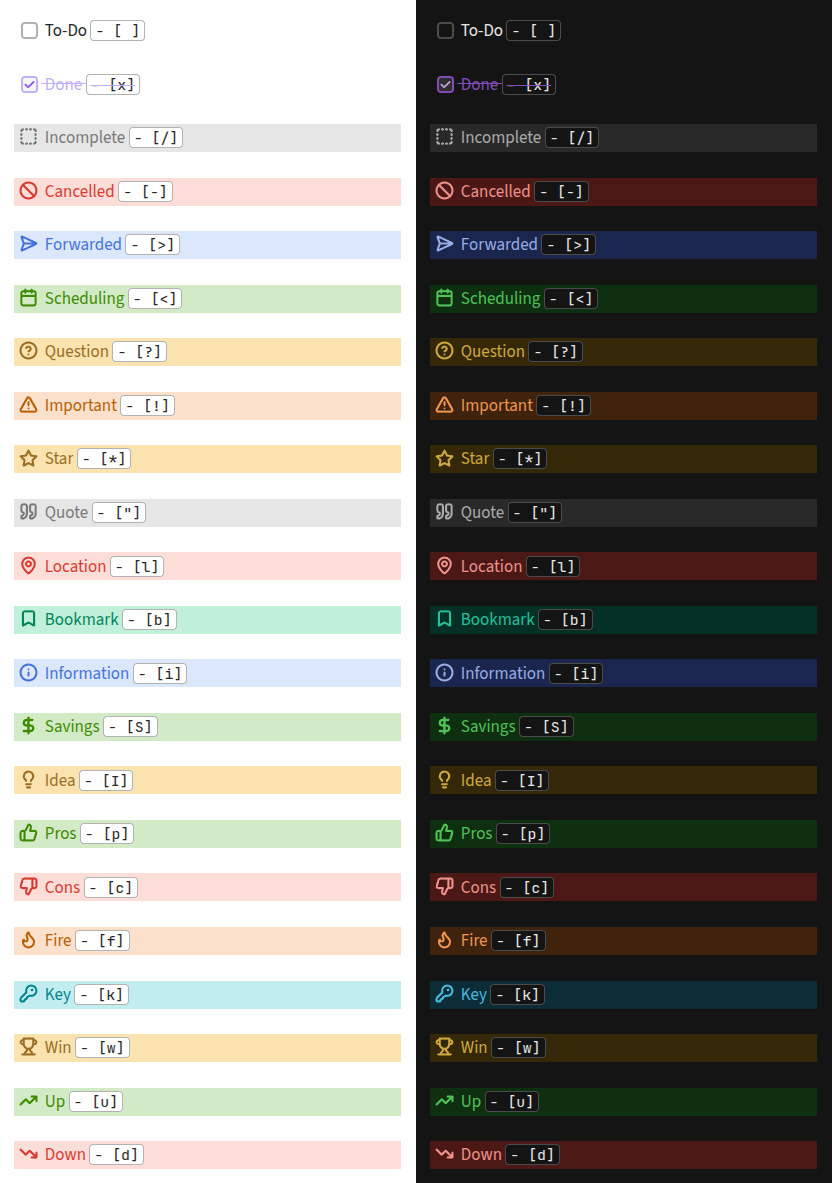
- Implemented a custom version of the Alternative Checkboxes Reference Set. #177
- Enable in:
Style Settings -> Prism Theme -> Feature Toggles -> Prism Alternative Checkboxes
- Enable in:
- Updated styling for Bases Core Plugin.
 Fixes
Fixes
- Fixed the alignment of file suffix in Recent Files Plugin. #183
- Fixed missing border and adjusted padding for the inline code in Live Preview. #184
- Fixed missing and incorrect border applied to the inline code in Live Preview. #185
- Adjusted the indentation for folders and files in File Explorer #188.
- Fixed Sidebar Tab Alignment options and Left Sidebar Toggle is now in the correct position.
- Options without a description in Style Settings now take less vertical space.
- Improved styling for the Edit button for embeds / callouts in Live Preview.
- Improved padding on the embed file title and content.
- Improved padding on the code snippet button.
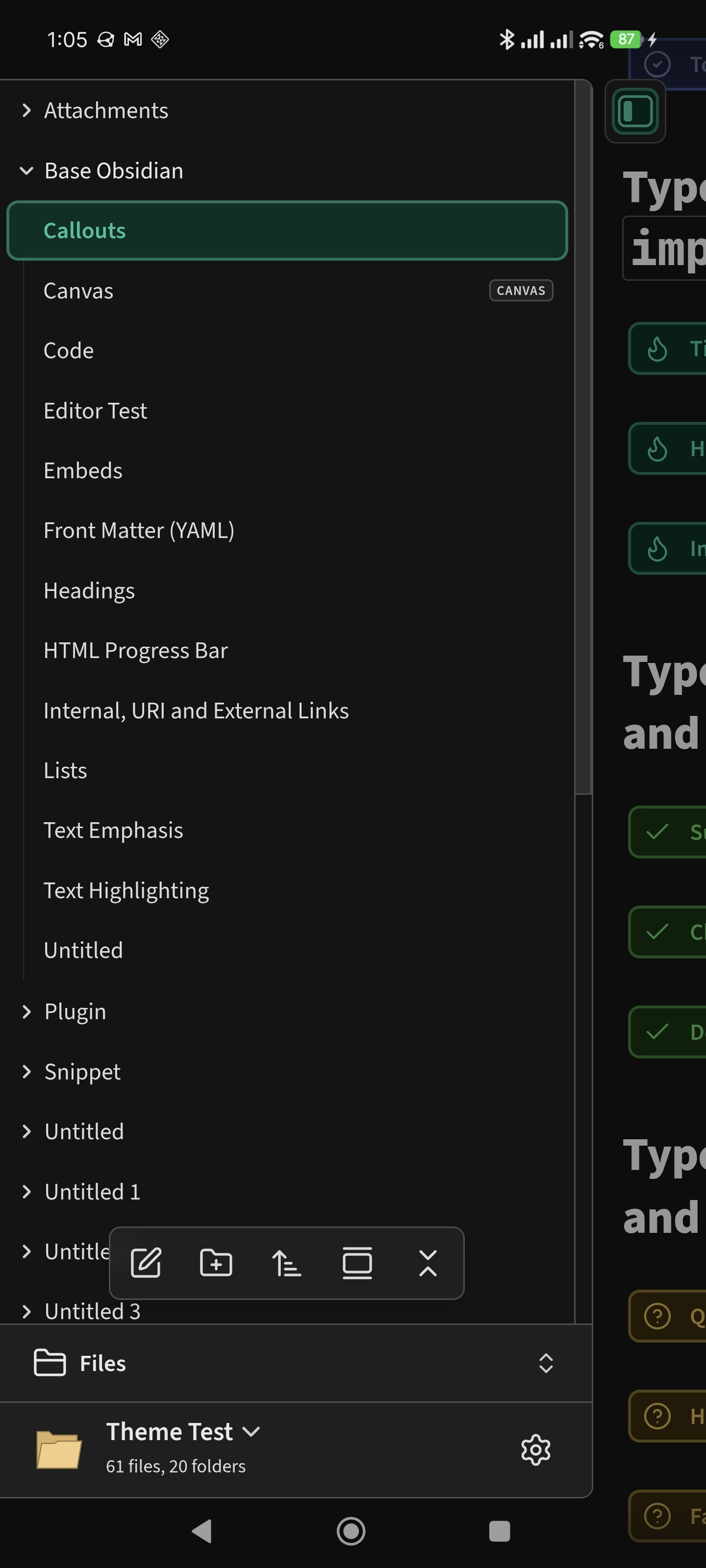
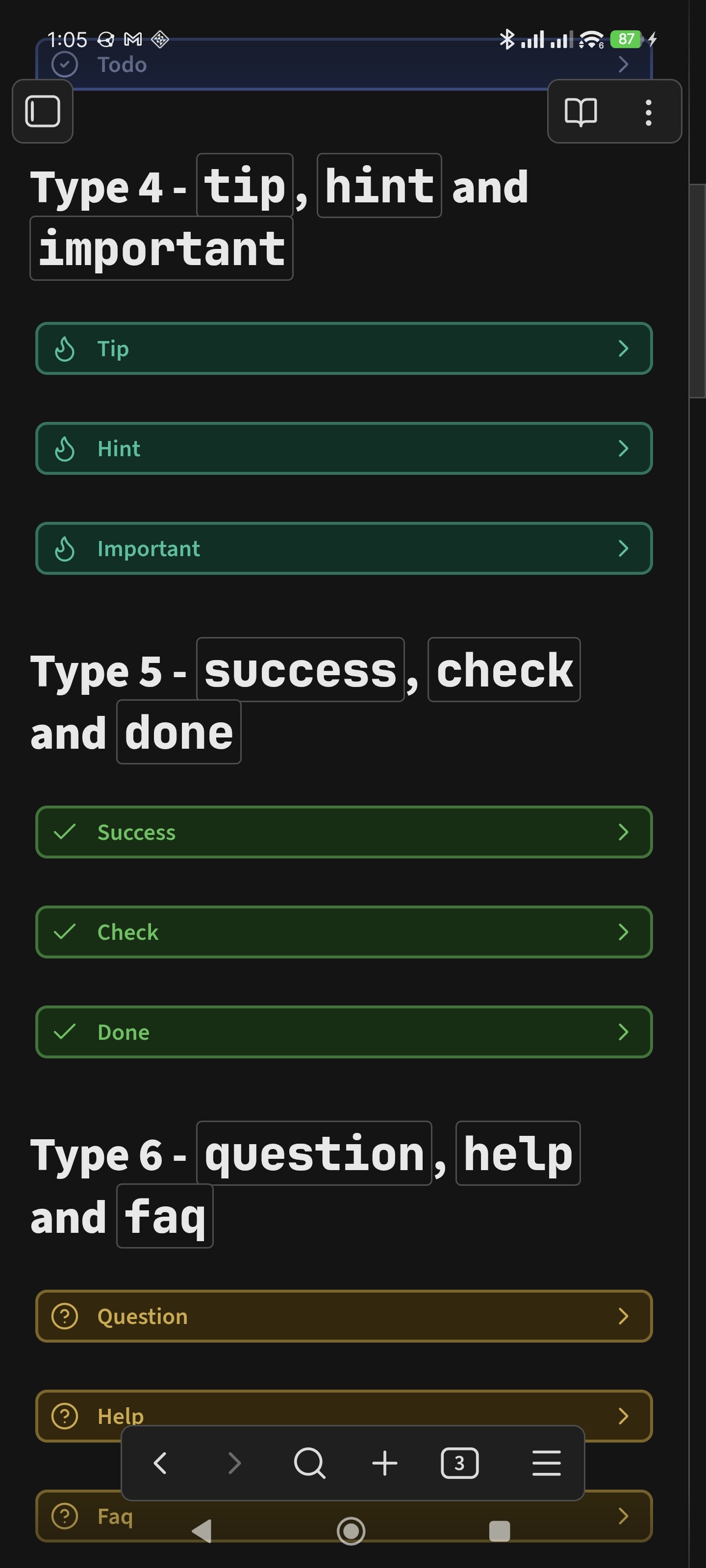
- Plenty of Mobile styling fixes.
 Behind the Scenes
- Updated pnpm dependencies.
 Github Release Link
 Support Prism Development
 Prism 3.8.0
 Important
 New and Improved
 Fixes
Fixes Behind the Scenes
 Github Release Link
 Support Prism Development