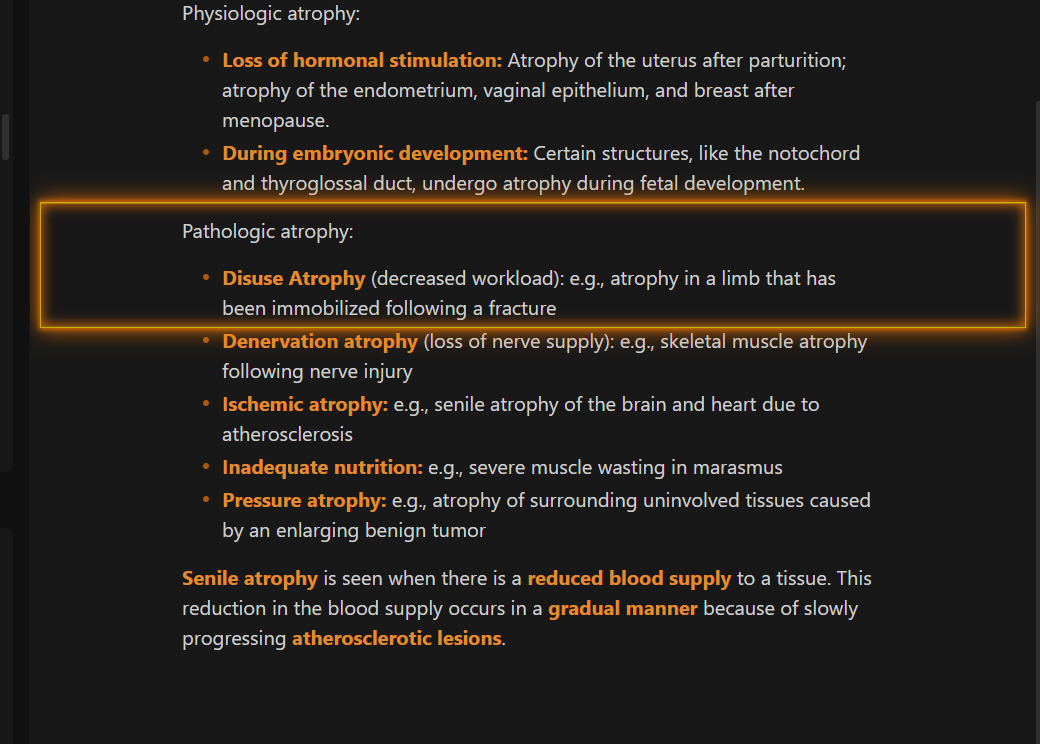
Thanks for the wonderful feedback. It’s truly rewarding to hear the theme feels like home and inspires your color palette explorations. A big thanks to users like you who contribute suggestions and help test new features. Every suggestion is invaluable. My sincere thanks.
All the best.
Not a big deal, but I was wondering if there’s any way to turn off the Header labels. They can be slightly distracting on mobile especially.
1 Like
Thanks for the suggestion. Please check theme version 17.2.0 . You can turn off headings labels (hide headings labels - reading mode).
Style Settings:
UI Settings → Reading Mode → Reading Indicator and Labels → Hide headings labels
or just search for “hide headings ” (Style Settings).
Please let me know if it is working well for you.
All the best
Amazing! Thank you so much!
1 Like
hotkeys to move magic laser vertical position higher or lower will be nice…
1 Like
the command in status bar by commander plugin does not work when in distraction free mode
1 Like
Sorry for the delayed answer, I don’t really have time during the week.
Thanks for letting me know.
Please check theme version 17.2.1 . Let me know if it is working well. Hopefully it is fixed.
All the best
2 Likes
This suggestion will have to be included in a plugin. Using CSS I can only make classes with predefined laser heights… it is not the ideal solution.
I hope to make a plugin with extra theme functionalities as soon as possible. Time is really limited for me these days.
All the best
1 Like
I wanted to express my sincere gratitude to everyone for their continued comments and messages on this theme. Your insights, bug reports, and suggestions are invaluable and directly fuel my passion for its continued development.
Knowing that you are finding this theme beneficial is incredibly motivating. Your contributions are playing a critical role in shaping its future. If you have any more thoughts or suggestions, don’t hesitate to share them.
All the best
4 Likes
yes, its fixed, Thank you.
1 Like
Glad it is fixed. Thanks again for letting me know.
1 Like
This is a major theme update . I will list some of the new features. Many theme details adjustments.
New preset theme: MagicUser Accent
The MagicUser Accent preset is a special preset that you can use to create multiple color themes.
How it Works:
Select “MagicUser Accent ” preset.
Select accent color (Obsidian → accent color picker).
The theme will adjust according to the selected accent color (headings, icons, menus, borders, blockquote border, lists and other UI elements).
Style Settings → UI Settings (new options)
File header border width (0 = no border).
File header border color.
Background color of hover icons and focused icons.
Sidebar active item background color.
Sidebar item hover background color.
Style Settings → Icons and Folders (new options):
Bookmarked note icon background color.
Focused icon background color.
Setting hotkey background color (all preset themes).
Buttons background color (all preset themes).
Navigation icons background color (light/dark modes).
New bookmarked note icon background color (light/dark modes).
Titlebar hover icons (Windows and Linux).
Many small adjustments (canvas buttons, canvas buttons hover) for overall theme and preset themes (subthemes) consistency.
I hope you enjoy!
All the best
3 Likes
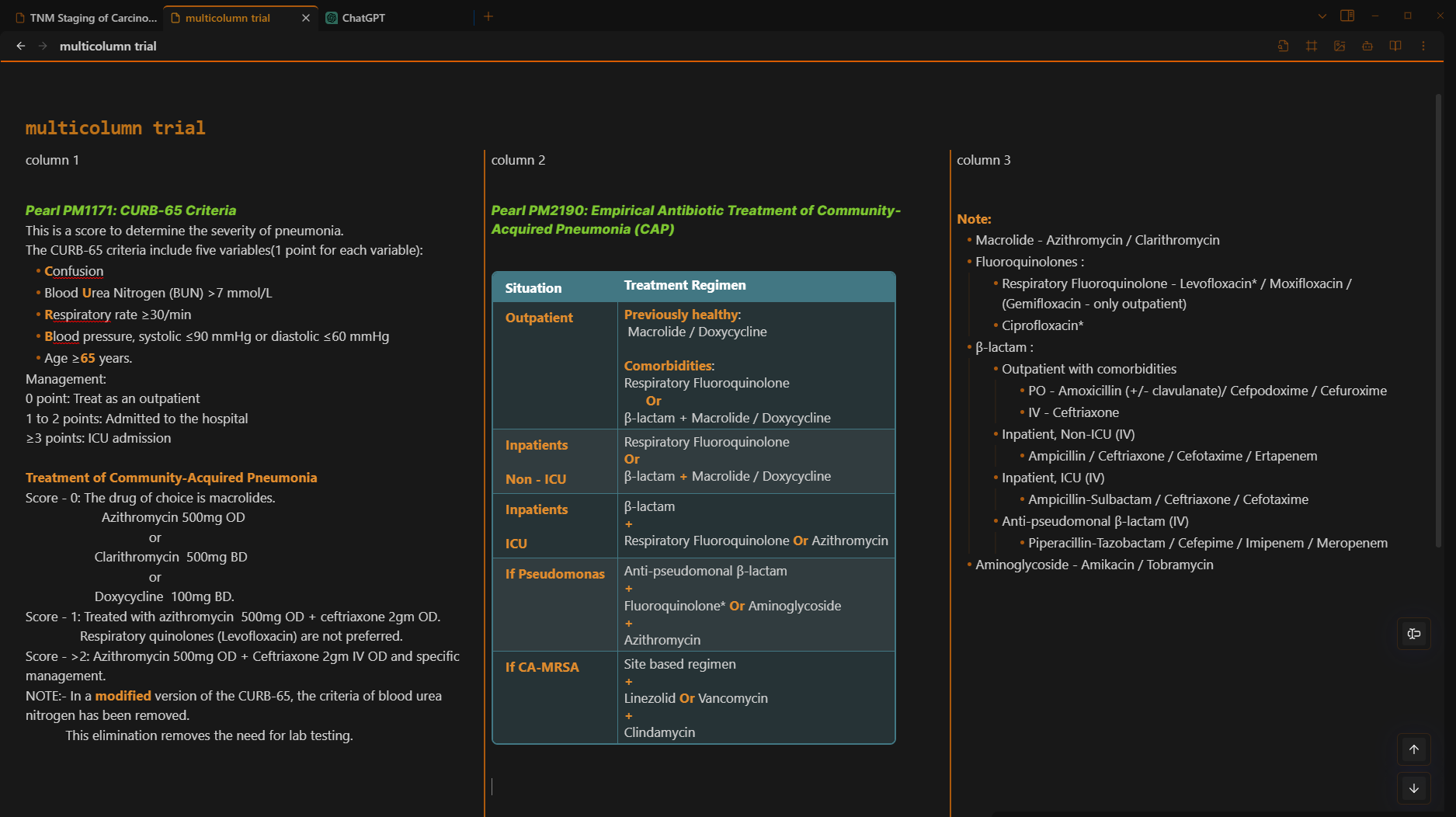
i tried the easy multicolumn notes css from zamsyt
/* Multicolumn Notes v0.5.4
   github.com/zamsyt */
.markdown-preview-view div:has(> hr) + * > hr,
.markdown-source-view :is(.HyperMD-hr:not(.HyperMD-quote), .hr) + :is(.HyperMD-hr, .hr) + *,
.callout-content hr + hr {
  break-after: column; }

.mod-header,
.frontmatter-container,
.cm-line:has(.cm-hmd-frontmatter),
.cm-line:has(.cm-hmd-frontmatter) + .cm-line:has(br:only-child) {
  column-span: all; }

/* Add vertical lines */
.cm-contentContainer > *,
.markdown-preview-sizer,
.callout-content {
  column-rule: solid var(--hr-thickness) var(--hr-color); }

/* Hide double <hr>s */
show original
but it feels little inconsistent and does not seems to work in reading mode .
Addition of something like this in magicuser theme may be useful.
1 Like
Thanks for the suggestion. This type of functionality would be best achieved with a plugin. I’ll see what I can do about it.
All the best
There is already a plugin out there,
1 Like
as you said, the above plugin functions better than the css, it works both in live preview and reading mode and its more consistent.
1 Like
Thanks for the link. The multi-column plugin looks really good. I don’t have the time to test it now, but I will try it as soon as possible.
All the best
2 Likes
when using the above mode, it will be nice if it have a zooming effect.
Like the note will be smaller and the text inside the container will be slightly enlarged
1 Like