Thanks for the feedback. About the laser feature, you don’t need to scroll with just the mouse (mouse wheel). You can use the auto-scroll feature like I used in the animated gif. Click the middle mouse button at the bottom (background) of reading mode and move the mouse up or down (you can also control its speed, so it’s a slight movement to make it scroll at a slower speed). The text will start to scroll.
Using area focus, you don’t have to worry about being exactly below the line. From what I saw, the plugin you mentioned focuses on parts of the text (blocks of text, paragraphs), fading out the other parts. It looks like a nice plugin and it is now available for installation and use. Using JavaScript I could add many more features to the laser’s functionality. But I don’t like the effect of text fading when reading or writing, it’s a matter of taste. I prefer using a line and hope it’s useful (line or area), especially when readable line length is off.
There is already a block-level focus functionality in the theme, it is the reading glow. When you click on the text, it glows the whole block (as long as you hold down the mouse button).
All the best
1 Like
They appear outside on reading mode because you started the inline comment with 2 enter (line breaks). Please try starting it like this <i class="muc">Start here... (no line breaks, or just 1 enter).
Let me know if it worked on reading mode, you need to add HTML tags to make the text bold (<b>bold text</b>), inside the <span>… you used markdown → bold (**bold text**). This is why the text was not bold in live preview.
All the best
1 Like
Thank you
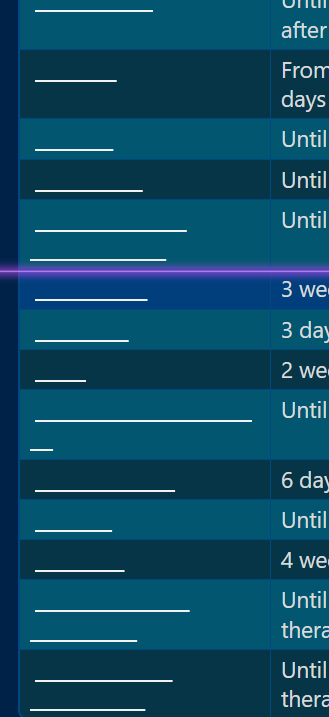
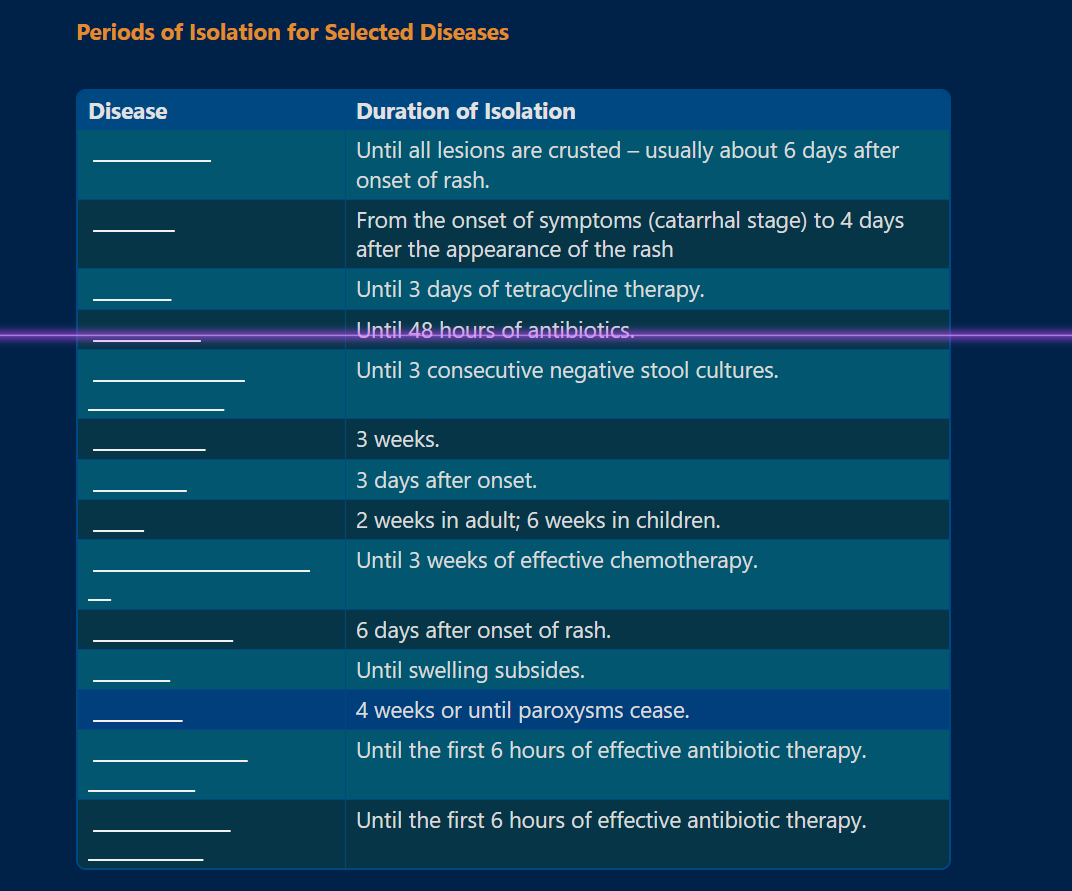
the length of the hidden text underline gives me a clue and eases recall…
i would like all the underline to be of same size… (a small _________ irrespective of the hidden text length in reader mode )…
1 Like
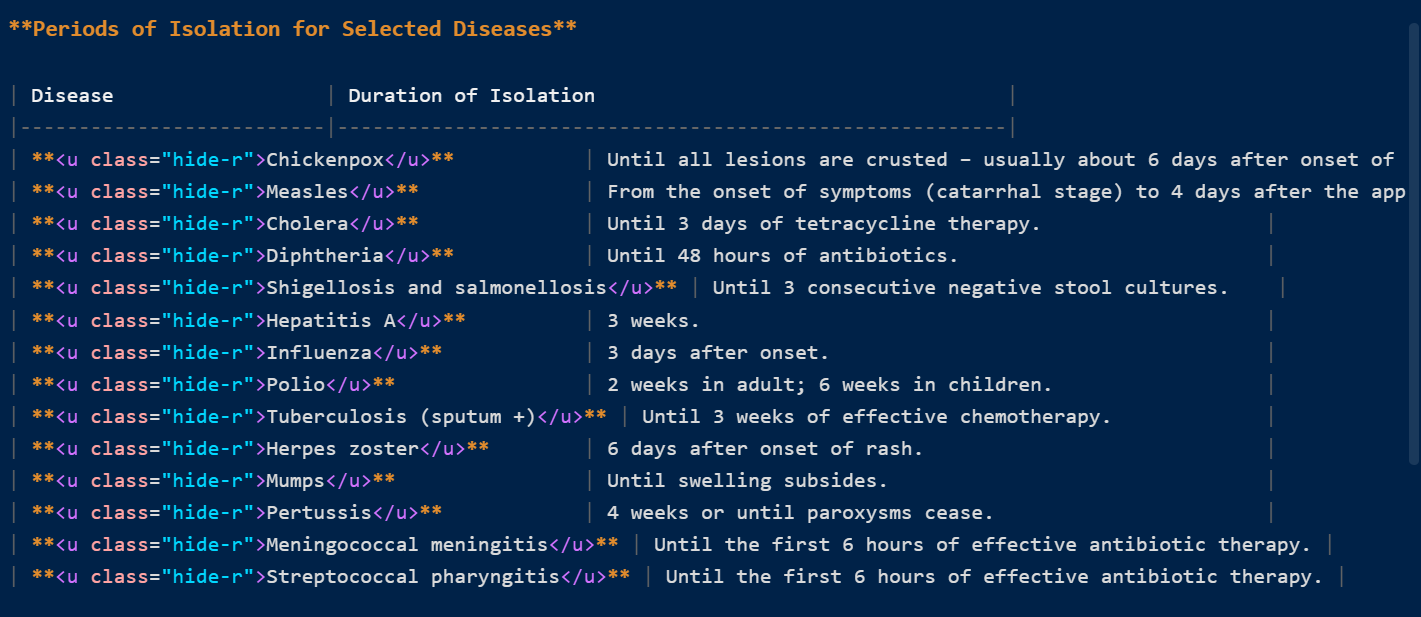
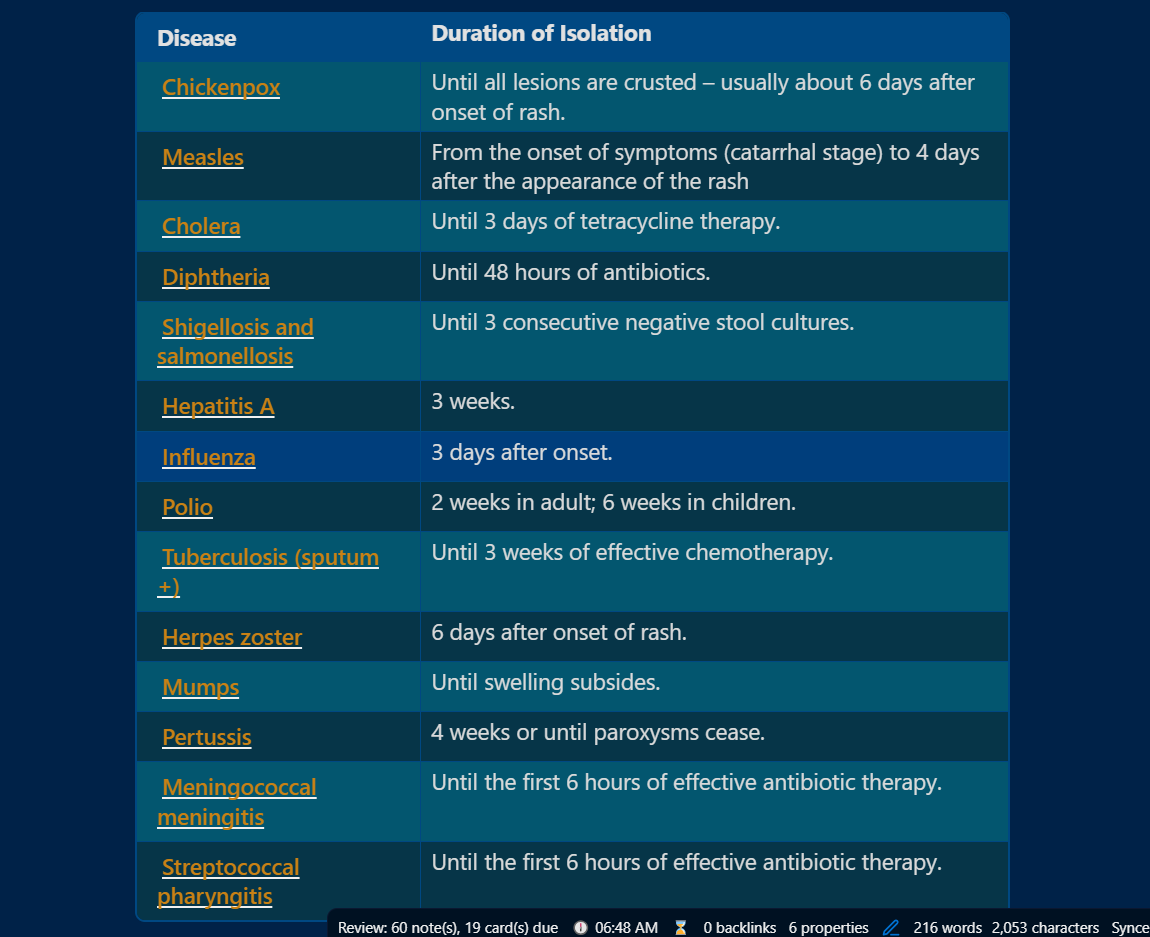
Could you post a larger image and also the source mode image? It looks like you are using hidden text underline in a table… The image is too narrow.
If I’m not mistaken… you are putting the answer before the text and the answer is completely isolated from the text. As I’m trying to explain and understand better below:
| Column 1 of the table | column2 |
| Hidden answer 1: _____________ | text... |
| Hidden answer 2: _____________ | text... |
...more answers
The underline hidden text feature is designed to be used within a sentence (inside or outside tables, it doesn’t matter). But you are only using the line with no text next to it.
Because the answer is within a table data cell, the length of the answer will be more obvious. And the line with the hidden text will be wrapped according to the table column width (td)…
I need more information to try to help.
All the best
As you can see, in the reader mode when i am reviewing, the length the dash itself gives me an idea what the answer will be …
so i thought if all dashes are of similar length irrespective of the text that is being hidden… then the recall would be more active…
1 Like
Ok, thanks for explaining better and for the images. I’ll see what I can do about it. I’ll probably have to create another class to do this functionality without changing the others that are working well. I have to think more about this. Stay tuned, it will be resolved soon.
1 Like
Theme update 15.0.2
Improvements

- Underlined hidden text: new class
hide-w. It will hide the text only in reading mode and will occupy the entire width of the parent element (table column) or page .
Question: What is the name of this theme? <u class="hide-w">MagicUser</u>
Thanks @fred.joe3697 for the suggestion.
All the best
2 Likes
Thank you so much… this will be useful in addition to the plethora of features in this MAGICUSER theme especially for students.
1 Like
Thank you again, @fred.joe3697, for your suggestion on the underline hidden text feature. I’m glad it will be beneficial to students.
I also want to thank everyone who commented, liked, and shared suggestions on this thread and GitHub. Your feedback truly shapes this theme. While I can’t implement everything immediately, I assure you all suggestions are carefully considered.
Please keep your feedback coming (here or on GitHub)! I’m always listening and learning.
Thank you again for your participation. The inspiring comments I received fuel my passion for making this theme better. I hope it continues to be useful for you.
All the best!
3 Likes
I am loving this theme! Thank you.
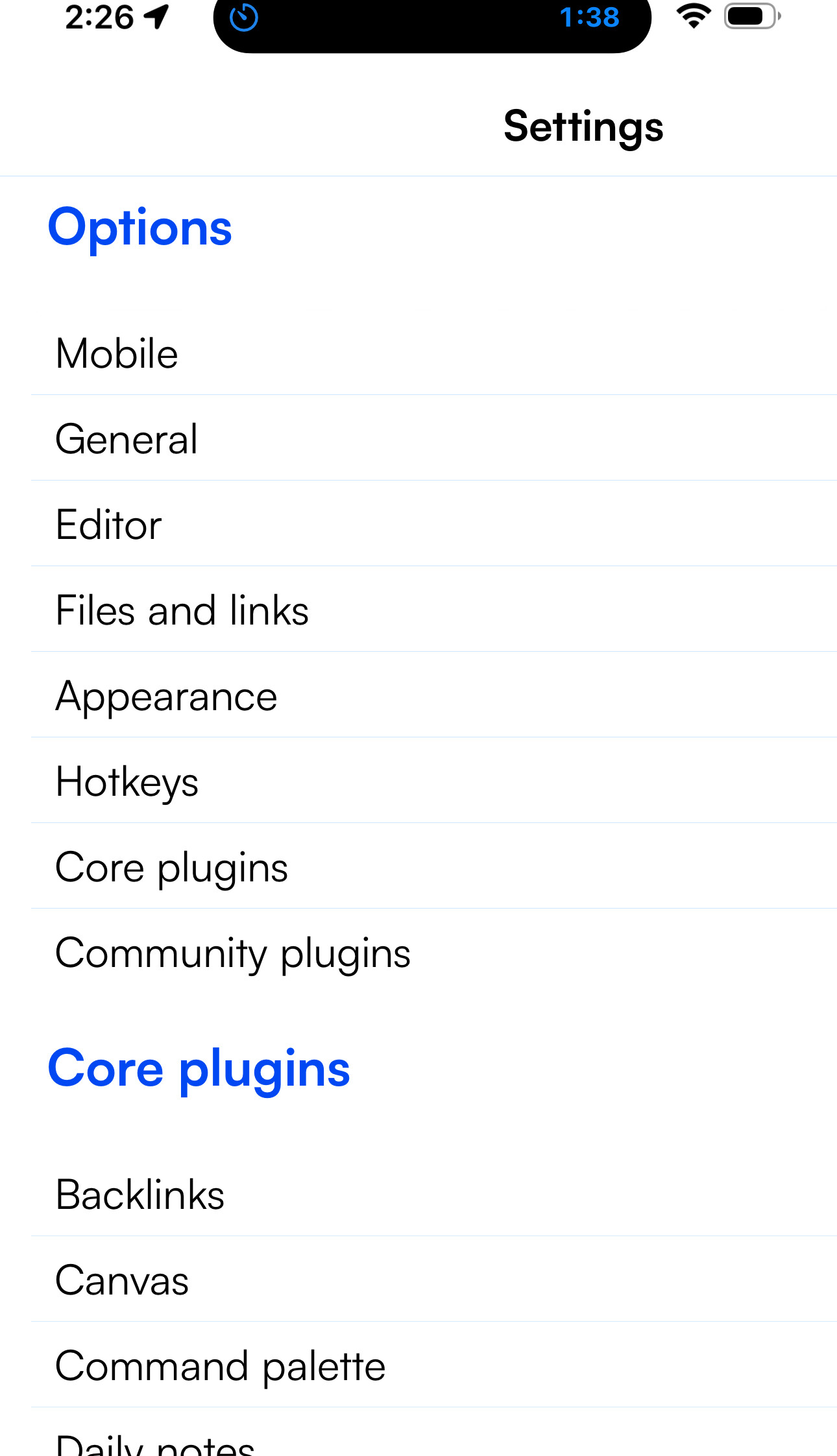
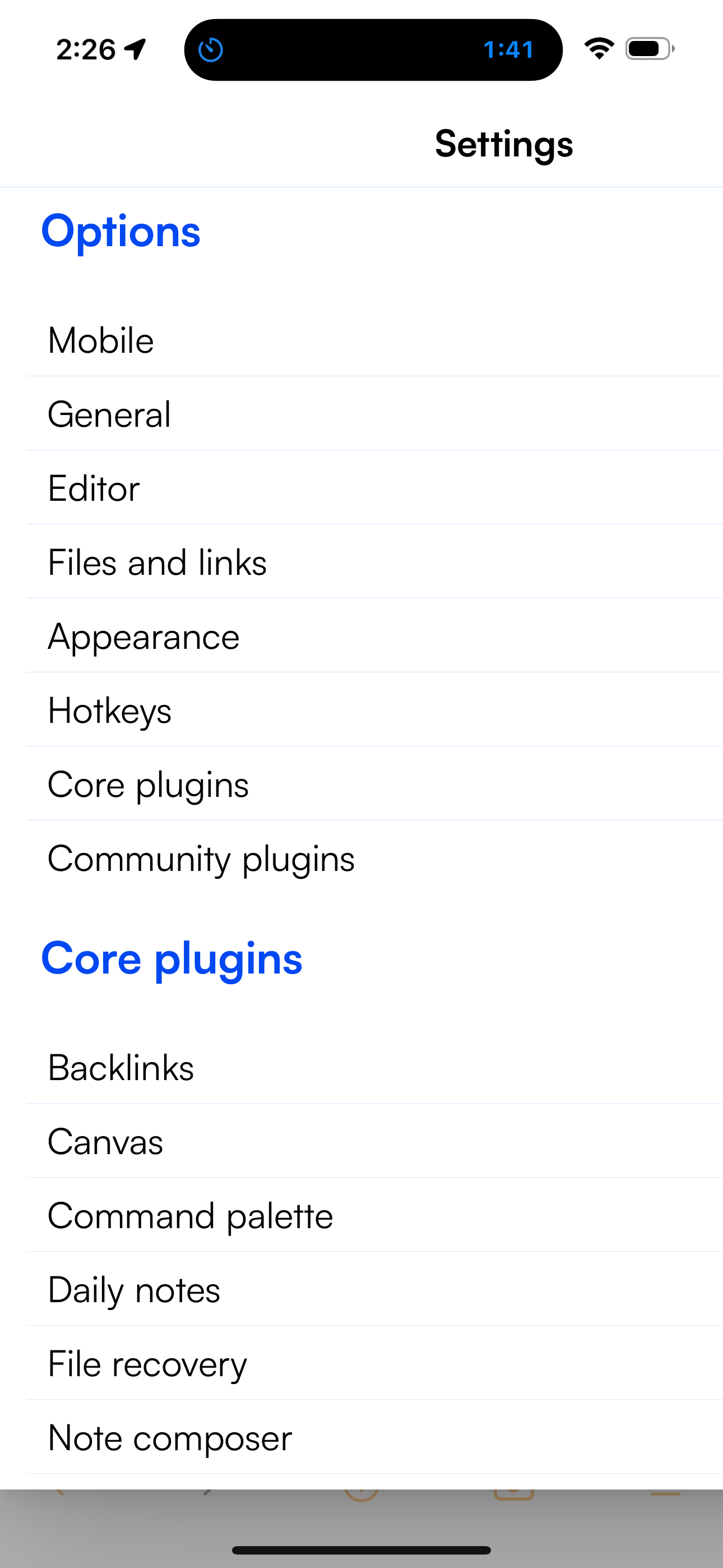
I notice that on my iPhone 15 pro max, some of the settings screens extend past the screen dimensions. Screenshots should show the issue. Default theme still acts normally.
When this happens, I can still get out of the screen by switching phone to landscape.
1 Like
@golden234431 Thank you so much for the words and for letting me know about this mobile issue. Much appreciated.
Please check theme version 15.0.3 and let me know if it is working well for you.
All the best
Bernardo - yes, it is fixed. Thank you, thank you, thank you!
1 Like
Thanks! I’m glad it was fixed. Also thanks for the detailed screenshots  .
.
All the best
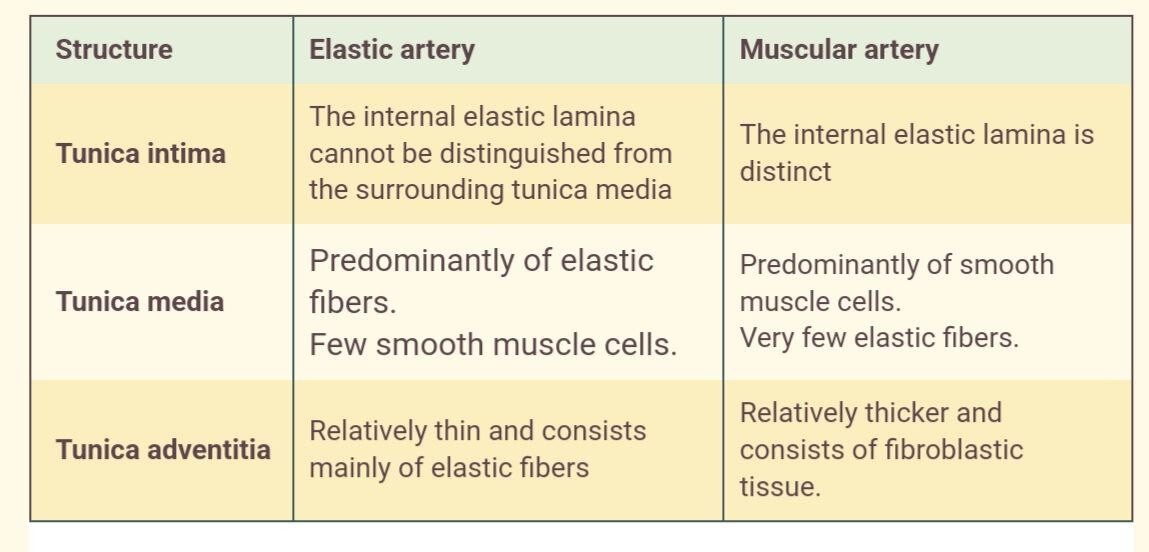
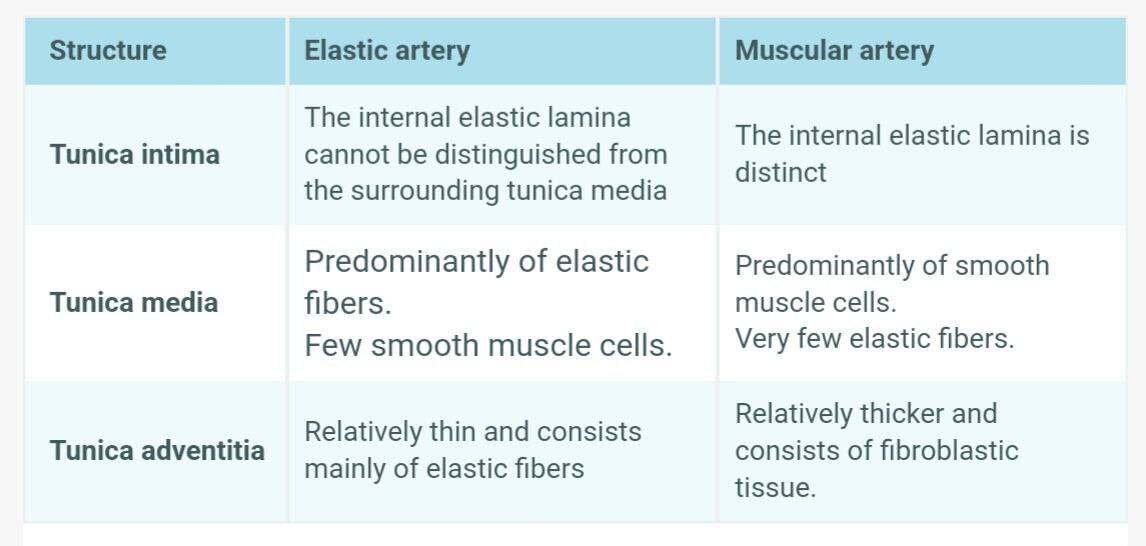
Is there an option to set custom text color for all text inside a table instead of white text (without changing color outside table) ? i couldnot find in style settings…
How to disable change in color while hovering over a table rows?.. i tried setting to transparent but that takes the color of the obsidian background and not the table background.
1 Like
like preset themes, can we have preset table designs to choose from
1 Like
Please see the answers to your questions below, thanks for the comments and suggestions.
Answer: In the current version of the theme, there is no option to set the color of the main table text (using Style Settings). I can add it to the list of features for future updates. But this feature (text table color) will not have any effect on bold and italic colors (text inside tables).
Answer: Could you explain it better, if possible using an image? Are you referring to the background color of the table row (table hover) or the foreground color of the table row hover (text color → hover)? Thanks.
Other post answer:
Answer: Adding table presets seems like an interesting suggestion. I’ll have to think more about this. This theme already has more than 100 options to customize using the style settings. You can also implement your desired table layout using CSS snippets. It’s not as quick as changing a style settings option. Anyway, I’ll see what I can do about it. Do you have any specific table layouts that you think would be useful to other users?
Thanks again for the suggestions.
All the best
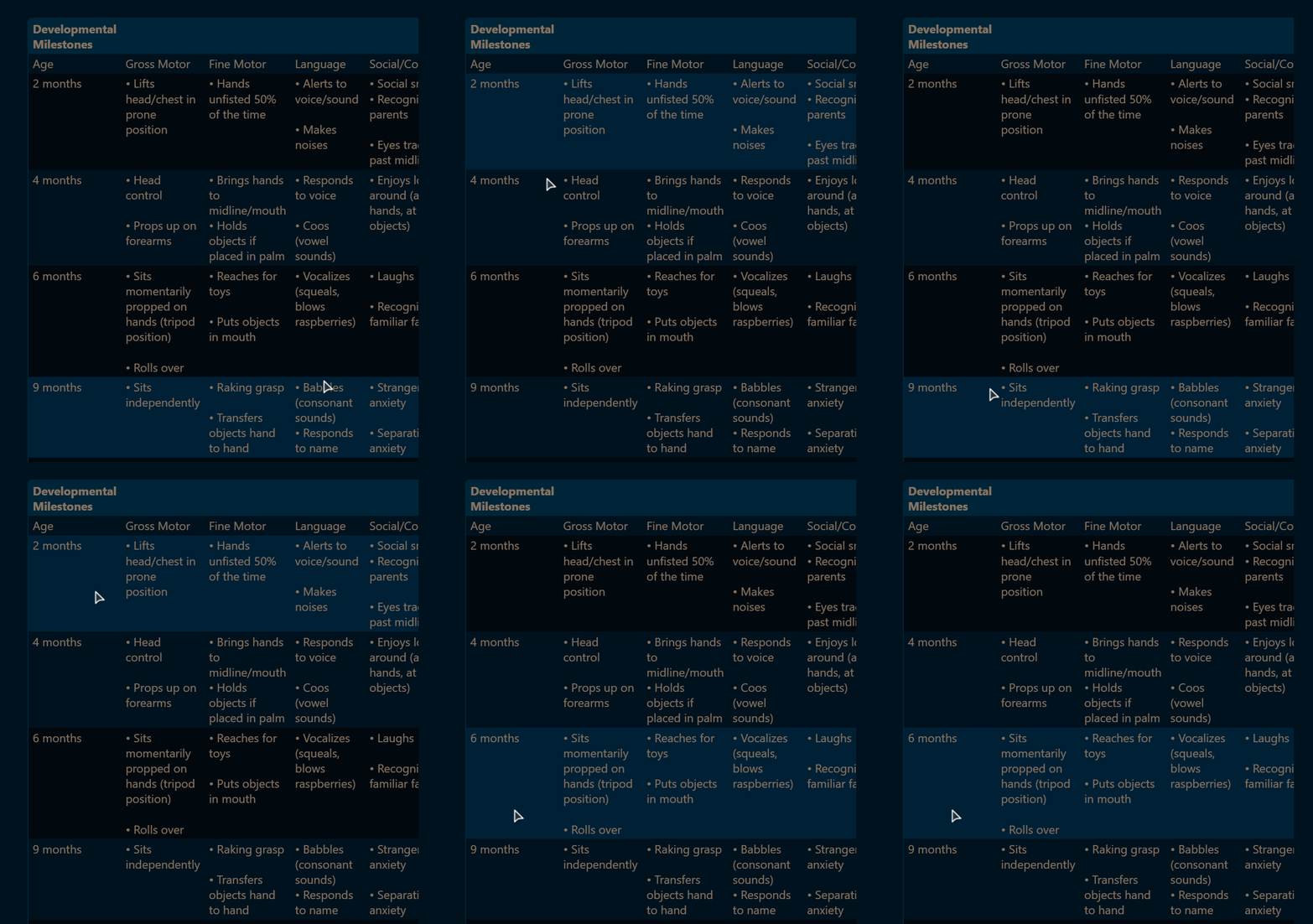
the change in color while hovering is kinda distracting… so i want to disable it…
so i tried to disable it and changed the “Table hover background color” in style settings to transparent and it still the hover effect is there
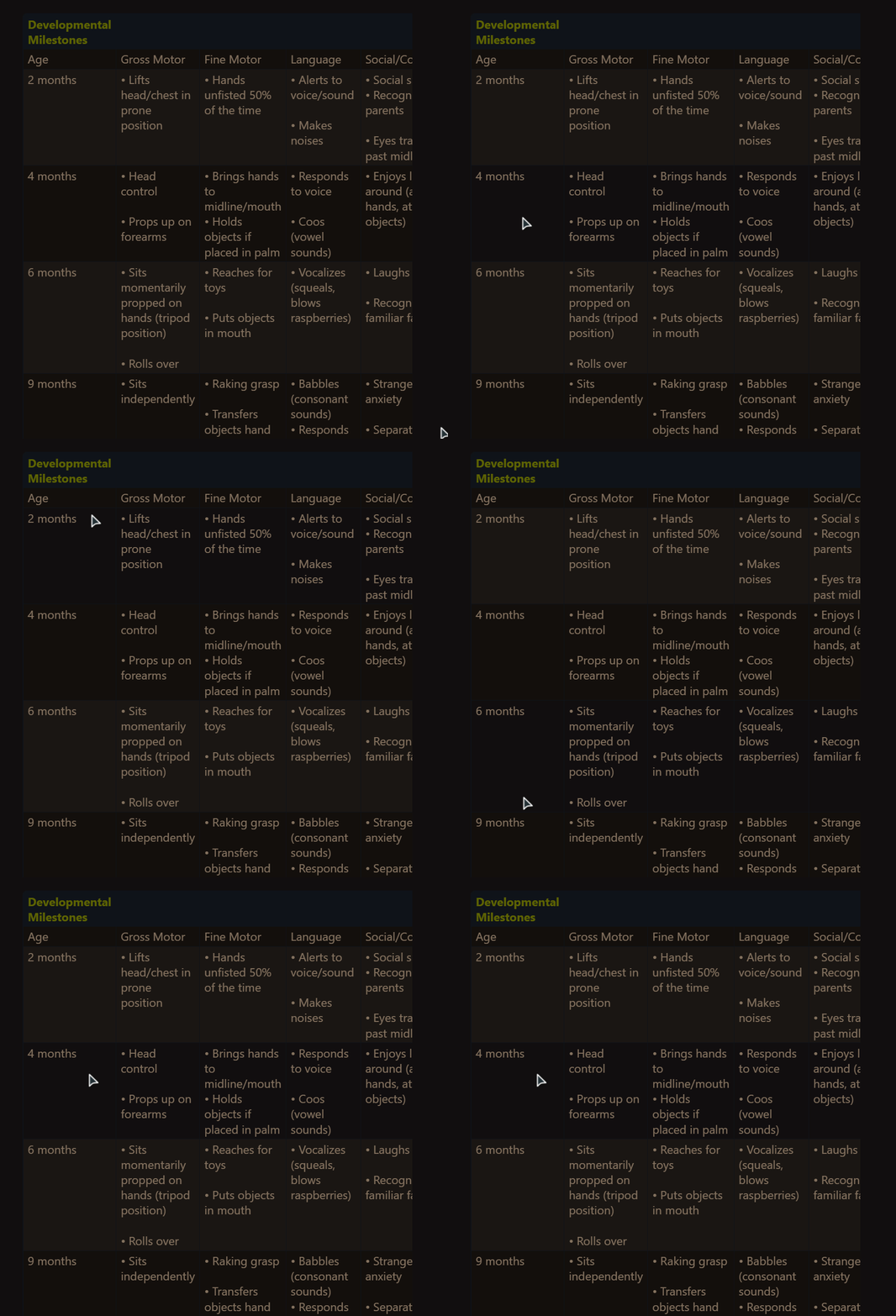
I would like a specific table theme that matches each preset magicuser theme …
some common style i am used to are
Different colors for different columns would be nice too
BTW, yes this theme very customizable and can adept to anyone’s need. The hundreds of options is kinda overwhelming sometimes but its nice to have options…
i still do not know how to use css snippets -_-
1 Like
Thank you for taking the time to show the images and comments.
Responding to the suggestion to disable table row hover, I hope to implement the option to disable it (in normal non-dataview tables). If I understand correctly, you think it’s better not to change the background color on hover, so maybe other people will like this feature too.
I have other issues to focus on right now, so my amount of free time is really non-existent during the week, even in the evenings now. I will try to work on this project during the weekends. I am only saying this because the problem is lack of time, never a lack of motivation or interest.
The MagicUser theme is/was made with 100% good will and care. You can be sure that nothing was done carelessly. It’s far from perfect, you can easily find many others better than this… my work on this theme is close to be humbly completed. I hope it is useful.
2 Likes
I plan to upload a theme update during this weekend. The preset tables will take a little longer, I have to think more about this feature (number of presets etc). It’s not that easy considering there are many subthemes (preset themes). Perhaps it would be easier if the colors of the predefined tables could be the same across light mode themes (regardless of the light mode theme selected). Same thing for dark mode. I can also add table classes so the user can select which table layout in just a few notes (add css class → “Properties”).
The next update will have some style settings adjustments (theme options), it will be easier to use and navigate. It’s almost ready.
I hope to include the option to disable table rows hover in this next update and the option to select table text color (table body color).
All the best
1 Like