There’s not way to know the number of notes one has in one’s vault. It’s a very useful information and should be shown somewhere.
Additional info (added by moderators 2025-11-19)
In the mobile app the number of files and folders is shown in the sidebar, under the vault name.
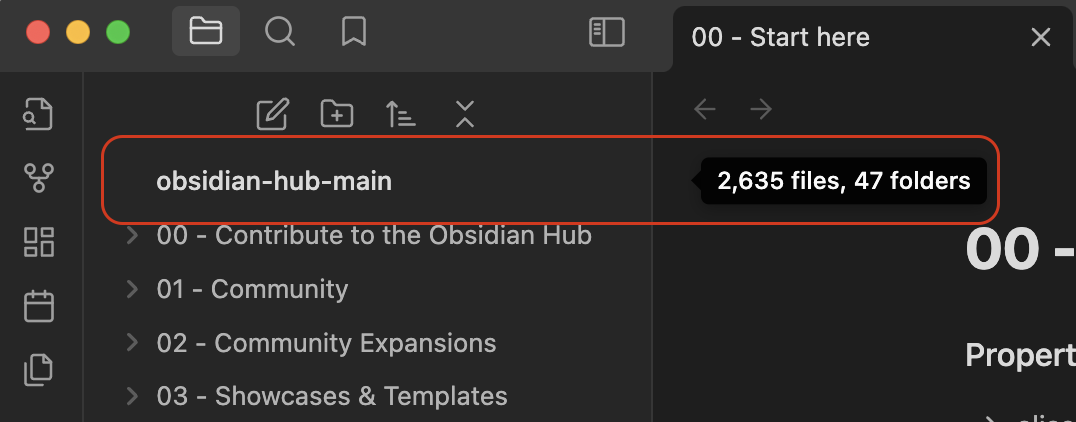
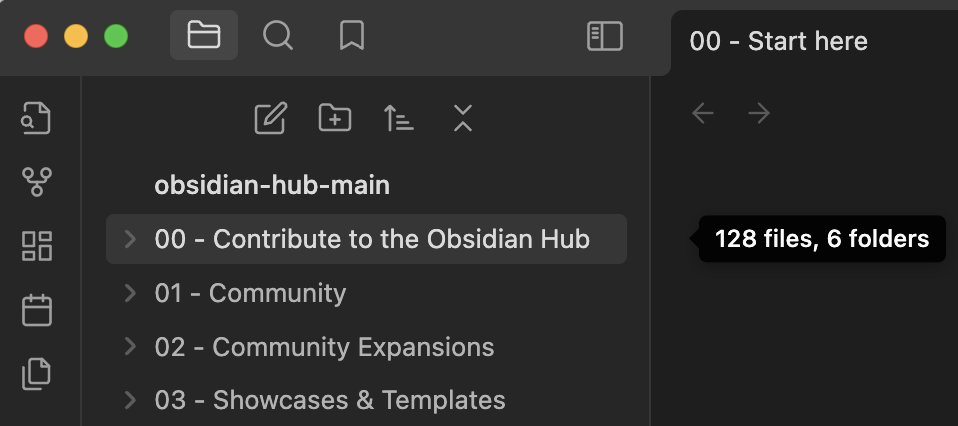
In the desktop app you have to hover the pointer over the vault name to see the numbers. As can be seen in comments on this request, that’s hidden enough that some people don’t know it’s there.
Hello. Very useful on the mobile app, is displayed the number of files and folders in the vault. However, this does not seem to be displayed on the desktop. Is this an option or a feature request? Thanks.
If you don’t mind a plugin, Novel Word Count shows the number of words, notes, and pages for individual files as well as folders. Configurable, of course.
As eightning mentioned, there are a few plugins having to do with vault statistics that offer a lot more data. But, for a simple files & folders count you can hover over the vault name or folder name in the Files tab.
On desktop you can see the number of files and folders by hovering the pointer over the vault name in the sidebar. But it would be nice to have it always visible as it is on mobile (after all, there’s more room for it on desktop). The hover isn’t obvious to everyone, especially after seeing the mobile version.
IOS reports 27,730 Files, 4074 Folders. No way to see those numbers on the Mac UI. Discord
I added a note about the current state of things to the main post and changed title to reflect it (was “Show Total number of notes in the vault in bottom bar”).