Sanctum v0.2.4 is here!
Changelog
- Fixed pinned command icon so it’s not on top of the command name;
- Suggestion prefixes now use accent color so it’s easier to identify the plugin it comes from. Please let me know if further contrast is necessary, like changing it to text color accent when hovering the command suggestion line;
- Updated
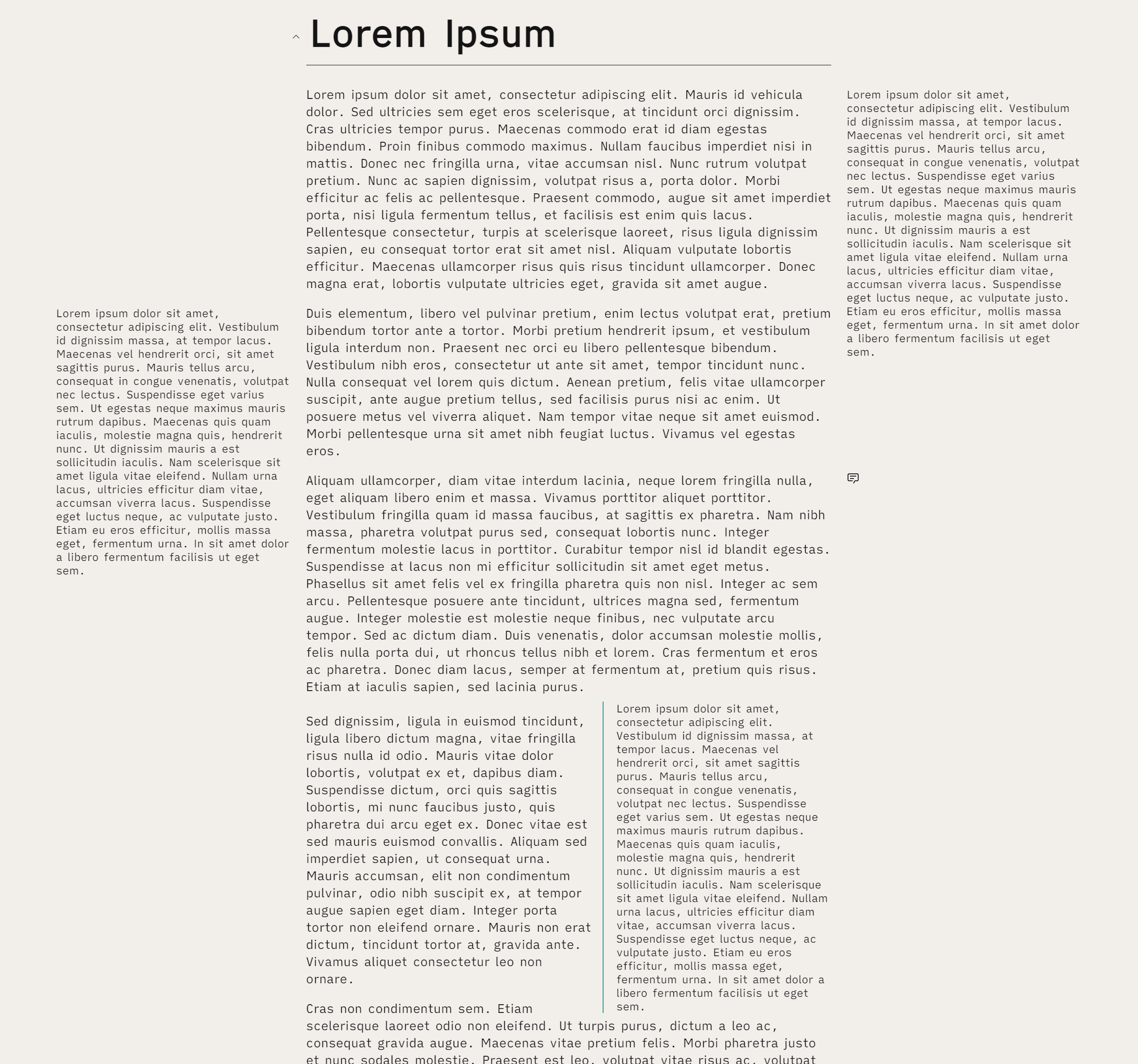
<progress>so even if you don’t use a value out of 100, it will use the accent color. If you want a colour progression, though, you can still use multiples of 5 in a 100 scale, like before; - Sidenotes have been formatted once again, so that they’re close to the main text body, and match the theme overall. When using long sidenotes, make sure to alternate between left and right, so the texts don’t overlap! It will also result in an interesting editorial feel, as a side effect;
- Sidenotes now have different styling options in Style Settings!
- Fixed issue with “Split vertically” and “Split horizontally” icons where they were switched. They are now in their right place;
- Added Style Settings option for Kanban Lane Wrapping. This will make lanes follow a new row once they don’t fit the width of the pane. The horizontal view, more true to the kanban concept, is now default;
- There’s an issue with Bold text on some users.
This is due to iA Writer’s variable fonts interacting in a weird way with macOS (AFAIK). To circumvent this, it is advised to download the static font files here, and add them via Style Settings. I’ll add a disclaimer to github and on the forums so this is clear;THIS HAS NOW BEEN HOTFIXED! - Fixed Kanban “add card” hover colour, and added a focus colour for when the textarea is being used. By default, the button will also always be shown, even if the number of items exceeds the height of the container. It used to hide before, and one had to scroll in order to move some items. It is not the case now;
- I’ve also removed every
!importantsection from the kanban-related code, and will work on removing it entirely from the theme; - Made some changes to Kanban lanes. They’ll now stop expanding vertically, so the “+Add a card” button stays in sight at all times, and the items get a scrollbar (note that it won’t show up if “No Scrollbar in Notes” is enabled. It will still work, though.
- You can now hide frontmatter using Style Settings, under the “Elements” section;
- CodeBlocks and URLs now have the same font size as regular text;
- Added Blockquote, paraphrase and cite styling. When paraphrasing, simply use the following syntax:
<blockquote class="paraphrase"> Text here </blockquote>. You can add an author/attribution inside a blockquote, by using<cite>Author</cite>, and it will justify the name/link to the right. Best not to add a paraphrase right after a blockquote, since they’ll both merge. You can add a comment (%%Comment%%) between them and they’ll stay separated, and not show anything in Preview; - Note Titles are now smaller to match UI font size. There’s also a Style Settings option “Wrap Note Titles”, that enables you to see the full note title, for those who use long sentence titles that don’t fit the default header;
- Removed External Link Icons from the community themes modal;
- Added Dataview support! There’s also a Style Settings option to alternate the colors in each row;
- Added Footnotes title option to the Style Settings;
- You can now disable the WYSIWYG hr in Edit Mode, or have it look like default obsidian, but centered (sort of like a screenplay);
- Added Block Reference Counter support;
- Other small changes.