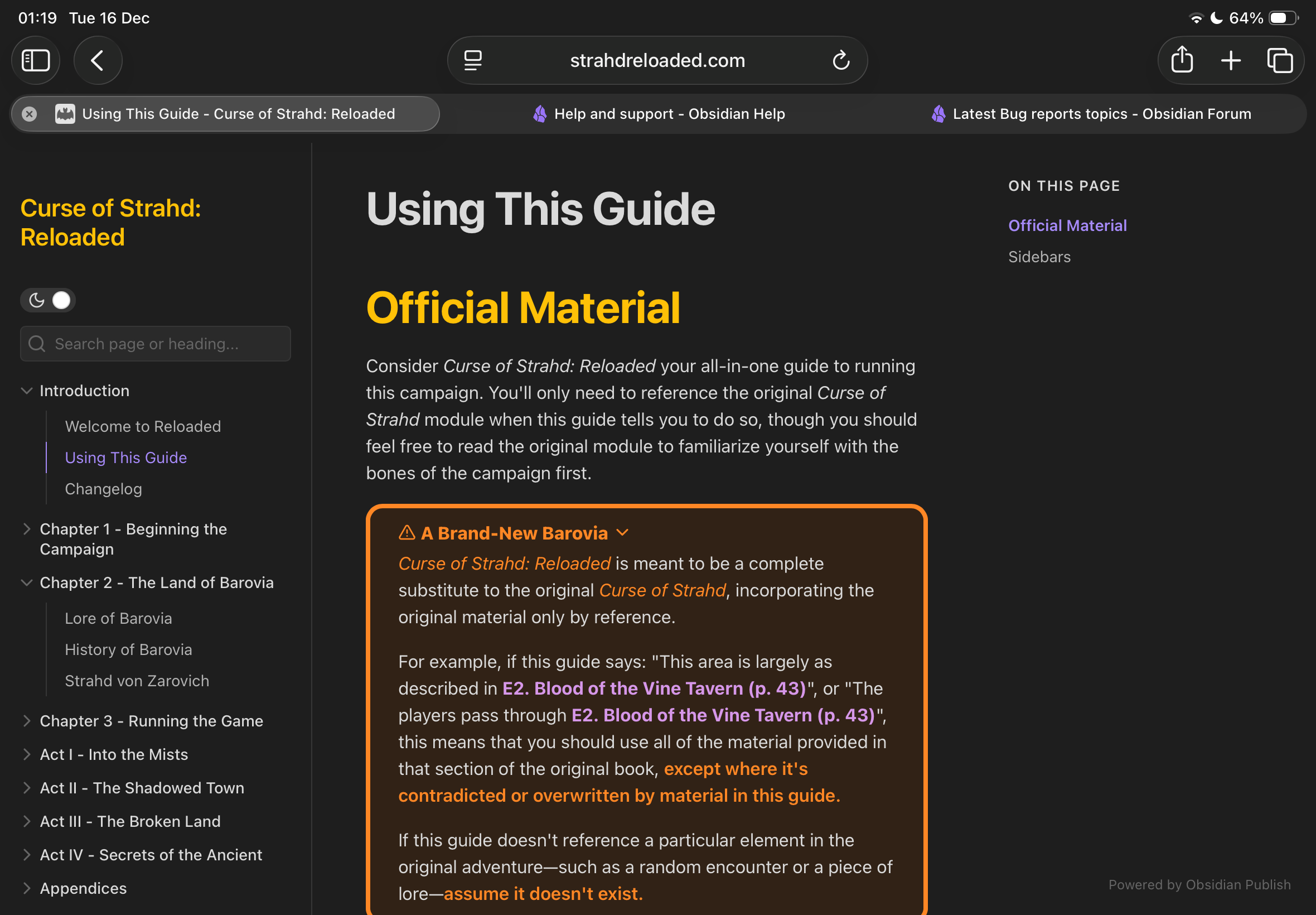
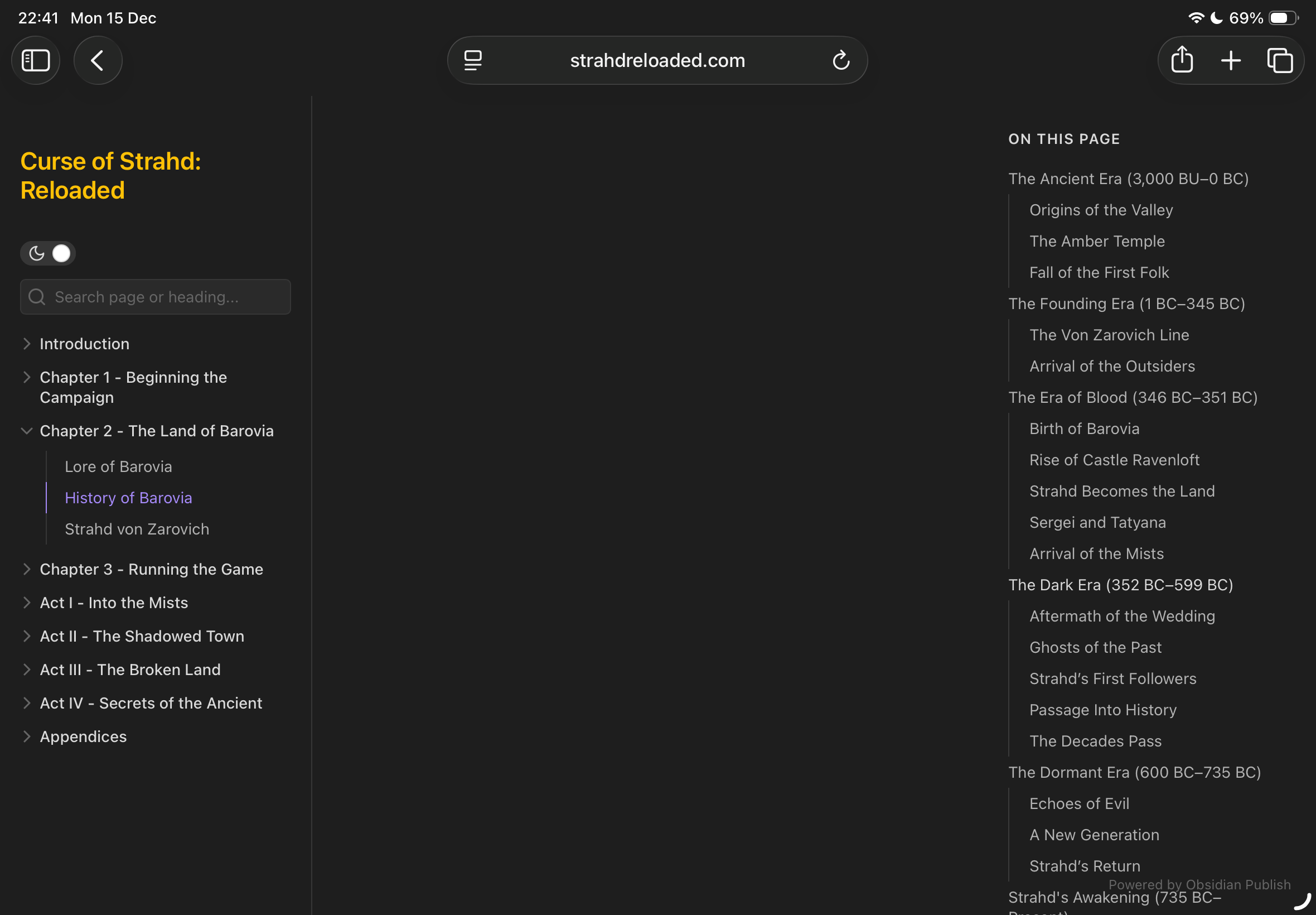
For some reason, the content on the main landing page of my website is missing on safari/webkit. Only the main landing page. All other pages display content completely fine. This happens on both desktop and ios. I’m running 26 betas on all devices. Only breaks on webkit browsers. Works fine in all other browsers.
It is weird because the basic theme is there and the sidebar with links. Just the main content is missing. Have tried on several devices and it seems to be a consistent bug.
You can take a look at my site in a safari browser to see if it breaks for you as well.
Open an Obsidian Publish webpage on a device running on iOS 26.2 .
See how the middle pane remains blank.
Did you follow the troubleshooting guide? [Y/N]
N because I’m a consumer of the webpage, not the owner.
Expected result
I expect to see the content in the main pane.
Actual result
Nothing shows up in the main pane.
Environment
No clue I don’t own the Obsidian Publish service or run the content. The Obsidian Publish service is not providing the expected behaviour on multiple devices running iOS 26.2 in multiple different browsers.
My home page is loading just fine. I’ve even updated the homepage with a warning that some pages will not load in iOS 26.2. My problem is that some pages consistently won’t load in iOS 26.2 and there doesn’t seem to be a reason as to why some load and some do not.
Here are some details from what I’ve investigated. The pages were failing after installing 26.2 on iPhone and BEFORE I updated the browsers. I have 7 pages that consistently fail, but the top and side navigation loads as well as the URL, but not the content. Updated browsers performed the same as before the update. I copied and deployed each of the 7 pages and they fail as well (it was worth a try). Appears to be something between code and iOS. I have not updated my Mac so I am unaware if there is a failure there. I made a new navigation directory on my site entitled “TEST PAGES” with the 7 failing pages. My site is leland jensen info. Not sure you need to see my code but there it is. I’ve tested the pages in all browsers (Safari, Chrome, Brave, Firefox, and Duck Duck Go) and result is the same. Pages in the same deployment with offending pages still load. All follow a very similar format. No CSS just basic code. That’s all I know!
This is indeed a very annoying and I can confirm its 100% a safari bug introduced in 26.2. What I noticed is that when you trim your .md content roughly below 10,000 characters, the page opens just fine and another thing I found out from other articles is that disabling “Worker asynchronous URL error handling” feature flag will do the trick so it seems like there is a race condition or buffer overflow bug
Problem is that iPhone forces all the browsers to load Safari’s webkit shell engine which is why all browsers on iOS fails but in windows or mac other browsers are working just fine. long story short, its a safari issue not iOS or macOS issue and as I investigated explained below Safari’s Service Worker seem that it chokes on async error handling for multi-chunk (>10KB) files. If you keep your md file under 10K characters it loads just fine.