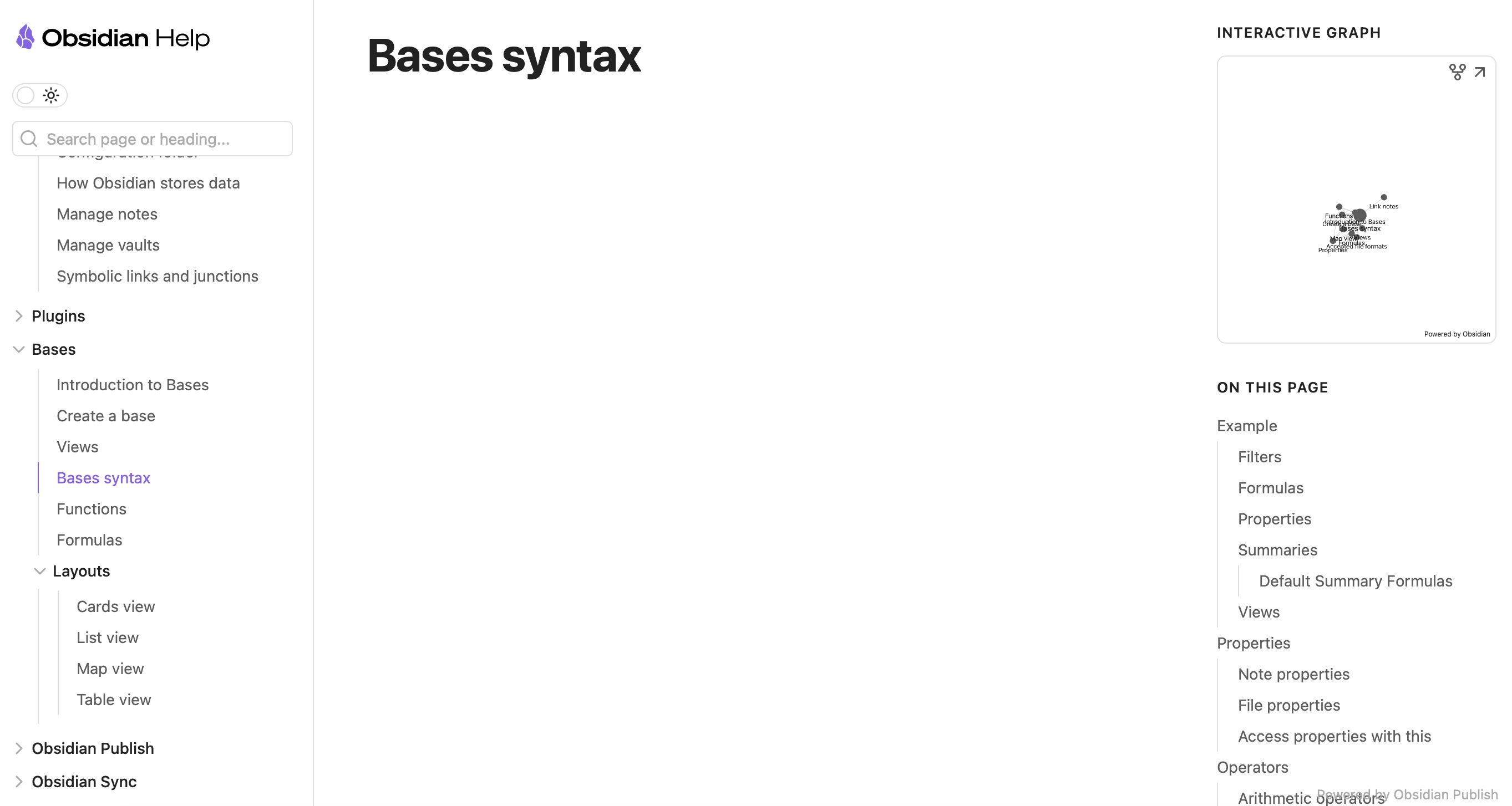
I’ve seen this too, but only on my iPad, which is my only device running a beta OS (26.2). It seems something in that version doesn’t like the site. I haven’t found a workaround yet (partly because I can view the site on other devices). I recommend reporting it to Apple thru Feedback Assistant (which I’ve mean meaning to do).
Odd that some pages load and others don’t; presumably trying to load different elements on different pages and tripping over something.
As extra info – on the off chance it helps in the longer term – switching user agents using the developer tools sees the same pages fail in Safari, Chrome, and Edge, but load in Firefox.
EDIT
For anyone with this issue, you can get pages to load by:
The reason some pages open and some doesn’t has to with the .md size. any page roughly under 10K characters loads just fine and above that seem like Safari’s Service Worker chokes on async error handling for multi-chunk (>10KB) files. Definitely safari’s bug and unfortunately affect all iOS browsers because in iOS every browser is forced to use Safari’s webkit implementation which has race condition bug right now. apple is so annoying.