Folks, I think you are conflating here different types of access control and call them proxies.
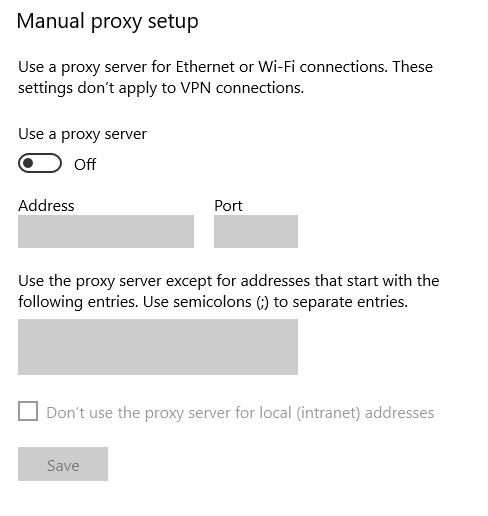
@ccrayton Just double checked, activate commercial license also goes through the system proxy. Is it possible that your system proxy blocks obsidian/github?
Check for updates has a fallback location.
@Lymo all these things can be configured in the system proxy
If there is a need for Popup window that asks for username and password to access the network all the time, open a feature request for that. This type of filter may be a router-level authentication on IPs and have nothing to do with a proxies.
Please, do not ask to actively try to bypass your company security policies.