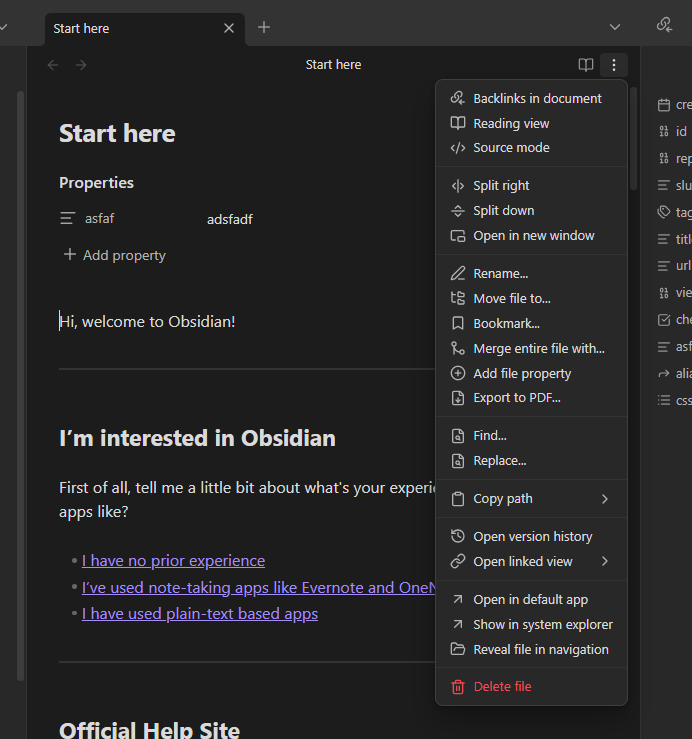
Where is the documentation that explains the purpose and behavior of the following two menu items under the View menu?
Reading ViewSource Mode
Selecting one of these two menu items will toggle a checkmark.
That produces the following four combinations.
The following screenshot shows what I see on macOS 26.4.1.

Questions
- Where is the documentation for
View -> ReadingandView -> Source Mode? - What is the purpose and behavior of the menu item’s checkmark that toggles each time you select
Reading Viewor “Source Mode”? - What kind of state does the checkmark indicate?
 : The documentation about the