The “caret-color” is referring to the | (pipe) in an editor window when you are typing. It doesn’t have to do with moving your mouse pointer around or hovering.
For your initial question, I think you are looking for a .has-focus state or hovering over something with the mouse pointer.
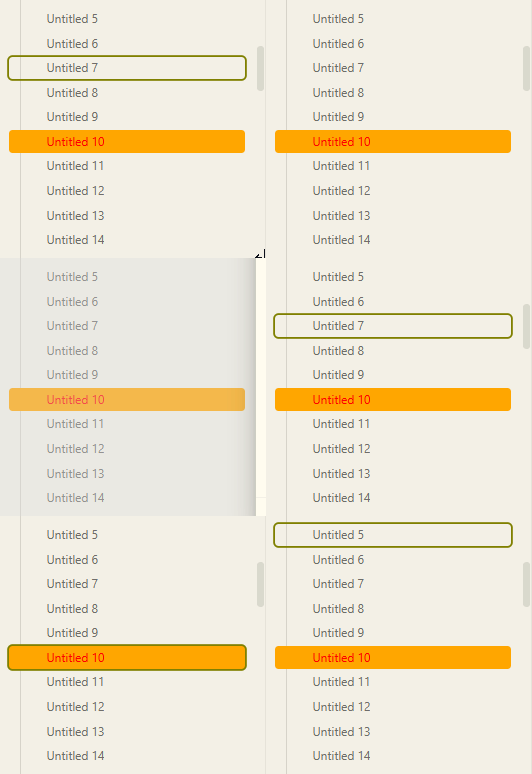
When running the Files: reveal current file in navigation command and using arrow keys to up/down, this is applied:

example snippet:
.theme-light {
    --background-modifier-border-focus: olive;
}
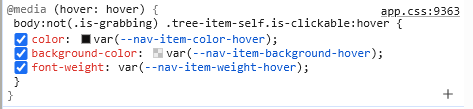
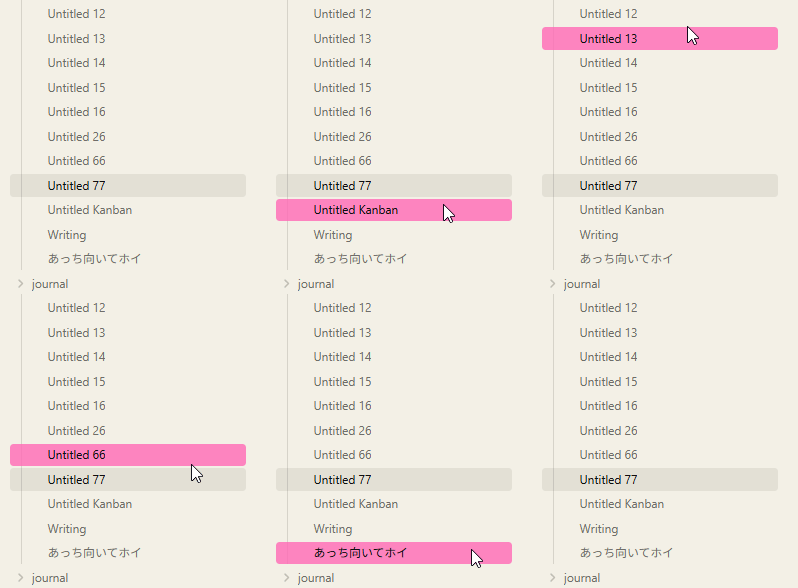
For hovering with your mouse pointer, there’s a variable (things starting with --) as well:
.theme-light {
    --nav-item-background-hover: rgba(255, 105, 180, 0.8);
}
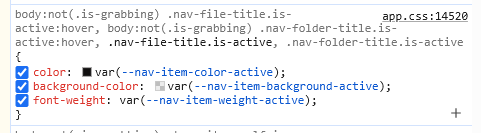
This is what is applied for the current note you are looking at:
Have a look here: https://docs.obsidian.md/Reference/CSS+variables/Components/Navigation for the variables covering navigation. This is essential as well if you haven’t see it yet: