I use a wonderful snippet for sleek callouts extracted from the AnuPpuccin theme.
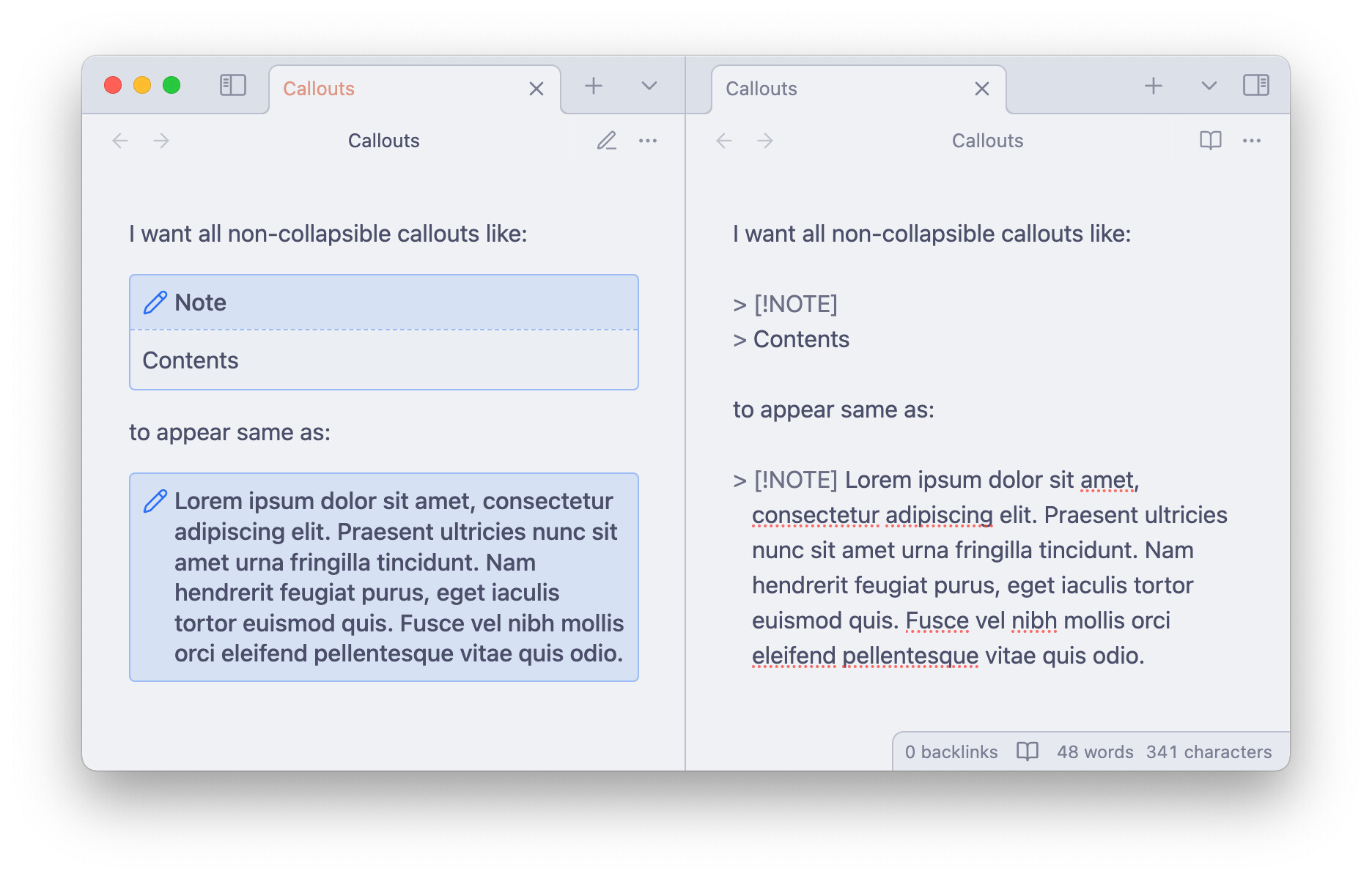
How could I achieve the same look as the bottom callout but for content in all non-collapsible callouts? (I.e. hide title and show the icon off to the side.) I’d really like to be able to apply this look to multiple paragraphs (and you can’t put multiple paragraphs in a callout title). I’d like for foldable callouts to retain their style (the upper callout in the screenshot).
find all instances in the left snippet where it has the selector .callout and change those to .callout.is-collapsible
and if you want to be really explicit, you also would take all instances in the right snippet of .callout and change them to .callout:not(.is-collapsible)
But wasn’t successful in reconciling the two snippets. Ran into issues with inconsistent appearance between collapsible and non-collapsible callouts, with the latter having weird padding and white background still in some places… Don’t really know CSS to troubleshoot
I saw you discussing custom styling and the struggle with maintaining CSS snippets. I built a plugin called Special Callouts specifically to streamline this process.
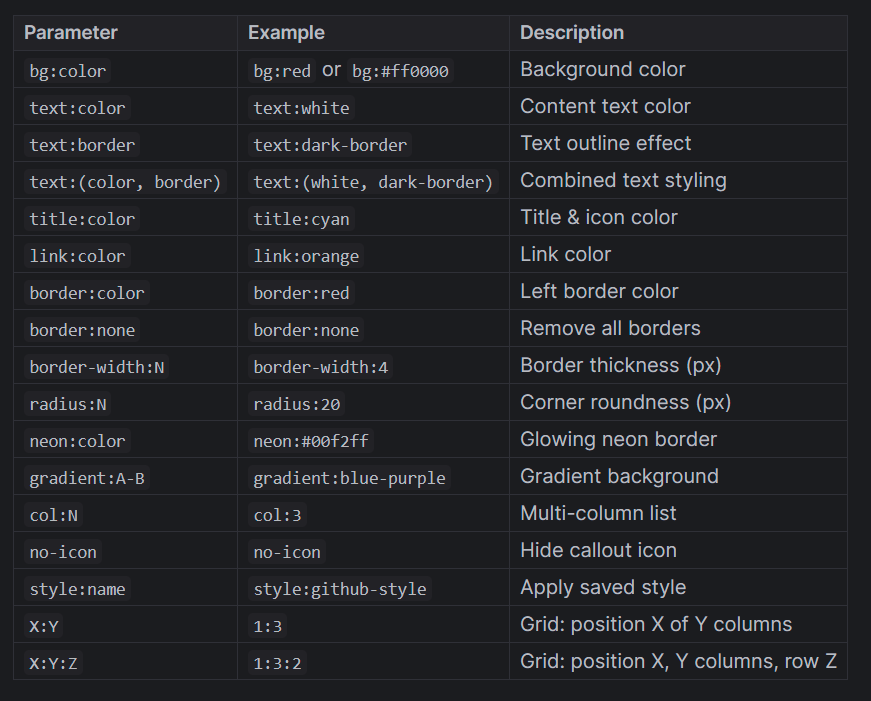
Instead of dealing with raw CSS files, the plugin allows you to create your own custom styles directly within the plugin settings. Once defined, you can apply these styles to any existing callout using simple metadata tags
(e.g., > [!your-style] or [!NOTE](background:red , title: blue , text:green)).
It gives you full control without the headache of complex snippet management.
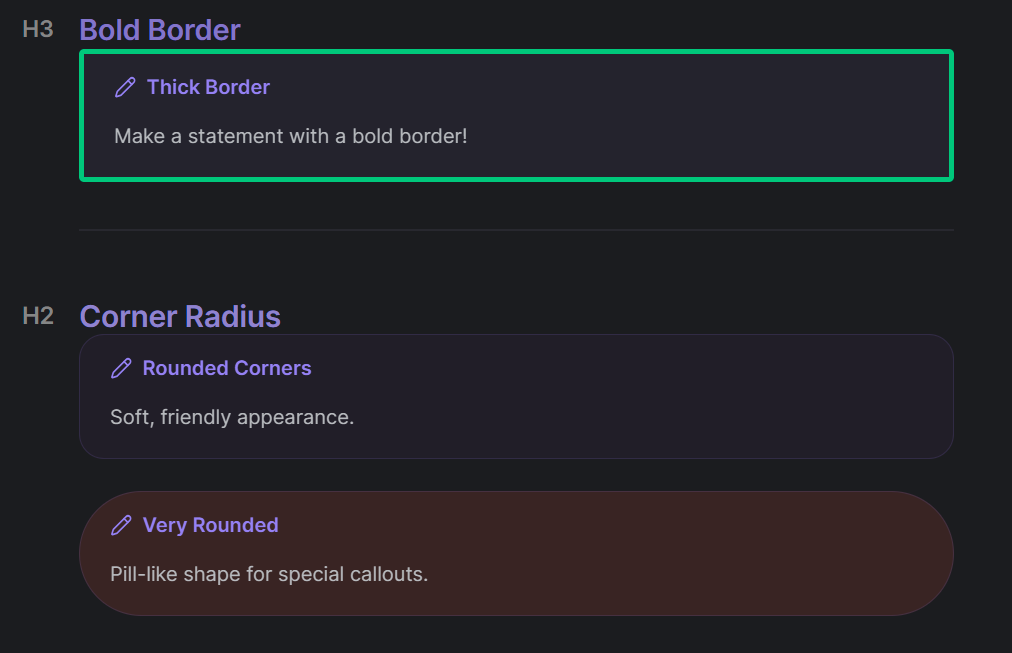
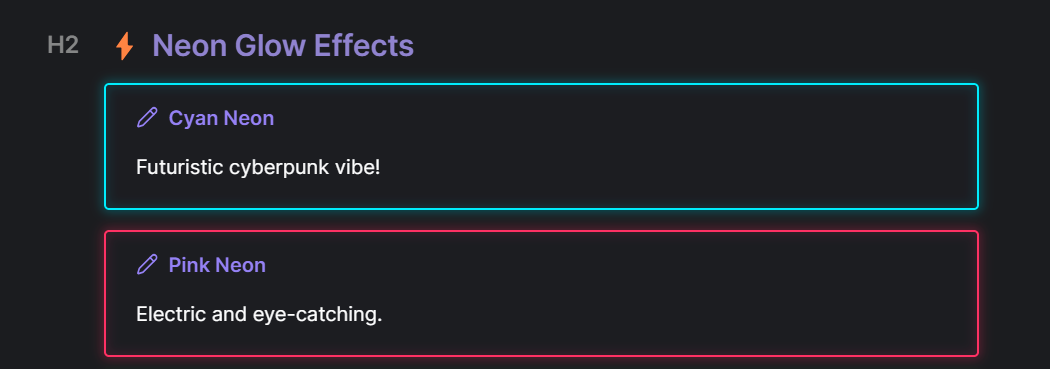
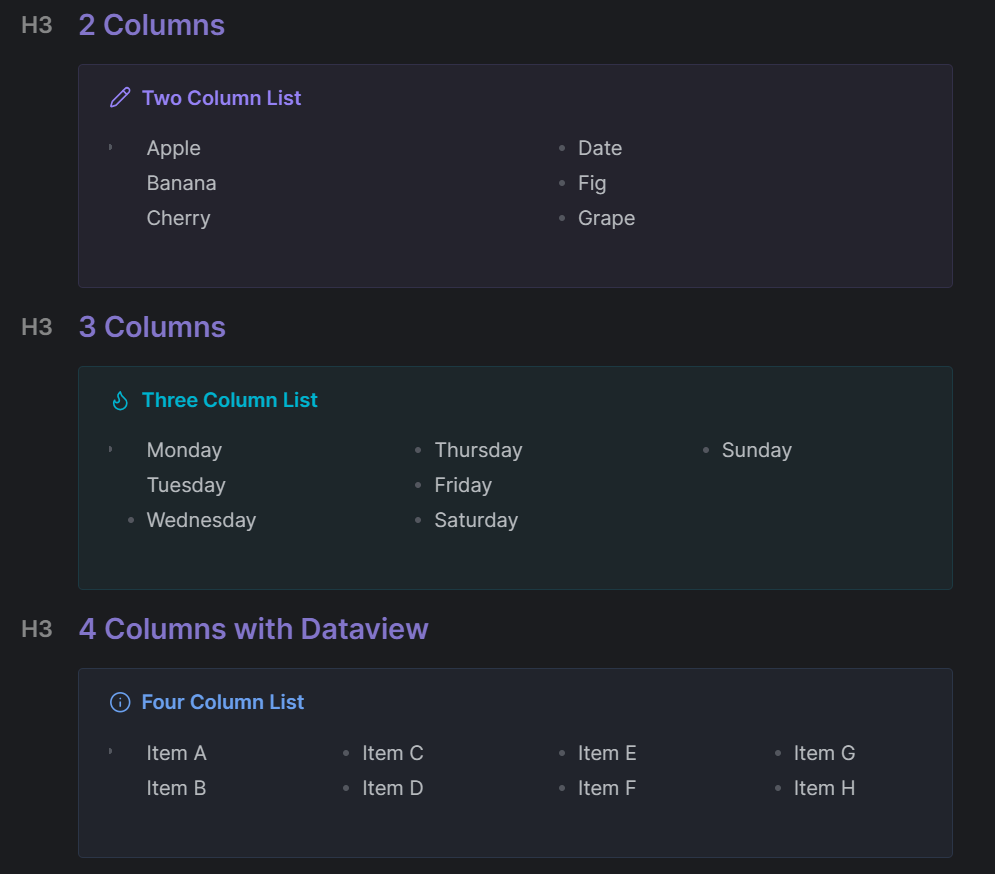
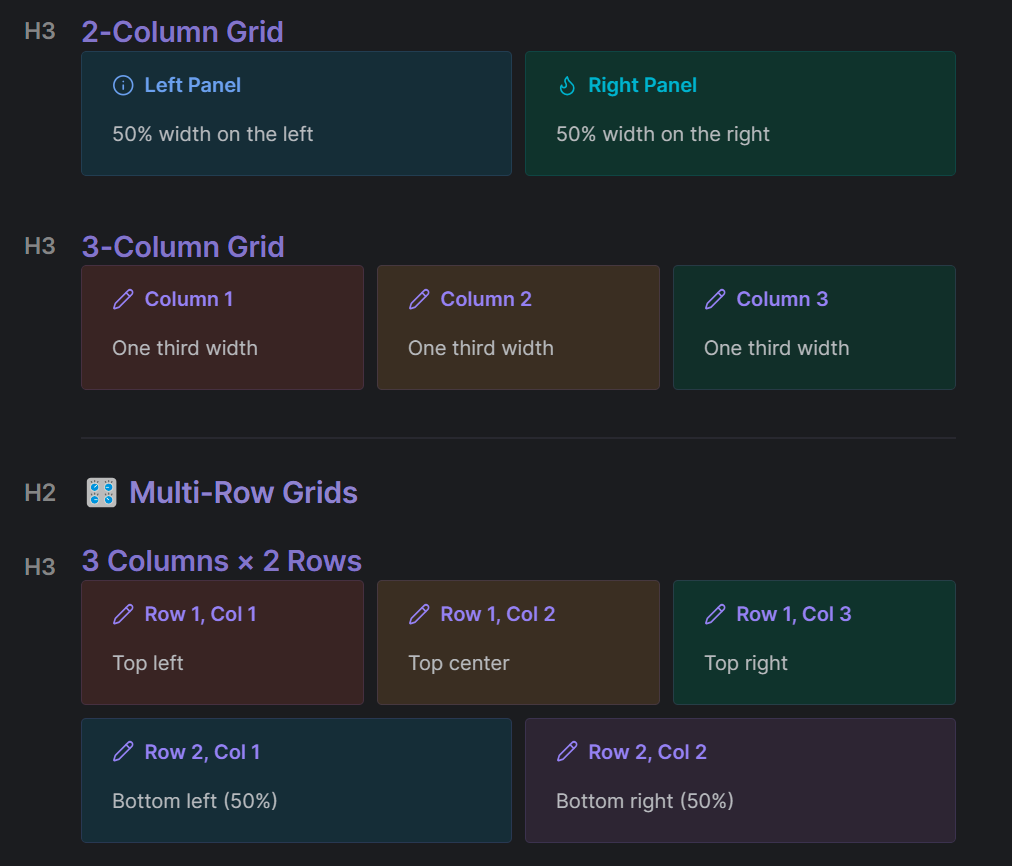
Current Status: The plugin is currently in the review queue, waiting for approval. In the meantime, I’m actively working on adding new features. If you want some “spoilers” on how the metadata styling looks in action, feel free to check out the images in the repo!
Here is the repo name: special-callouts
Feedback: I’m always open to feedback and new ideas. If you have suggestions like “it would be great if X worked like Y,” questions about usage, or just want to discuss a feature, please feel free to reach out or open an issue on GitHub. I’m eager to hear your thoughts to make this tool better!
Spoilers from the newly developing new version or features as per the pictures below!
Hello everyone!
Just a quick heads-up: Special Callouts is now officially available in the Obsidian Community Plugins store, packed with some brand-new features.
If you happen to try it out, feel free to let me know what you think.
Happy note-taking!