Still having the same issue reported here:
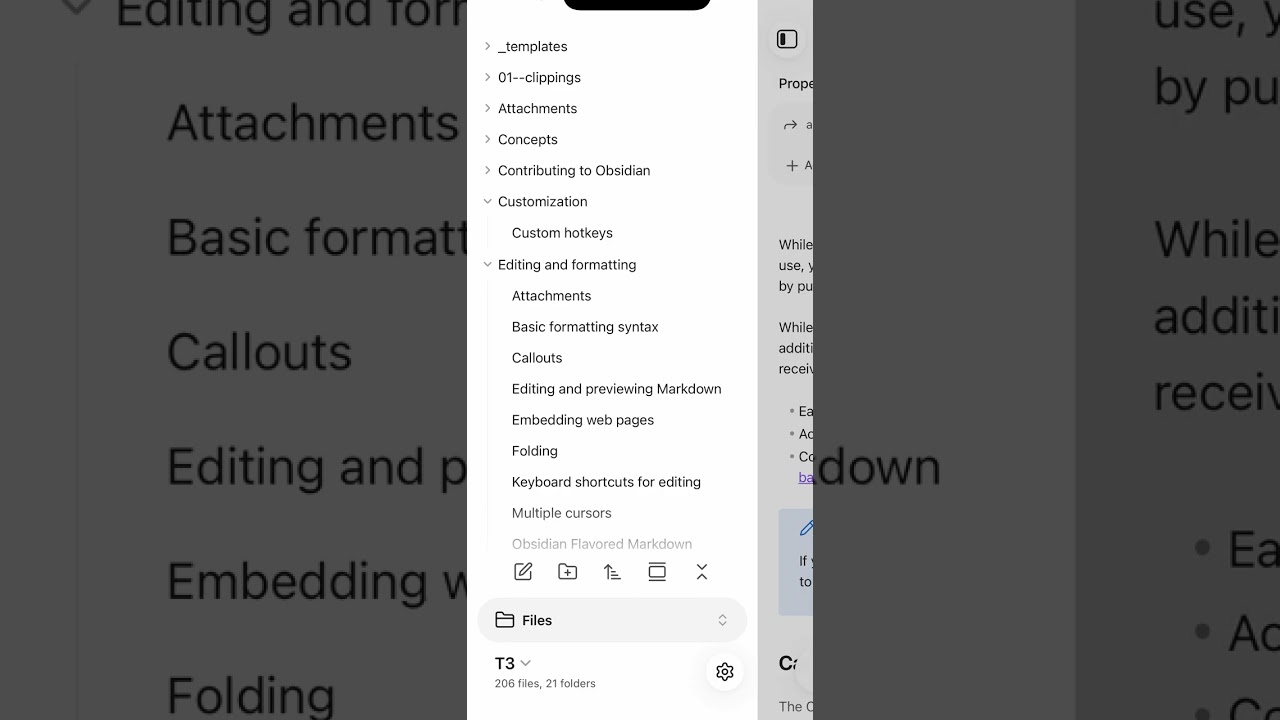
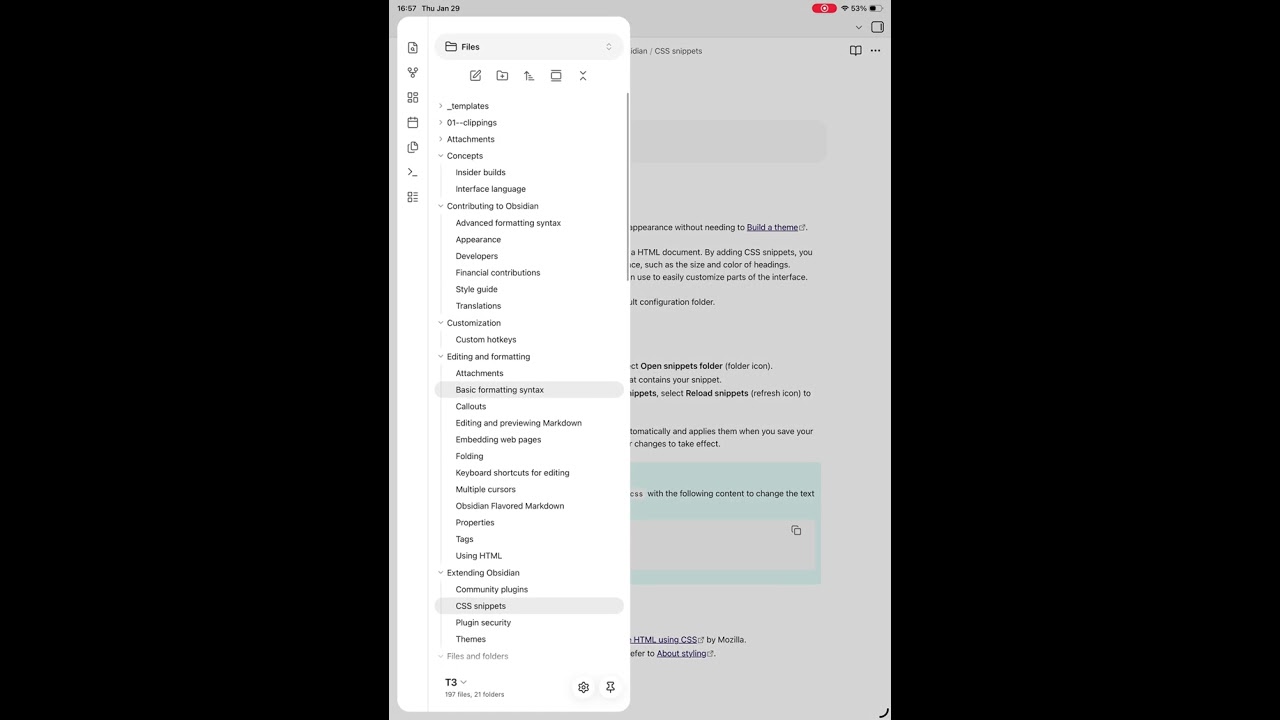
It feels much improved from previously in the Files tab, but occasionally non-Files tooltips or menus will popup as well as if I’ve tapped them, but I haven’t. In the iPadOS clip, you can see the Sync log menu pop up at 0:35 and I haven’t tapped it. Will try to get more screenshots when I come across them.
Steps to reproduce
Swipe with my finger and let go so the Files tab scrolls on its own.
Did you follow the troubleshooting guide? [Y/N]
Yes. This vault is a copy of the English help docs downloaded from https://github.com/obsidianmd/obsidian-help; Restricted mode enabled, default theme; no snippets. Also,
- deleted the contents of .obsidian and restarted to make sure it was nothing in there causing it.
- upgraded vault encryption and re-synced (unrelated to this issue, but was planing on doing that anyway).
Expected result
Swipe without phantom tooltips showing up.
Actual result
Tooltips show up, mostly in the Files tab, but on iPad other menus are sometimes shown as if tapping them when I didn’t.
Environment
iOS:
SYSTEM INFO:
	Operating system: ios 26.2.1 (Apple iPhone18,1)
	Obsidian version: 1.11.7 (287)
	API version: v1.11.7
	Login status: logged in
	Language: en
	Catalyst license: supporter
	Live preview: on
	Base theme: adapt to system
	Community theme: none
	Snippets enabled: 0
	Restricted mode: on

RECOMMENDATIONS:
	none
iPadOS (no keyboard attached or Bluetooth devices connected):
SYSTEM INFO:
	Operating system: ios 26.2.1 (Apple iPad8,9)
	Obsidian version: 1.11.7 (287)
	API version: v1.11.7
	Login status: logged in
	Language: en
	Catalyst license: supporter
	Live preview: on
	Base theme: adapt to system
	Community theme: none
	Snippets enabled: 0
	Restricted mode: on

RECOMMENDATIONS:
	none
