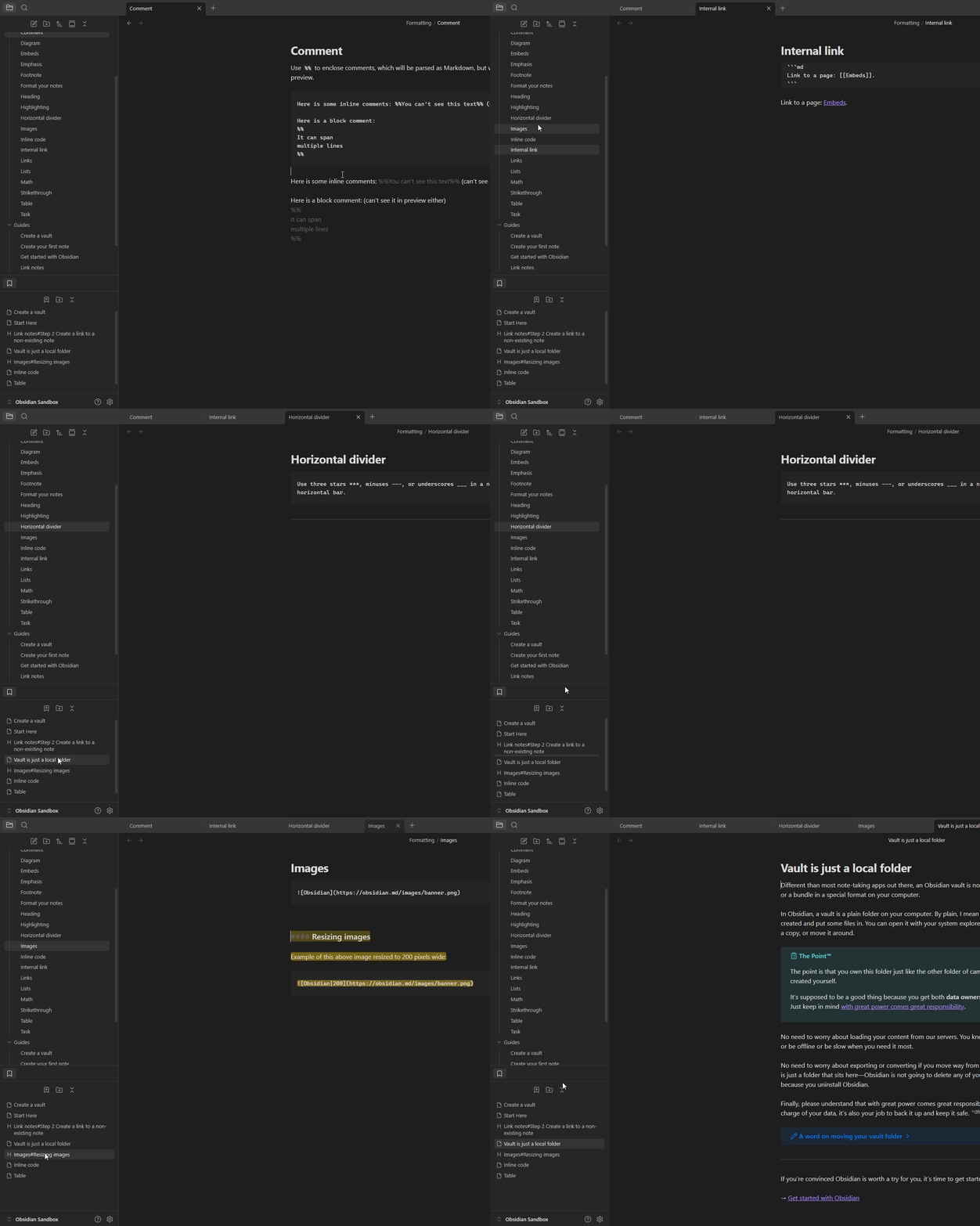
When the scrollbar is not visible, a middle click exhibits the same behavior in File Explorer and other core plugins: it opens the clicked item in a new tab.
When a scrollbar is visible in other core plugin tabs (Bookmarks, Backlinks, Tags, etc.), a middle click activates the scroll cursor, making it impossible to open a bookmarked item in a new tab with a single middle mouse click. This issue does not occur in File Explorer.
Proposed solution
Provide an option to control middle-click behavior when a scrollbar is visible.
Current workaround (optional)
Use Ctrl + Left-Click to open the item in a new tab.
SYSTEM INFO:
	Obsidian version: v1.9.12
	Installer version: v1.9.12
	Operating system: Windows 11 Pro 10.0.26100
	Login status: not logged in
	Language: en
	Insider build toggle: off
	Live preview: on
	Base theme: adapt to system
	Community theme: none
	Snippets enabled: 0
	Restricted mode: on

RECOMMENDATIONS:
	none
SYSTEM INFO:
	Obsidian version: 1.13.1
	Installer version: 1.12.7
	Operating system: Windows 11 Pro 10.0.26200
	Login status: logged in
	Language: en
	Catalyst license: vip
	Insider build toggle: on
	Live preview: on
	Base theme: dark
	Community theme: none
	Snippets enabled: 0
	Restricted mode: off
	Plugins installed: 16
	Plugins enabled: 16
Could this also be extended to the Quick Switcher and Command Palette on Windows? Currently, middle-clicking inside them activates auto-scroll. There shouldn’t be an action assigned to middle-click in the Command Palette, but for the Quick Switcher, it should open the note in a new tab. Thank you.