Problem
When using the built-in Bookmarks feature in Obsidian, I can no longer open a bookmarked item in a new tab using the middle mouse button (mouse wheel click). This used to work before.
At the same time, links inside normal Markdown files can still be opened in a new tab with the middle mouse button as expected.
So the behavior is currently inconsistent:
Markdown links: middle click opens in new tab
Bookmarks panel items: middle click no longer opens in new tab
Steps to reproduce
Open Obsidian (desktop) and open a vault.
Create or use an existing bookmark in the built-in Bookmarks pane (e.g. a note bookmark).
Try to open the bookmarked item with the middle mouse button.
Compare this with middle-clicking a link in a Markdown note.
Expected result
Middle-clicking a bookmark should open it in a new tab, just like:
Middle-click looks alright on my end using the insider-desktop-release (beta) in the Files tab, on [[links]], and for Bookmarks. If it was broken for everyone, it may have been something that’s been fixed already.
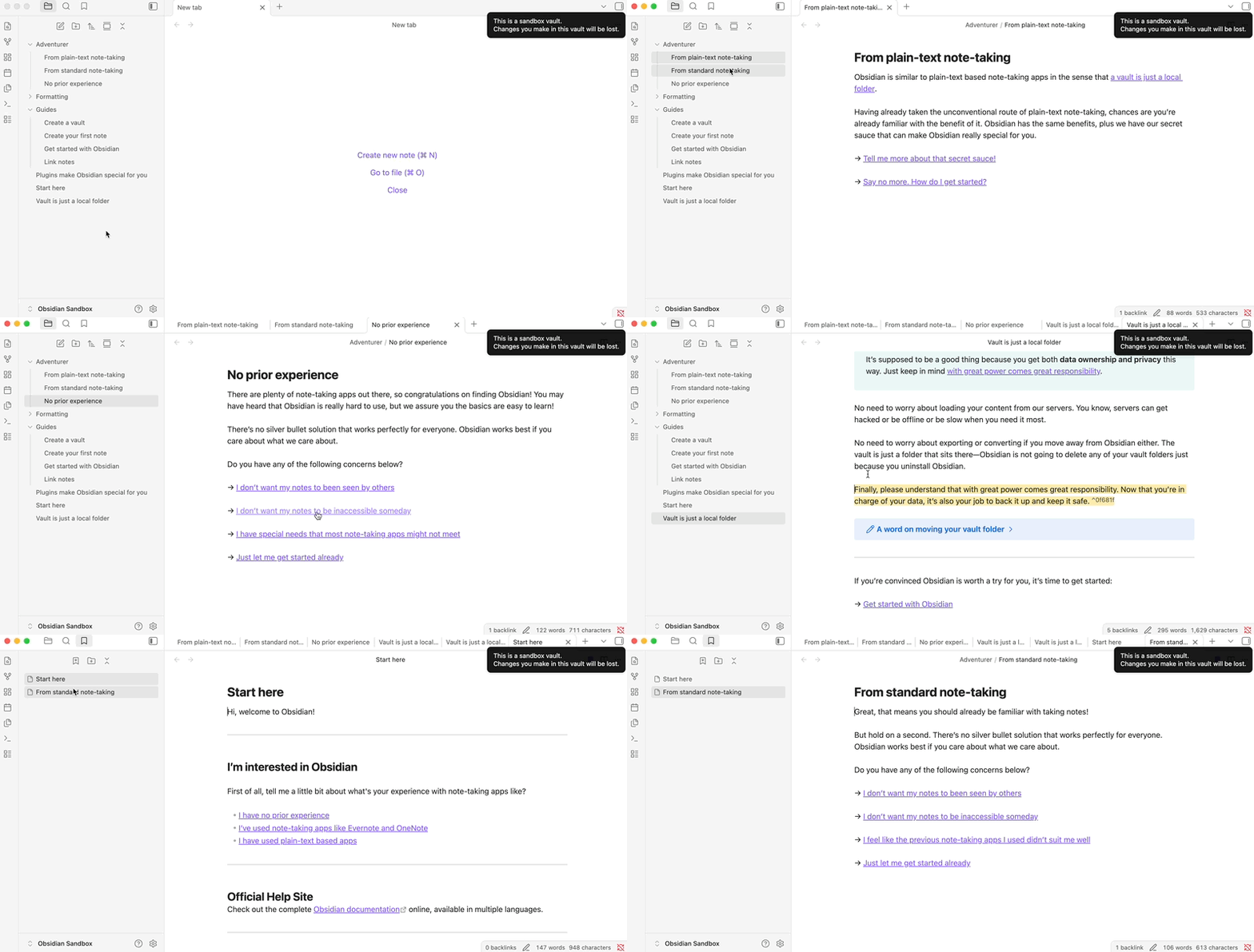
Here I’m using the mouse’s middle-click for everything:
SYSTEM INFO:
	Obsidian version: 1.12.2
	Installer version: 1.11.7
	Operating system: Darwin Kernel Version 24.6.0: Mon Jan 19 22:00:55 PST 2026; root:xnu-11417.140.69.708.3~1/RELEASE_ARM64_T6000 24.6.0
	Login status: logged in
	Language: en
	Catalyst license: supporter
	Insider build toggle: on
	Live preview: on
	Base theme: adapt to system
	Community theme: none
	Snippets enabled: 0
	Restricted mode: off
	Plugins installed: 0
	Plugins enabled: 0

RECOMMENDATIONS:
	none
Thanks for your support!
I managed to narrow this down further.
The issue only occurs when the Bookmarks pane becomes scrollable.
If I have only a few bookmarks (no scrollbar), middle-click opens the bookmark in a new tab as expected.
As soon as there are enough bookmarks to exceed the pane height and a vertical scrollbar appears, middle-click on a bookmark no longer opens it in a new tab.
In that situation, the mouse cursor also changes to the “scroll/pan” style cursor (see screenshot below), which makes me suspect that the click event is being captured by the scrollable container instead of the bookmark item.
Screenshot:
Might this relate to my mouse/driver setup (Logitech MX Anywhere 3S + Logitech software)? I have no alternative mouse, to test it.