Make file path visible (mobile)

Use case or problem

In version 1.11 there is no simple way to view the file location.

Note Help forum thread: Display file path (breadcrumbs) in version 1.11, Android app

I preferred the old way: the full path displayed at the top of the screen, even when scrolling the note.

Proposed solution

Give a settings option to display full file path in mobile. Allow sufficient width to view it properly.

(For previous versions I also created a snippet to shrink the font of the file path. This made whole path readable unless it was a very long path. I would like to adjust the font size again, but I don’t mind doing this in a snippet.)

Current workaround (optional)

I’ve added “Copy current file path from vault folder” to my mobile toolbar, and view the copied text popup from the Android system.

Related

Other mobile UI issues with 1.11: Is there a way to disable hiding interface elements when scrolling?

6 Likes

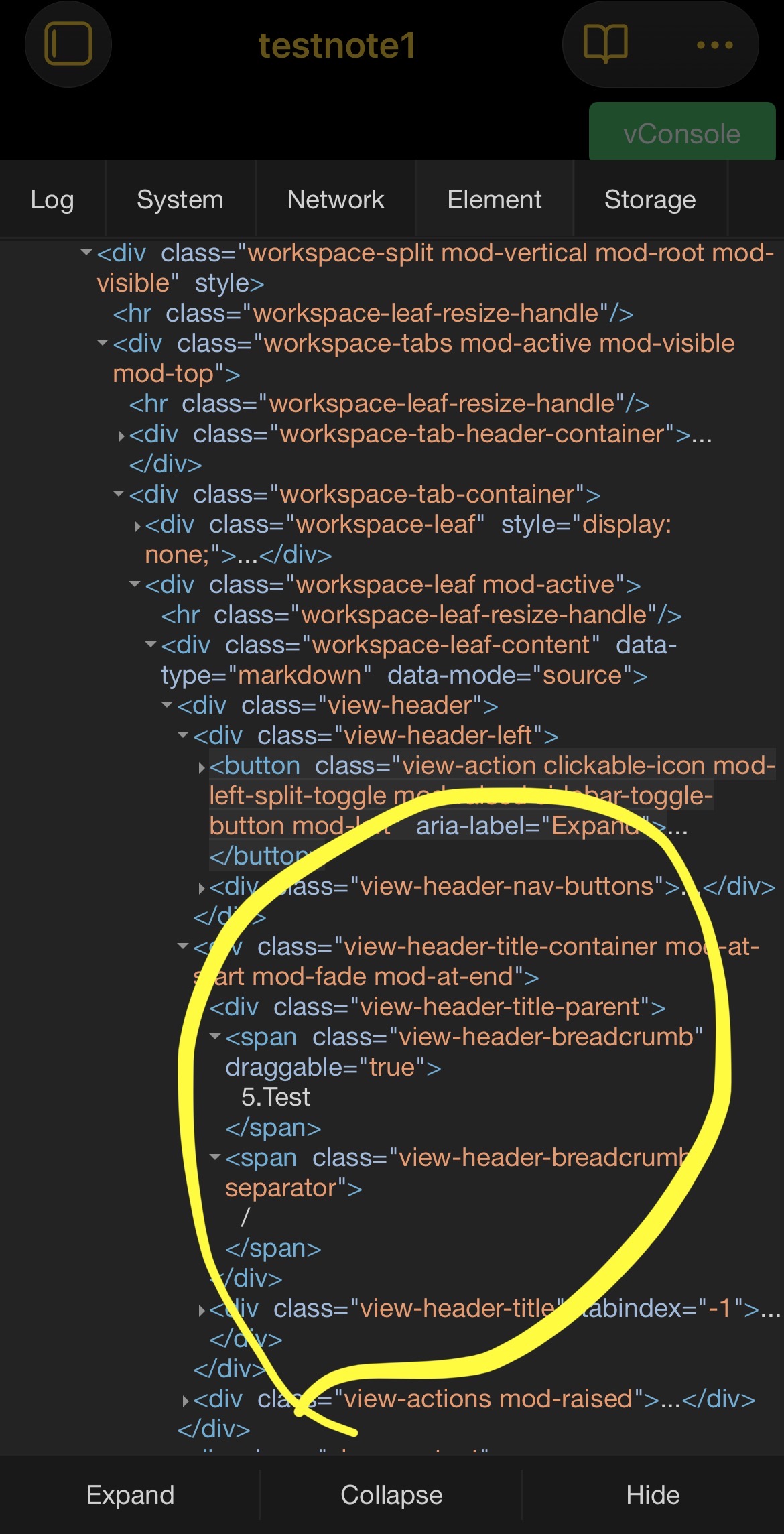
It looks like the path is still there and can be exposed by a CSS snippet. I don’t have time to mess with it right now, but here is a screenshot showing the markup and classes.

I miss having the path available too, tho I know it’s an unusual feature among apps. For my purposes it is probably enough to just know whether the note is in the root folder or not. I’m going to try to get a folder icon to appear if there is any folder path, and ideally to have it reveal the path when tapped.

:file_folder:/Example

1 Like

Naively trying to display any of these 3 selectors (added 1 at a time) didn’t work.

.view-header-title-container-mod,
.view-header-title-parent,
.view-header-breadcrumb {
	display: contents;
}

Safety not guaranteed. ™

For Settings > Appearance → Show inline title disabled:

.is-phone .workspace-leaf-content[data-type="markdown"] .view-header-title-container {
    display: inline-flex;
    overflow: visible;
    padding-top: 50px; /* adjust as desired */
}

.is-phone .view-header-title-parent {
    display: inline-flex !important;
    min-width: max-content !important;
}


Show inline title enabled:

.is-phone.show-inline-title .workspace-leaf-content[data-type="markdown"] .view-header-title-container {
    display: inline-flex;
    overflow: visible;
    padding-top: 50px;  /* adjust as desired */
}

.is-phone .view-header-title-parent {
    display: inline-flex !important;
    min-width: max-content !important;
}


edit: slightly updated version to take care of longer paths going off screen to the left. Also pushed the main content area down a bit. What to do with longer paths? Not sure if I’ll stick with this, but trying it for now.

/* for "show inline-title" disabled */
.is-phone .workspace-leaf-content[data-type="markdown"] .view-header-title-container {
    display: inline-flex;
    overflow: visible;
    padding-top: 60px;
}

.is-phone .view-header-title-parent {
    display: inline-flex !important;
    min-width: max-content !important;
    padding-left: 50px;
}

/* move main content down a bit to make way for the file path */
.is-phone .workspace-leaf-content[data-type="markdown"] .view-content {
    padding-top: 20px;
}

2 Likes

Thanks!
I also had to add the !important in display: inline-flex; of the .view-header-title-container code.

1 Like

Glad you worked out.

It works on my device without the !important there, but we’re in uncharted territory here. :sailboat:

In Obsidian 1.11.6, you should be able to see the path if you disable “inline title”. The title will be displayed in the tab area along with the path.

I’ve turned off the workaround snippet to see the official implementation. Since longer note names can push the path completely out of view, and too-wide note names are truncated anyway, I’d like it if a little of the path could always be visible. An ellipsis and the last slash would be enough for me.

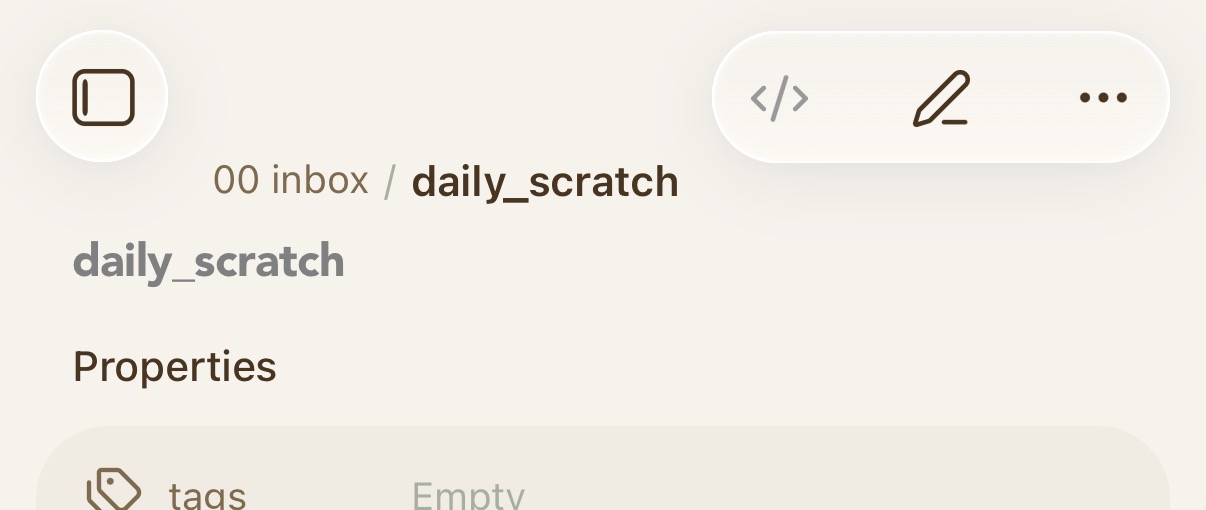
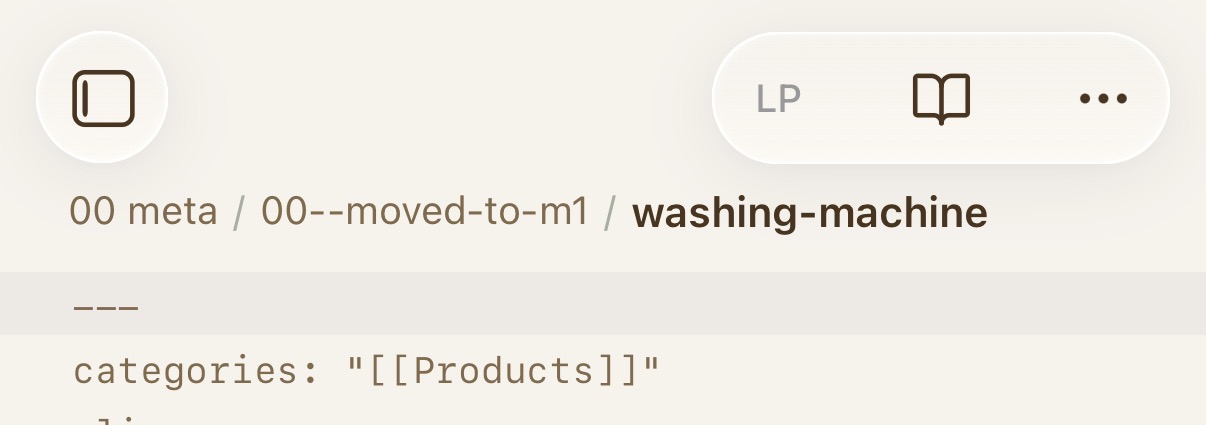
Path partly visible (:+1:):

A fraction of a character’s width of path visible:

Path completely hidden and note name truncated:

Proposed:

…/A Chinese Ghost St…

3 Likes

I agree with CawlinTeffid; currently, if a note name is arbitrarily too long, you can’t tell in the inline tile if it’s in a folder or not.

1 Like

That’s a partial solution, cool, but I don’t want to disable online title. Also the space is too small (as others have noted).

The snippet is working for me so I’ll keep using that.

For users who would also like to shrink the text in the file path to show even more of it, see this snippet:

Testing here with small text and the second snippet in ariehen’s answer above – this is what it looks like when the file path is very long:

So that’s quite adequate. In this case it only cuts off the filename (which I’ve set as visible inline anyway).

If I could stop it cutting off, and let it to extend towards the right edge, that would be nice but low priority.

Please, open a new FR thread that is specifically about what you want. I’d rather close this thread which is mainly about 1.11 changes.