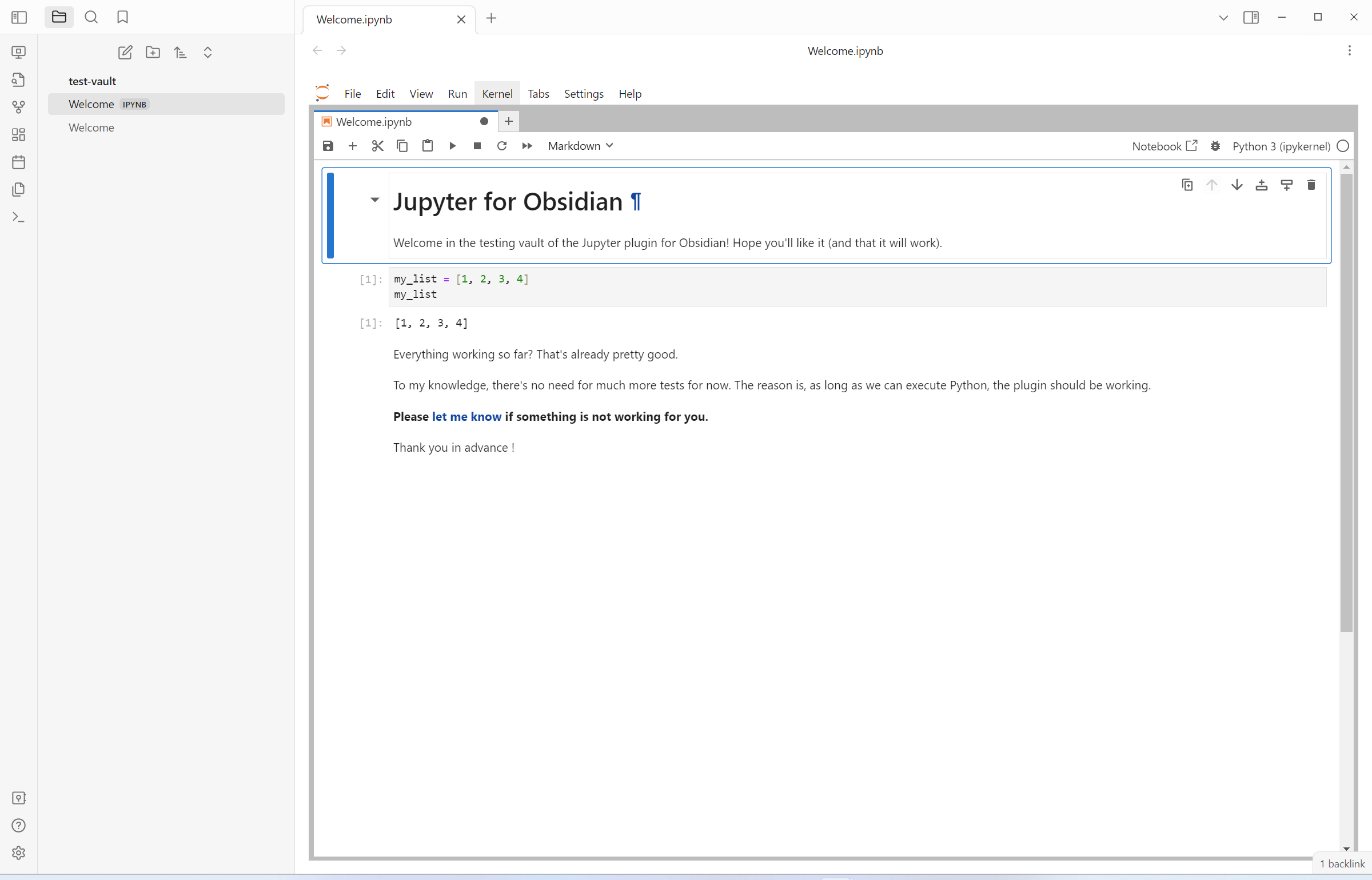
I also would love to have native support for Jupyter notebooks in Obsidian but understand it may never happen.
But in lieu of that I have found Jupyter’s nbconvert to hit nearly all my needs. You can not run the cells obviously but with really not too much work you can run nbconvert and the final output looks really nice in Obsidian.
The command looks like:
jupyter nbconvert --to markdown *.ipynb
This will convert every notebook in the current folder to markdown. You can control what input/output cells to include by adding to this command:
jupyter nbconvert --to markdown *.ipynb --TagRemovePreprocessor.enabled=True --TagRemovePreprocessor.remove_input_tags remove_input --TagRemovePreprocessor.remove_cell_tags remove_cell --TagRemovePreprocessor.remove_all_outputs_tags remove_output
Where in Jupyterlab you just need to tag the cells that you want to remove in the converted file:
- “remove_cell” removes both input and output
- “remove_input” removes input
- “remove_output” removes output
These two things together make some pretty markdown files from Jupyter notebooks in Obsidian. The only thing you need to do regarding links is use regular markdown syntax since Jupyter does not use wikilinks. So you will want to use [Link Text](path/to/note) instead of Obsidian style [[note name]] in your notebooks, but all the links will work in Obsidian that way!
Bonus:
I am on Linux most of the time I so even put this inside a Makefile so that when you run make it only runs on the notebooks in the current directory that changed:
notebooks = $(wildcard *.ipynb)
markdown = $(notebooks:.ipynb=.md)

all: $(markdown)

# The sed line is optional, I just think getting rid of some of the newlines makes the markdown files look a little cleaner in Obsidian.
%.md: %.ipynb
 @echo "Converting notebooks to markdown"
 jupyter nbconvert --to markdown $^ --TagRemovePreprocessor.enabled=True --TagRemovePreprocessor.remove_input_tags remove_input --TagRemovePreprocessor.remove_cell_tags remove_cell --TagRemovePreprocessor.remove_all_outputs_tags remove_output;  \
 sed -i '/^$$/N;/^\n$$/D' $@;
I wrote a wordier article that describes exactly what is above but feels weird to self-promote.