First, search the help docs and this forum. Maybe your question has been answered! The debugging steps can help, too. Still stuck? Delete this line and proceed.
What I’m trying to do
I would like the iPhone 12 iOS 18.5 Obsidian Current version: 1.9.12 (237) to auto open at a Journal daily note.
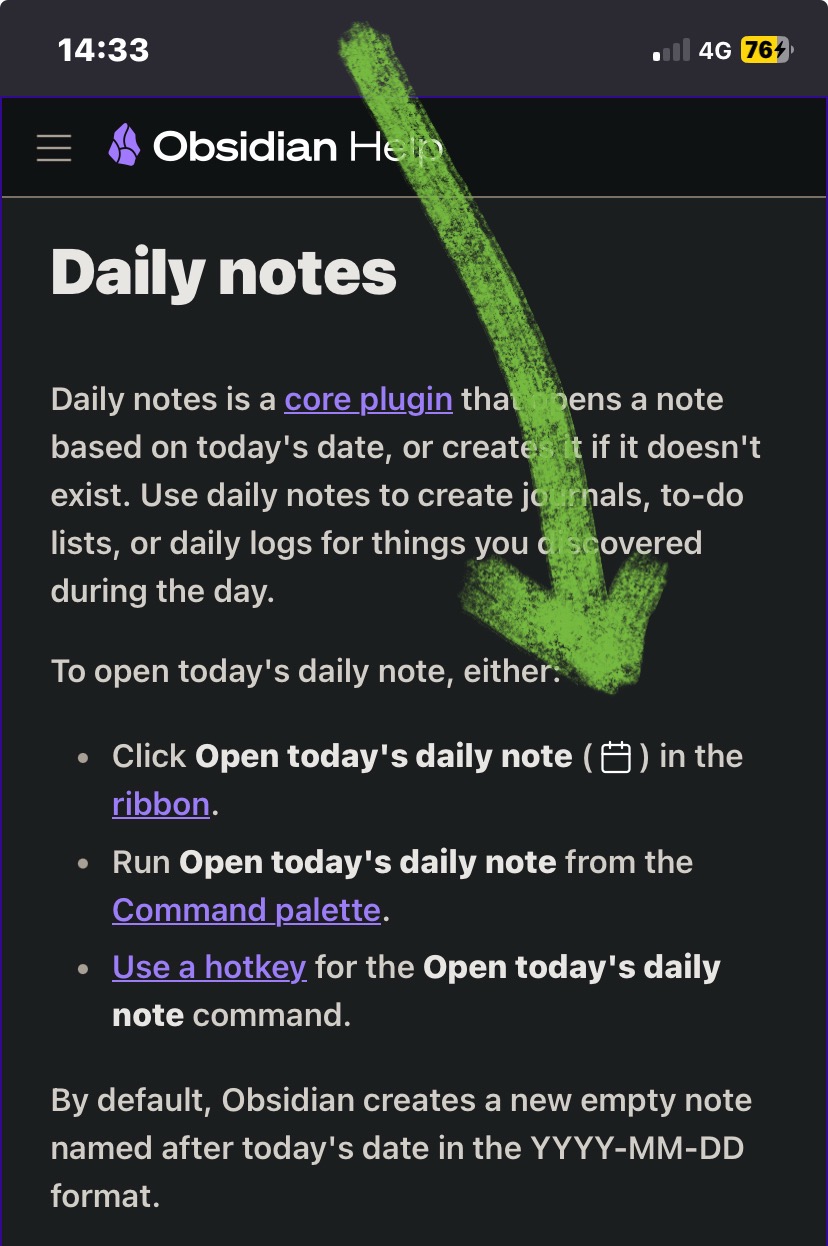
Core pugin Daily notes settings → Open daily note on startup enable causes an open tab to change from current view to a new Journal note. This causes having to select the back button to get back to the original view which is not Journal.
I have a tab open for Journal, but this Journal tab is not opened on Start up with a new note.
Obsidian phone default view seems to open the last Tab open.
Things I have tried
- https://forum.obsidian.md/t/is-there-a-easy-way-to-create-a-daily-note-on-the-iphone/62779
- Obsidian forum search
- Internet quality search engine search