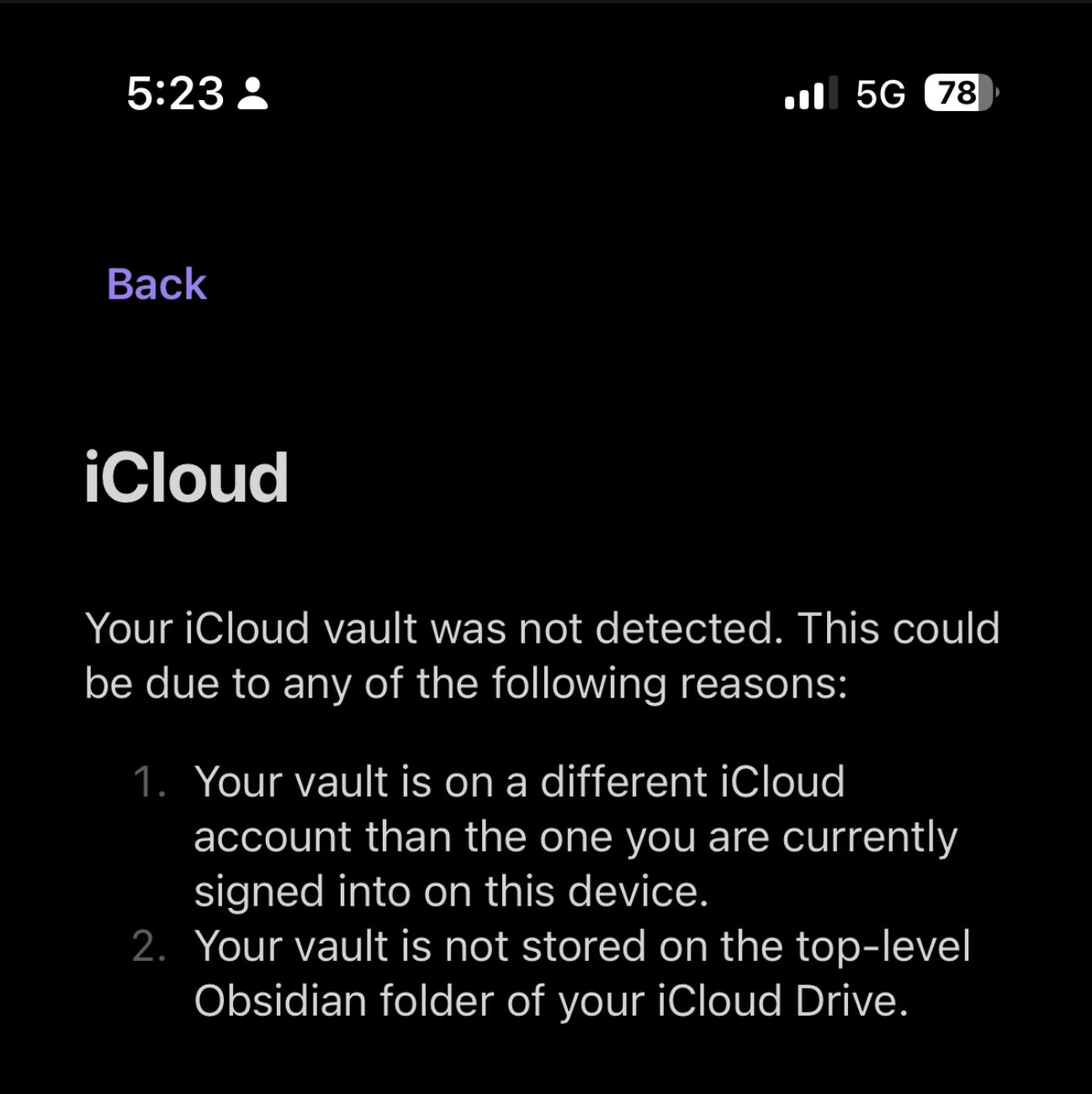
Setup: Existing vault created and used daily on Obsidian for Mac, stored in iCloud Drive at iCloud Drive/Obsidian/DansVault/. Trying to add the same vault on iPhone (Obsidian iOS) via the “Use existing vault → iCloud” option. It consistently returns “Your iCloud vault was not detected”, listing the usual two causes (different iCloud account / vault not in the top-level Obsidian folder) — neither applies here.
What I’ve already checked and ruled out:
Folder location: vault sits directly at iCloud Drive/Obsidian/DansVault/ — confirmed via Finder “Get Info” path, not nested any deeper, not a sibling folder.
iCloud account: identical Apple ID/email confirmed on both Mac and iPhone (checked in System Settings on both devices side by side).
App permission: Settings → [name] → iCloud → Apps Using iCloud shows Obsidian toggled on.
Sync status: confirmed via Files app that the full folder tree (all subfolders, correct item counts) has synced down to the phone — not just the top-level placeholder.
Vault integrity:.obsidian config folder contains all standard files (app.json, appearance.json, community-plugins.json, core-plugins.json, graph.json, templates.json, workspace.json, plugins/) — no corruption, opens fine on Mac.
Special characters: vault was originally named “Dan’s Vault” (with an apostrophe and a space) — renamed to DansVault to rule out a parsing issue. No change in behaviour.
Force download: long-pressed the folder in Files → “Download Now” to eliminate cloud-placeholder files before retrying.
Reinstalled the app multiple times, retrying the “Use existing vault → iCloud” flow fresh each time — same result every time.
“Create New Vault” flow: only offers a name field + “Store in iCloud” toggle, no way to browse to or select an existing folder — using it creates a genuinely new, separate vault rather than reusing the existing one (confirmed empty, 0 files/0 folders).
“Manage vaults” screen: no “Open folder as vault” option appears here on iOS, despite this being referenced in older documentation/threads as the standard manual workaround.
Files app share sheet: opened a .md file from inside the vault folder directly in Files, tapped Share → Obsidian — this just relaunches the app to the same “Create a Vault / Use existing vault” screen rather than opening the containing vault.
Current state: the vault is fully intact, correctly placed, and working normally on the Mac app. The iPhone app simply cannot detect or open it through any in-app route I’ve found.
Device/version details:
Device: iPhone 14
iOS version: 26.5
Obsidian version: 1.12.7
Question: is there a known fix, a different manual “open this exact folder” method I’m missing on iOS, or is this a currently open bug? Happy to provide further logs if useful.
Is the Obsidian folder in iCloud Drive a folder named Obsidian you created yourself and stored in iCloud or is it the Obsidian folder Obsidian mobile created when you potentially created an empty vault and stored it in iCloud from Obsidian Mobile ?
The former might not have the Obsidian icon on it and won’t be detected by Obsidian Mobile while the latter should (and that’s the one in which your vault should live if you want to sync it across devices through iCloud).
You can take a look at the screenshots in the callout titled iOS and iPadOS folder location here: Sync your notes across devices > iCloud to see the difference.
If you have or have created the “official” Obsidian folder (with the icon) in iCloud Drive and your vault is in there but are still having issues, you could try:
iOS Settings > Apple Account > iCloud > Saved to iCloud > Drive > Apps syncing to iCloud Drive > toggle Obsidian off-on and reboot the phone.
iOS Settings > Apple Account > iCloud > Saved to iCloud > Drive > toggle Sync this iPhone off-on and reboot the phone.
Before opening a new bug report, please search the forum for duplicates and follow the Troubleshooting Guide.
Developer issues with the API should go I’m experiencing an issue with Obsidian on iOS that appears to be identical to a few recent reports on this forum. I have spent several hours verifying every documented cause and can now reproduce the problem with a completely new vault.
Environment:
Obsidian Desktop: 1.12.7
Obsidian iOS: 1.12.7
macOS Sonoma 14.5 (Intel MacBook Pro)
iOS 26.5
Same Apple ID on both devices
iCloud Drive enabled
Problem:
When launching Obsidian on my iPhone and selecting “iCloud”, Obsidian immediately displays the following error:
“Your iCloud vault was not detected.”
It suggests that either the vault belongs to another iCloud account or that it is not stored inside the top-level Obsidian folder. Neither is the case.
We only accept bug reports that are reproducible with the installation methods we provide on our website. If you obtained Obsidian elsewhere, you MUST reproduce the problem with one of the officially supported installation methods. (No ARCH, NixOS, homebrew, chocolatey, third party packages).
Once you’ve done the above, delete everything above this line.
I have the same problem and discovered that even though I asked the iPhone App to create the vault in iCloud, it created it instead in the local file system. and so far I have been unable to move it or create another one in iCloud. Looks like a bug to me, because there isn’t another option for creating the vault.
I have the same problem and discovered that even though I told the iPhone App to create the vault in iCloud, it created it instead in the local file system. and so far I have been unable to move it or create another one in iCloud.
Also, (after reading some of the recommendations below) I started from scratch, by deleting both desktop and iphone app and reinstalling. This time I made sure that I did not create any Obsidian folders manually. I pointed the desktop app to the icloud drive for creating the vault. To my sursprise, it did not even bother to create an Obsidian folder but put the vault directly under iCloud. Which did not help at all. Since the iPhone App again created the vault inside the local file system instead of iCloud.
So now there are two different vaults that can’t be synchronized.
I have no idea how to resolve this issue. And if I don’t find a solution soon, that’s a dealbreaker.
can anybody tell me how to create an “official” folder with the icon? (I have read the instructions but it doesn’t work as it is supposed to.)
As described in my other comment, neither the desktop app nor the iphone app create an “official” Obsidian folder in the right place (icloud) with the icon.
so what do I do now to get one?
Wondering if we should continue in this topic or move to another one.
This is what I would do:
Using the Finder (macOS) or the Files app (iOS/iPadOS), go into iCloud Drive. If there’s a folder called Obsidian, rename it to something else. Wait a few minutes for iCloud Drive to sync between devices.
On iOS, long press on the Obsidian icon → Create new vault → give the vault a name → toggle Store in iCloud → tap Create. This needs to be done on iOS/iPadOS to get the “official” folder with the icon.
This should create the Obsidian folder with the icon, the newly created vault within it, and open the new vault.
If that goes smoothly on iOS, back in Obsidian on macOS you need to point Obsidian at that new vault. Tap on the a vault name in the lower left sidebar → Manage vaults... → Open folder as vault → point the Finder at that vault folder that is in the Obsidian folder with the icon.
macOS and iOS should now be using the same vault. Now you can freely add or create new vaults in the iCloud Drive/Obsidian/ folder on macOS and iOS will read them as vaults.
Update: I was playing around with the different functions (e.g. moving a vault) and lo and behold there was an Obsidian folder in iCloud that was invisible in Finder. I don’t understand why because I have all folders visible (such as library). Now things are working. And I can use the same vault on the desktop and on the iPhone.

 (and that’s the one in which your vault should live if you want to sync it across devices through iCloud).
 and so far I have been unable to move it or create another one in iCloud. Looks like a bug to me, because there isn’t another option for creating the vault.