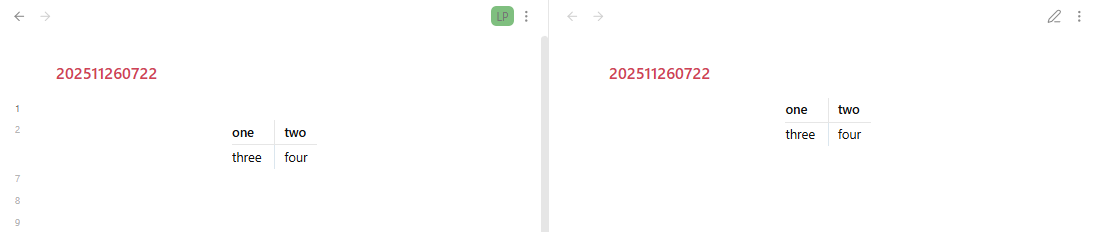
What I’m trying to do
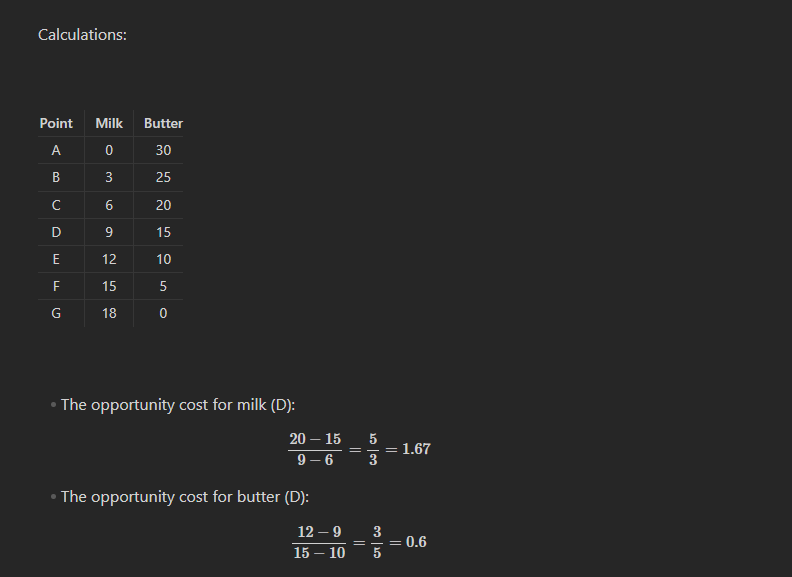
Does anyone know how to shift a table into the middle of the note?
If you mean centering it horizontally, then there’s no way to do so in the ways you’d probably like (at least that I’ve found, and I’d love to be proven wrong). Using CSS or HTML causes the table to be rendered as its raw text. I’ve found that using a callout and then using CSS on the callout will work, but it wraps the table in a colored block with a big header on it.
First, turn the table into a callout.
> [!center]
> | A | B |C|
> |---|---|---|
> | 1 | 2 |3|
Make sure to include the > marks at the beginning, followed by a space! Those are what turns the whole thing into a callout.
Add this as a CSS snippet to make it all work.
.callout[data-callout="center"] table {
    margin-left: auto;
    margin-right: auto;
}
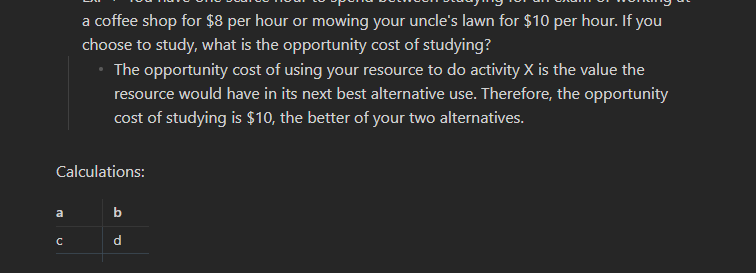
This is what you end up with:
You can remove the callout stylings, and make the centering optional
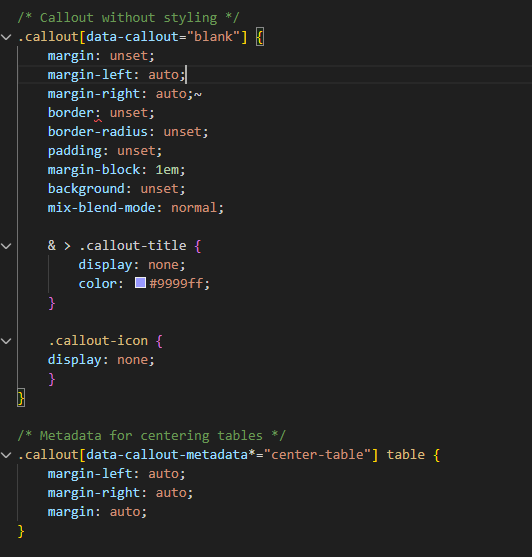
/* Callout without styling */
.callout[data-callout="blank"] {
    margin: unset;
    margin-left: auto;
    margin-right: auto;
    border: unset;
    border-radius: unset;
    padding: unset;
    margin-block: 1em;
    background: unset;
    mix-blend-mode: normal;

	& > .callout-title {
		display: none;
		color: #9999ff;
	}

	.callout-icon {
	display: none;
	}
}

/* Metadata for centering tables */
.callout[data-callout-metadata*="center-table"] table {
    margin-left: auto;
    margin-right: auto;
	margin: auto;
}
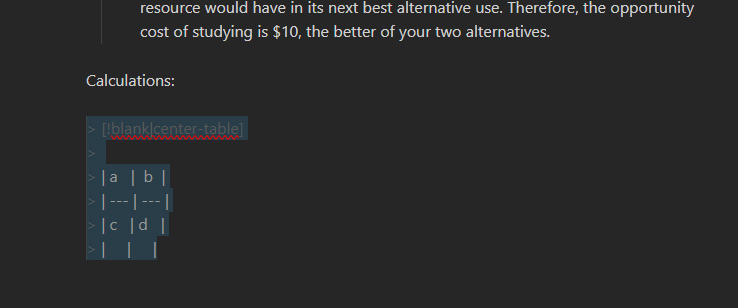
Use like this;
> [!blank|center-table]
>
> | a   |  b  |
> | --- | --- |
> | c   | d   |
> |     |     |
>
If it doesn’t work check your theme
If you want to center all tables, a CSS snippet alone should be able to do it.
I’m pretty new to whole CSS snippets, but I plugged in CSS, saved it, and reloaded it through Obsidian, and my table is still not centered. Did I do the callout wrong?
dmantisk’s full snippet is working fine for me using the default theme.
It looks like you may be using the Minimal theme? If so, add --table-margin: auto; into the last section, so
/* Metadata for centering tables */
.callout[data-callout-metadata*="center-table"] table {
    margin-left: auto;
    margin-right: auto;
    margin: auto;
    --table-margin: auto;
}
If that doesn’t work, we can try a few other things to test your .css file, but I think that should do it.
Minimal theme: live preview | reading view
I’ll move this to Custom CSS & Theme Design at this point.
It works! Thank you!
This topic was automatically closed 7 days after the last reply. New replies are no longer allowed.