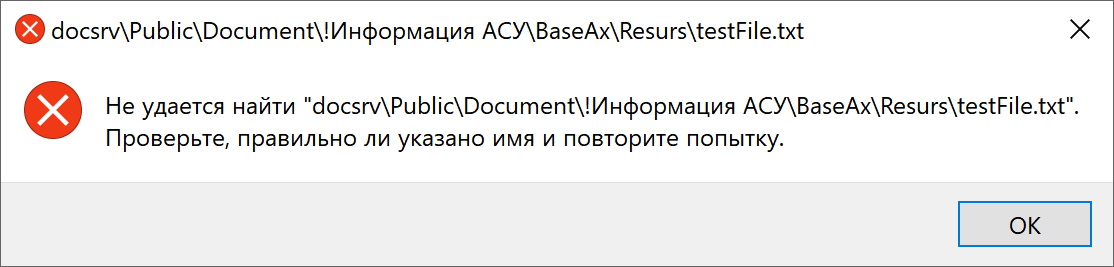
Files that are NOT locally located (external links) no longer open.
I get the message “Open external link? This link will open an external application outside of Obsidian. Only proceed if you trust the source of this link.”
But these files don’t open via the link.
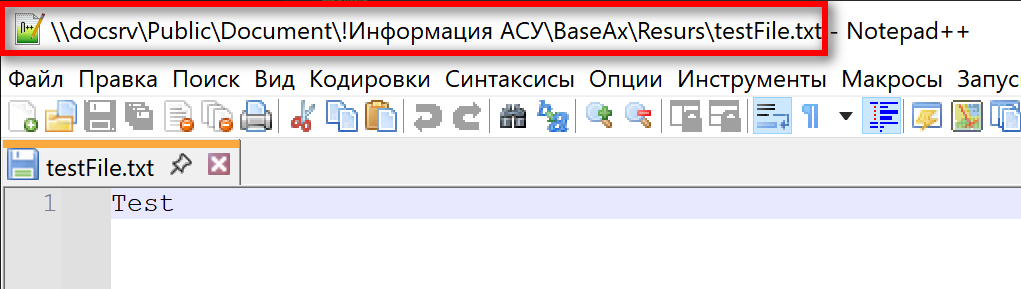
The files are available manually via this link and can be opened successfully via Explorer.
Older versions don’t have this error.
Three knowledge bases are becoming outdated because users can’t open attached files via links.
Our database contains about 5,000 attached files. Articles only contain article descriptions, while the attached files contain the bulk of the information.
Do we need to find a new knowledge base, or can this be fixed?
Before this update, there were no such problems with opening files ((
New security measures were introduced in version 1.12.x to avoid the user clicking on a malicus link and visiting or running an unsage application. They also apply to local files.
You should still be able to open the link by clicking “Open Link”. Some (but not all) of these warning can be disabled (at your own risk) by selecting “Always open file://”
If you didn’t change anything, then why did all three databases reinstall the files?
The link in the database is as follows.
All files are located in the \docsrv\Public\Document!ASU Information\BaseAx\Resurs folder.
Simulate the situation where the database has a network path.
I did the same thing at home. I placed the database directory and shared it.
I connected to the database on another computer and got the same error (clean database).
Cannot find “rushome!BaseHome\Resurs\TestFileHome.txt”. Check that the name is correct and try again.
By the way, I don’t see any slashes for network locations in the network path. Maybe that’s important.
This looks more like a UNC path normalization bug than the new external-link warning itself. The clue is that Windows is trying to open instead of a real network path with the server/share prefix preserved.
I’d test one hand-written link first with a proper UNC format and forward slashes, for example:
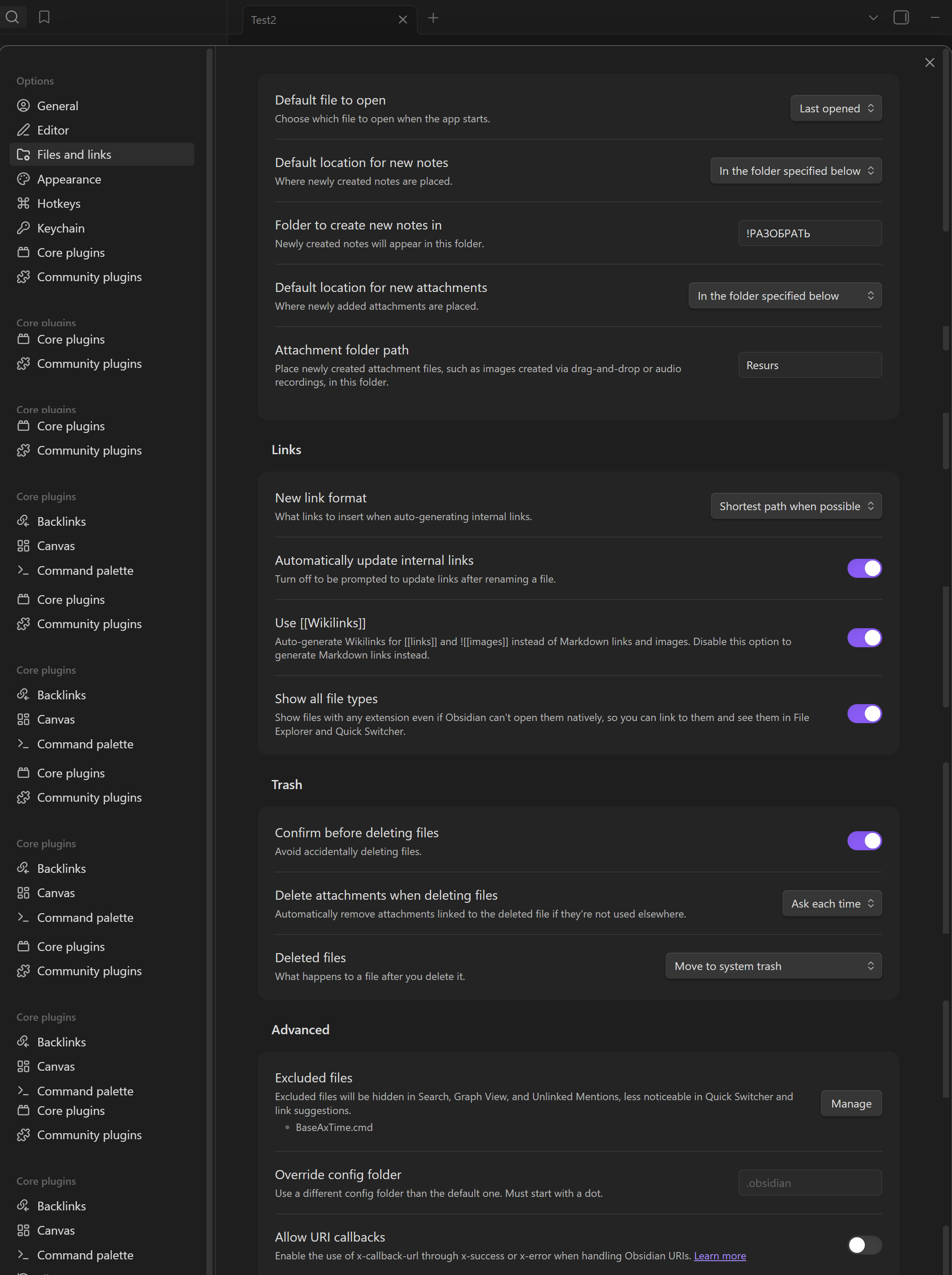
If that opens, the regression is probably in how Obsidian is generating links for dragged files on a network share, not in the security prompt. If it still fails, then I’d try the 4-slash UNC form too: because some Windows handlers are picky there.