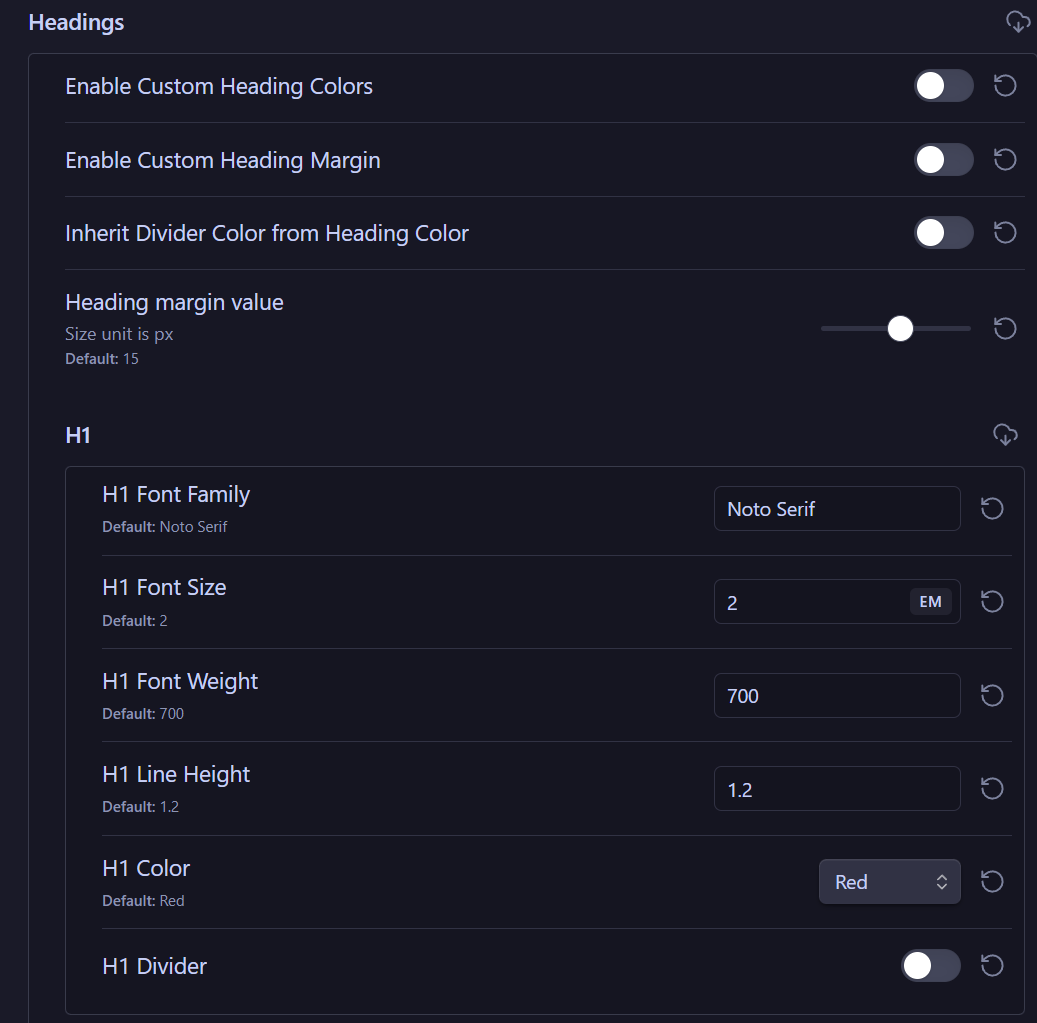
I’m currently using the AnuPpuccin theme along with Style Settings and some custom CSS snippets. In my notes, I make heavy use of headings (H1–H6) as well as the title, and sometimes even 6 seems hardly enough. However, H1 just looks too big, and slightly bigger than the title in almost every note. I’ve tried adjusting the size of H1, but it looks like the size of H1 and the title are linked. Is there any way to make them different sizes?
Things I have tried
I’ve already tried:
searching through the obsidian forum
searching through reddit
changing the heading size in snippets and style settings
trying to change the size in a new base vault in case it was a plugin or snippet effecting it
Is it that it can’t be separated because the title is just a H1? However, my heading css and plugins only effect the headings (H1–H6) and not the title so I assumed not. Looking forward to any answers, thanks!
edit: Oops, I missed that you said you already tried Style Settings. Skip to the second part below if Style Settings doesn’t have a separate setting for the inline title.
The AnuPpuccin theme works with the Style Settings community plugin.
To use it:
Install and enable Style Settings
Go to Settings > (Community plugins) Style Settings > AnuPpuccin > Typography > Headings
Expand each heading level, and set the font sizes.
That works by default. However, your other CSS or theme might “interfere” with it, in which case you would use the Dev Tools inspector to find the variables or CSS selectors you need: Obsidian CSS Inspector Workflow.