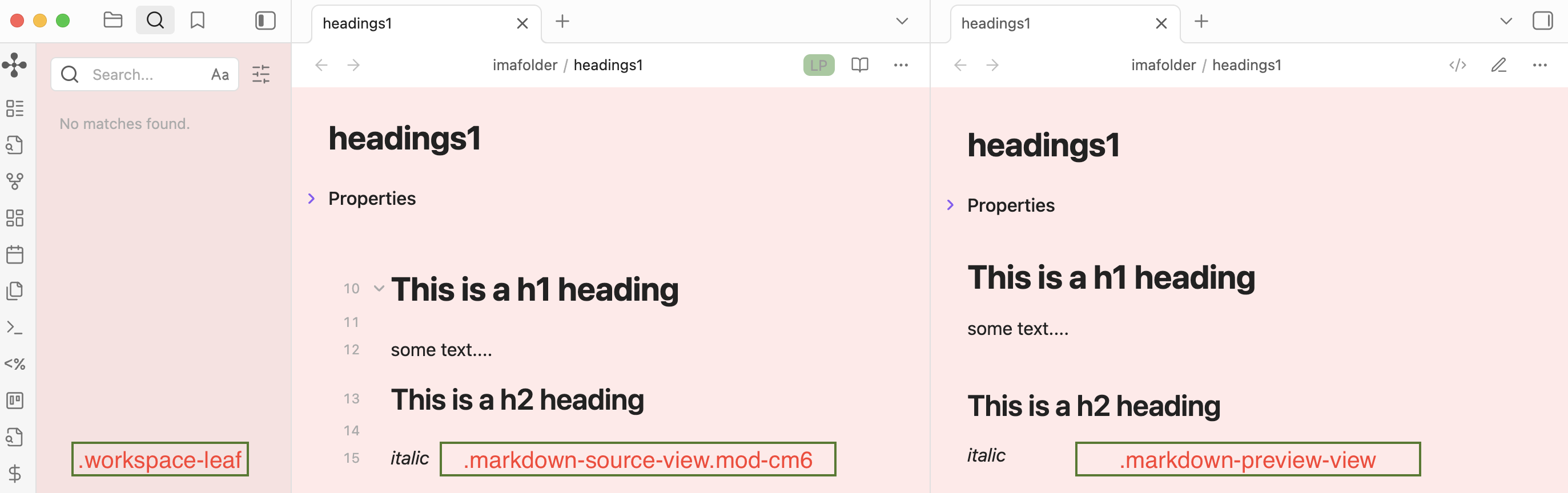
Hello. I came across a complete malfunction of CSS snippets in Obsidian under Windows 11 (v 1.9.10). No snippet is applied to the interface, although the files are in the correct folder and are displayed in the settings.
Problem:
CSS snippets have no visible effect on the interface.
What I have already checked and done:
Path and files: All CSS files are placed along the path: .obsidian\snippets\
Obsidian Settings: In the settings (Appearance → CSS Snippets) all the added files are visible, and the slider next to each one is enabled.
Reboot: After each change, I completely closed and reopened Obsidian.
Syntax checking: To eliminate errors in complex themes, I created the simplest possible test snippet in order to color the background red.:
Contents of the test.css file:
css
body {
background-color: rgba(255, 0, 0, 0.1);
}
I tried the option with !important and another selector.:
css
.workspace-split.mod-root {
background-color: rgba(255, 0, 0, 0.1) !important;
}
Result: Zero, no changes.
Disabling all third-party stuff: I completely disabled all community plugins and changed the theme to the standard one. The problem persists.
Other: I checked for typos in the folder name.obsidian and snippets. All right.
It seems that Obsidian simply does not read or apply the contents of these CSS files, although it sees their names in the settings. All the standard solutions that are being Googled have already been tested.
What could be the reason? Where else to look?