I’d like to write a CSS snippet that changes the colour and text size of all words that follow a specific format (e.g. beginning with @ “@word”, or ending in “ing”, etc.), but I’m not sure how to do that, or if it’s possible.
CSS can’t target arbitrary words, but with a combination of a plug-in and some css to style it, you can do it. I’m a fan of Regex Mark for something like this, but there are others.
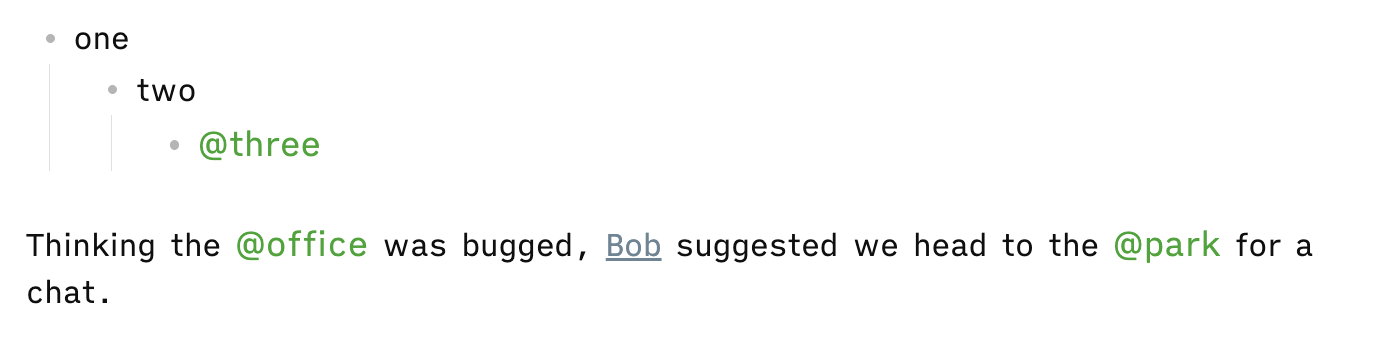
I’m trying to make my citations appear different from the rest of the text. So, that “@cite, p123” shows up as a different colour. I’ve got the @ part sorted now (thank you), but I can’t work out how to target the “p123”. I’ve discovered “p\d+” targets “p” followed by numericals, which is good. Is it possible to target words without the delimiter, though? I don’t naturally write them into my notes, so I’d prefer if there was a way around using them, but I can’t find one. (It would be even better if the ", " between the citation and page number could be targetted as well, but it’s not that important.)
I wanted to be able to write the regex as just “p\d+”, but the CSS snippet didn’t work. I assumed it was because it needed a symbol (@, or ~ or /, etc.) in front of it but I’ve tested it a bit, and I can’t get anything to change the colour with p\d+
And it’s not affecting anything with a “p” followed by numbers.
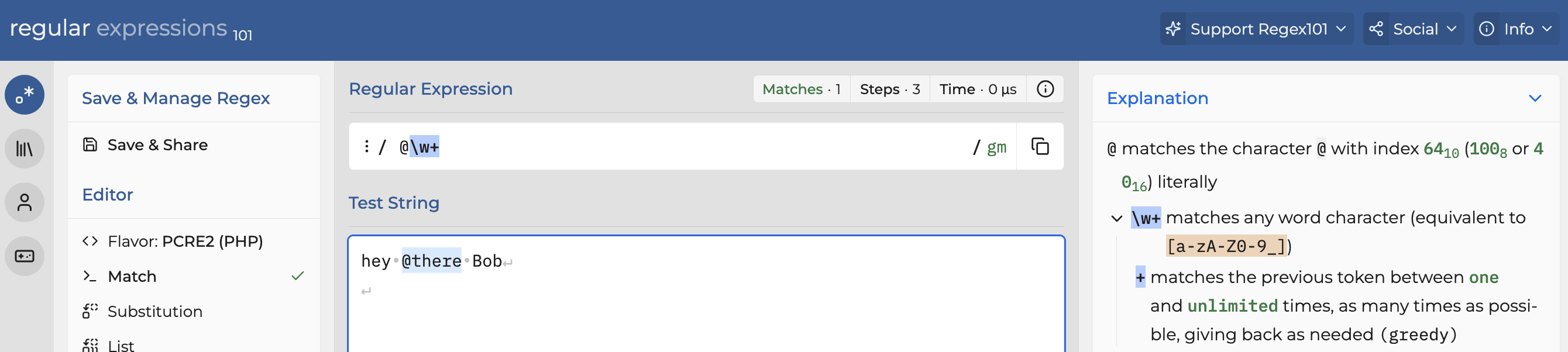
I’ve also tried “@cite, p\d+” and “p\d+” and I’ve tried with other delimiters like “/p\d+” and “~p\d+” but none of them have changed the colour. The other CSS snippet I’ve got (“@\w+”) is working, so I’m not sure what the issue is.
Try refreshing the note to make the styling apply.
(Some ways to refresh: Close and reopen the note. Or go to another note in the same tab then go back to the note. Or do Reload app without saving in the command palette.)
Don’t know if this is in play too, but gonna point out that on some screens, it might be tough to see the difference between gray #4a685b and the default font color when you’re in light mode.
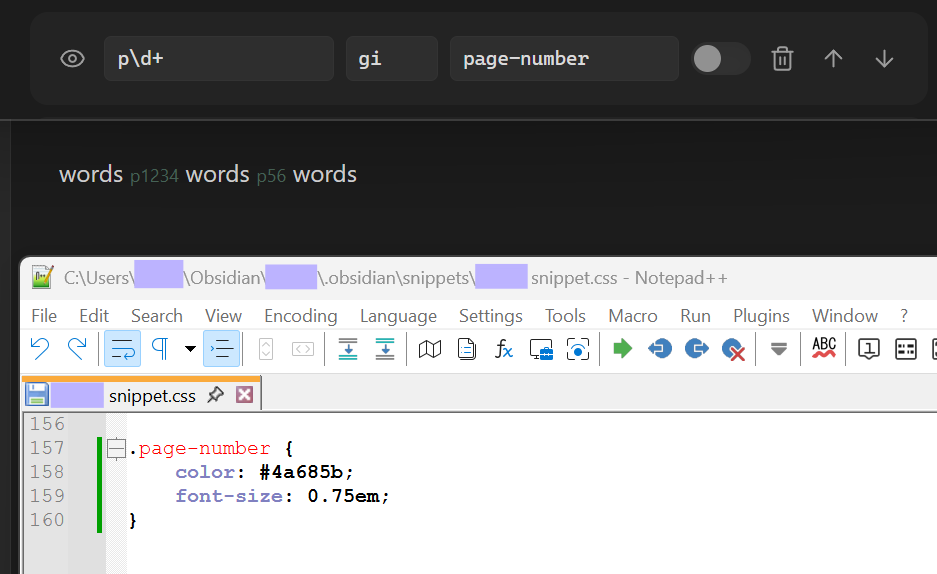
Also, I installed the plugin to confirm, and the regex you came up with is solid. p\d+ works:
For some reason, it’s working now that I’ve put the code into its own CSS snippet, instead of with other ones. I’ve never had that be a problem before, but at least it works now.
fyi, that can happen when even just one important character is missing or doubled, such as a semi-colon, a curly bracket }, etc.
If you feel like investigating, either systematically delete then restore sections of the snippet until the very last rule works (the issue is in the removed section), or put a simple rule at the top where it works then move it down one section at a time until it stops working (the problem is in the section right above it). Repeat if additional typos continue preventing the final rule from working.