Steps to Reproduce
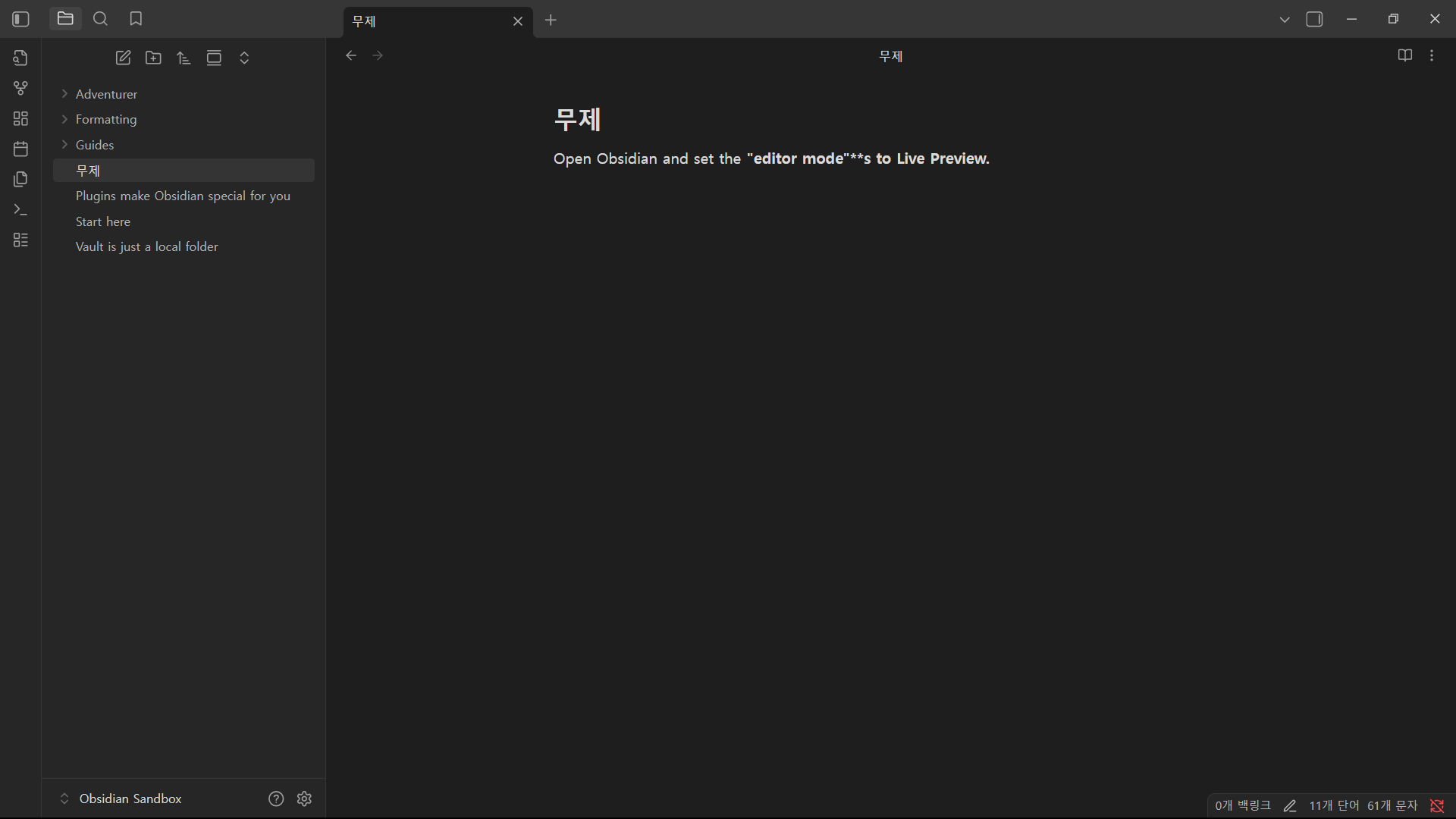
- Open Obsidian and set the editor mode to Live Preview or Source mode.
- Type a string that includes ending punctuation (e.g., single quotes
', double quotes", or parentheses)). - Wrap the string with bold syntax (
**). - Type any character immediately after the closing
**tag without a space.- Example:
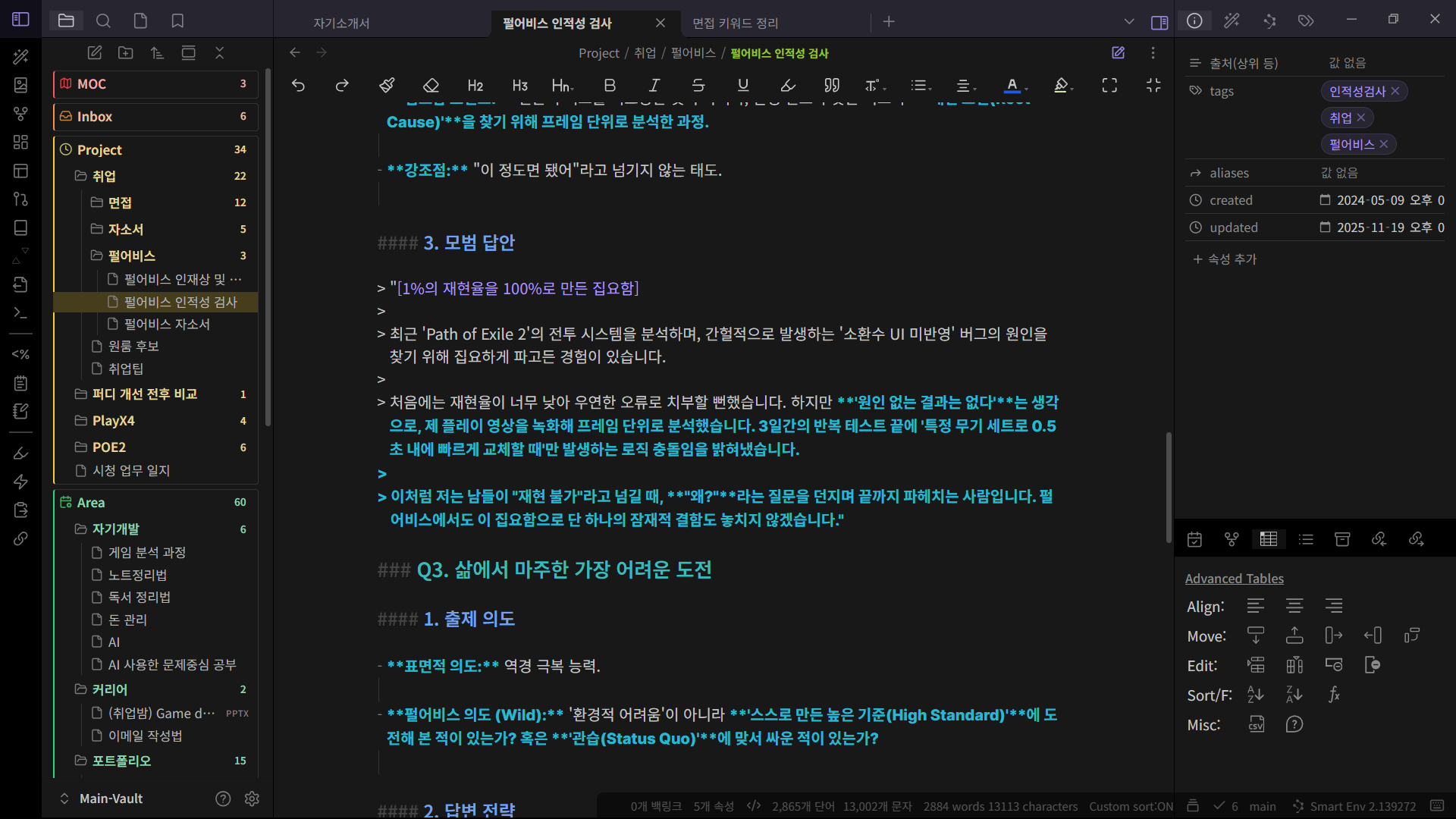
**"Text"**s
- Example:
Did you follow the troubleshooting guide? [Y/N]
Confirmed to be a bug reproduced in Sandbox Vault
Expected Result
- Only the text inside the
**tags should be rendered in bold. - The text immediately following the closing
**tag should be rendered in normal weight.
Actual Result
- The closing
**tag is not correctly recognized. - The bold formatting fails to close and “bleeds” into the suffix and the subsequent text.
Environment
- Operating system: window 11
- Obsidian version: 1.10.3