Steps to reproduce
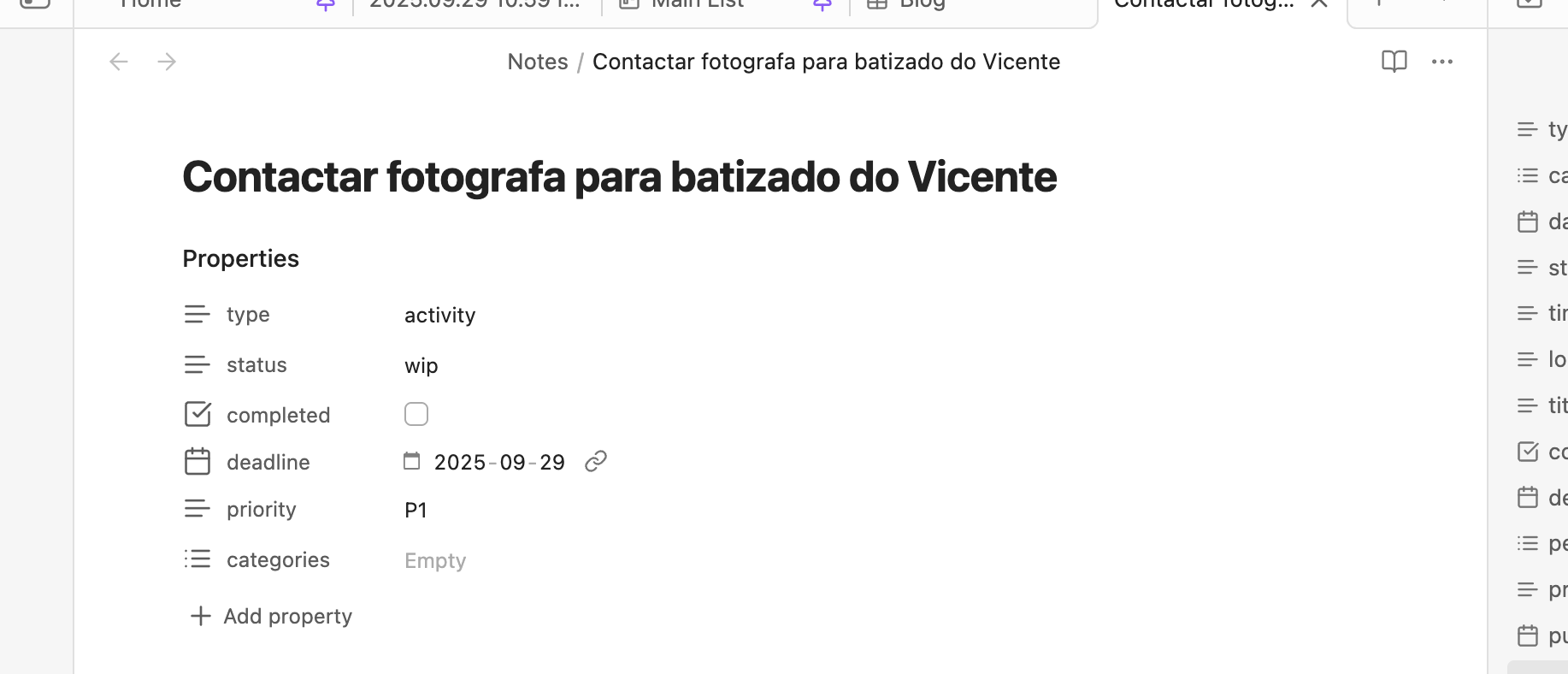
- Open Obsidian and create a test note with a property called date and atribute today date.
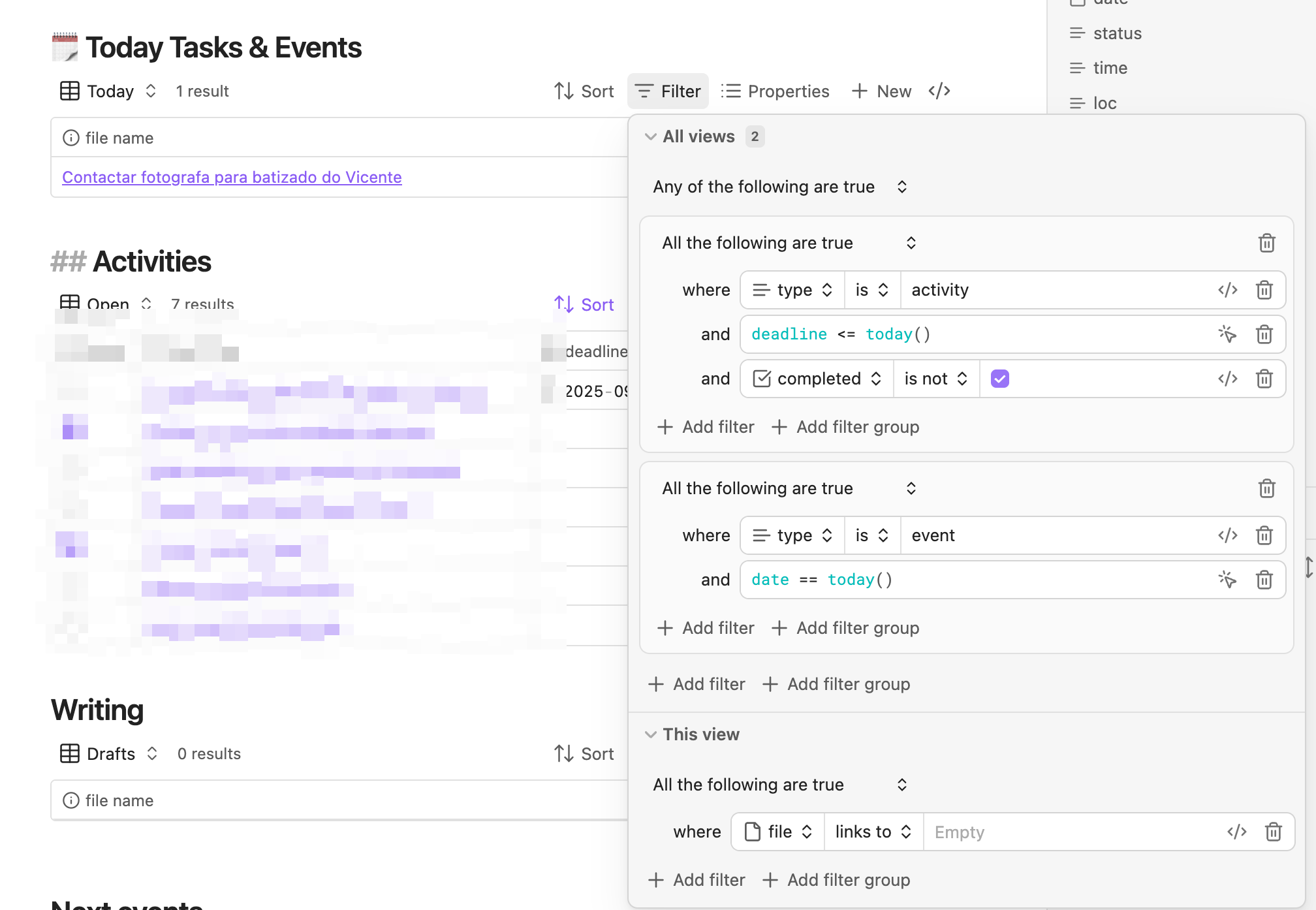
- Create a Base table that uses a date property filtered by date == today()
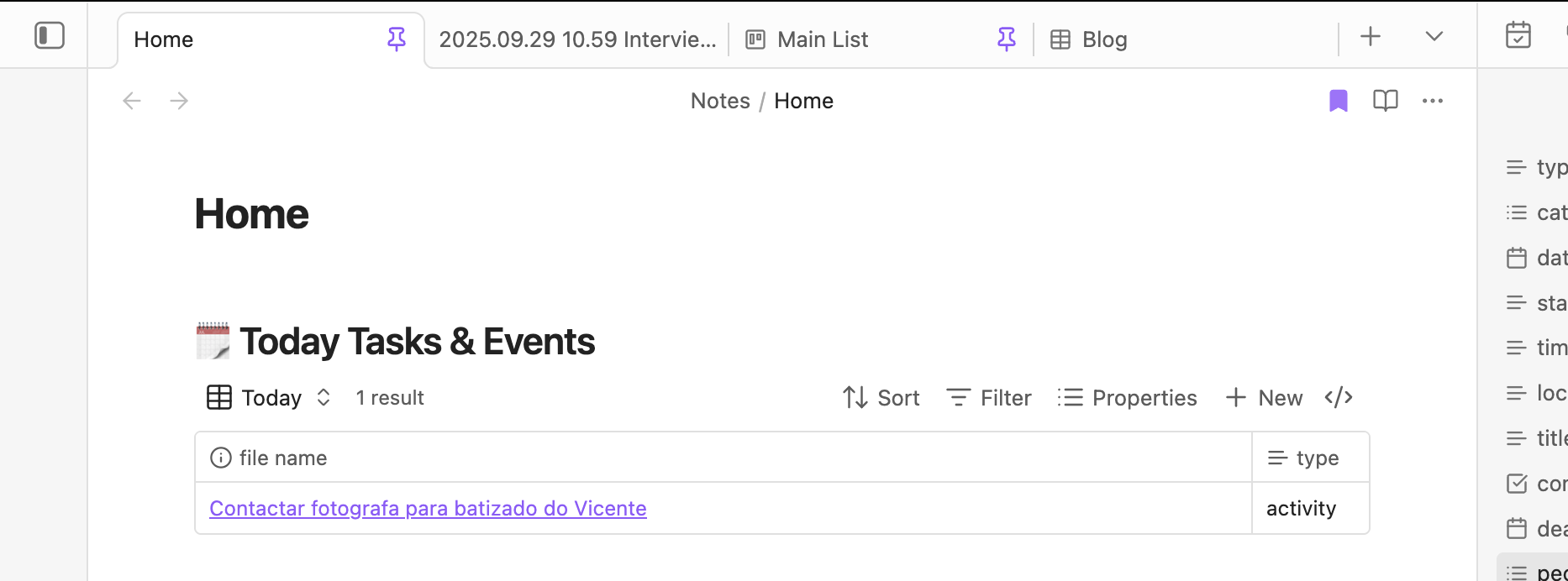
- Base should show the note
- Wait for tomorrow
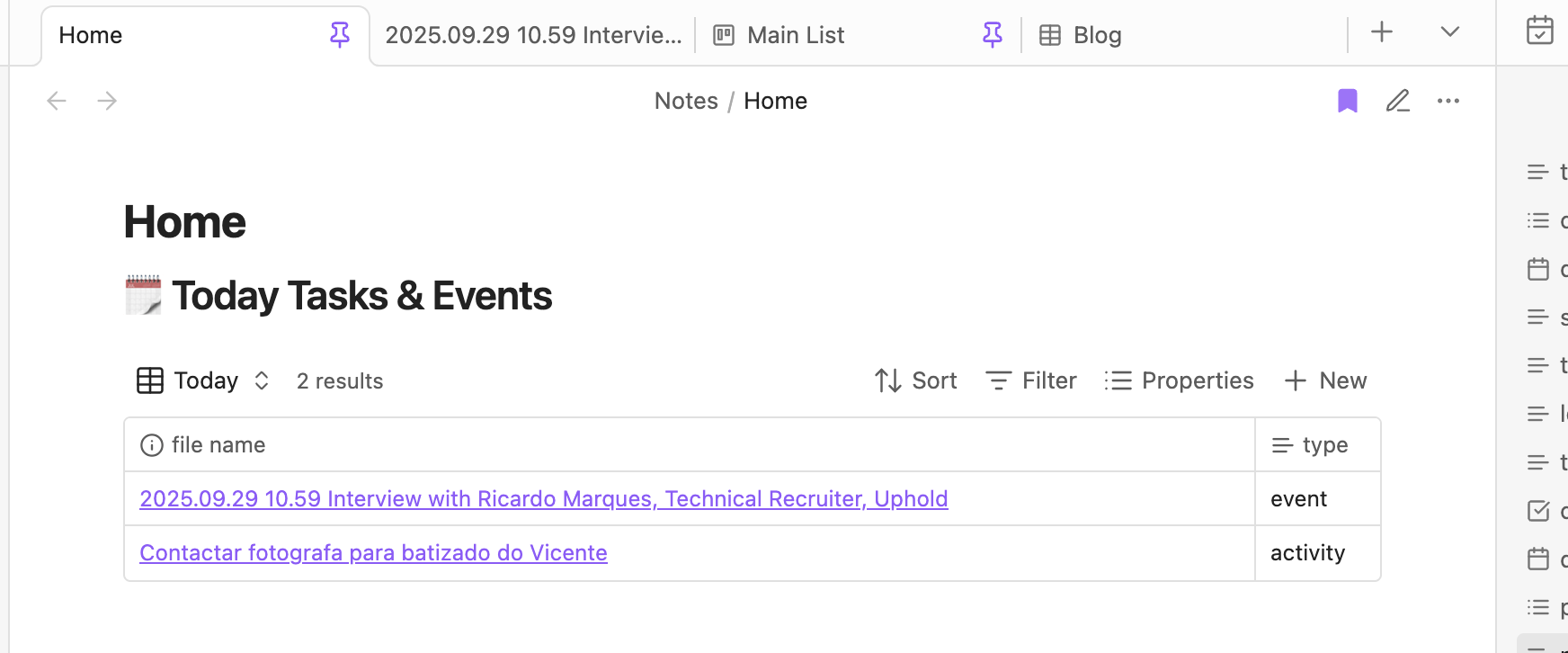
- Next day in reading mode note still appearing.
- Switch between edit mode (Ctrl+E or Cmd+E) and reading mode (Ctrl+R or Cmd+R).
- Confirm the filter works in edit mode but fails (e.g., shows the note) in reading mode.
Did you follow the troubleshooting guide? [Y/N]
Y
Expected result
- Note should not appear in the Base table for edit and for reading mode
Actual result
- Note is not shown in edit mode but is shown in reading mode.
Environment
SYSTEM INFO:
Obsidian version: v1.9.14
Installer version: v1.9.12
Operating system: Darwin Kernel Version 24.6.0: Mon Jul 14 11:28:30 PDT 2025; root:xnu-11417.140.69~1/RELEASE_ARM64_T6030 24.6.0
Login status: logged in
Language: en
Catalyst license: insider
Insider build toggle: on
Live preview: on
Base theme: adapt to system
Community theme: none
Snippets enabled: 0
Restricted mode: off
Plugins installed: 9
Plugins enabled: 8
1: Calendar v1.5.10
2: Recent Files v1.7.4
3: Homepage v4.2.2
4: Style Settings v1.0.9
5: Image Converter v1.3.18
6: Auto Template Trigger v1.3.2
7: Kanban v2.0.51
8: Notebook Navigator v1.5.0
RECOMMENDATIONS:
Community plugins: for bugs, please first try updating all your plugins to latest. If still not fixed, please try to make the issue happen in the Sandbox Vault or disable community plugins.
Additional information
Date of the screenshots: 2025-10-01