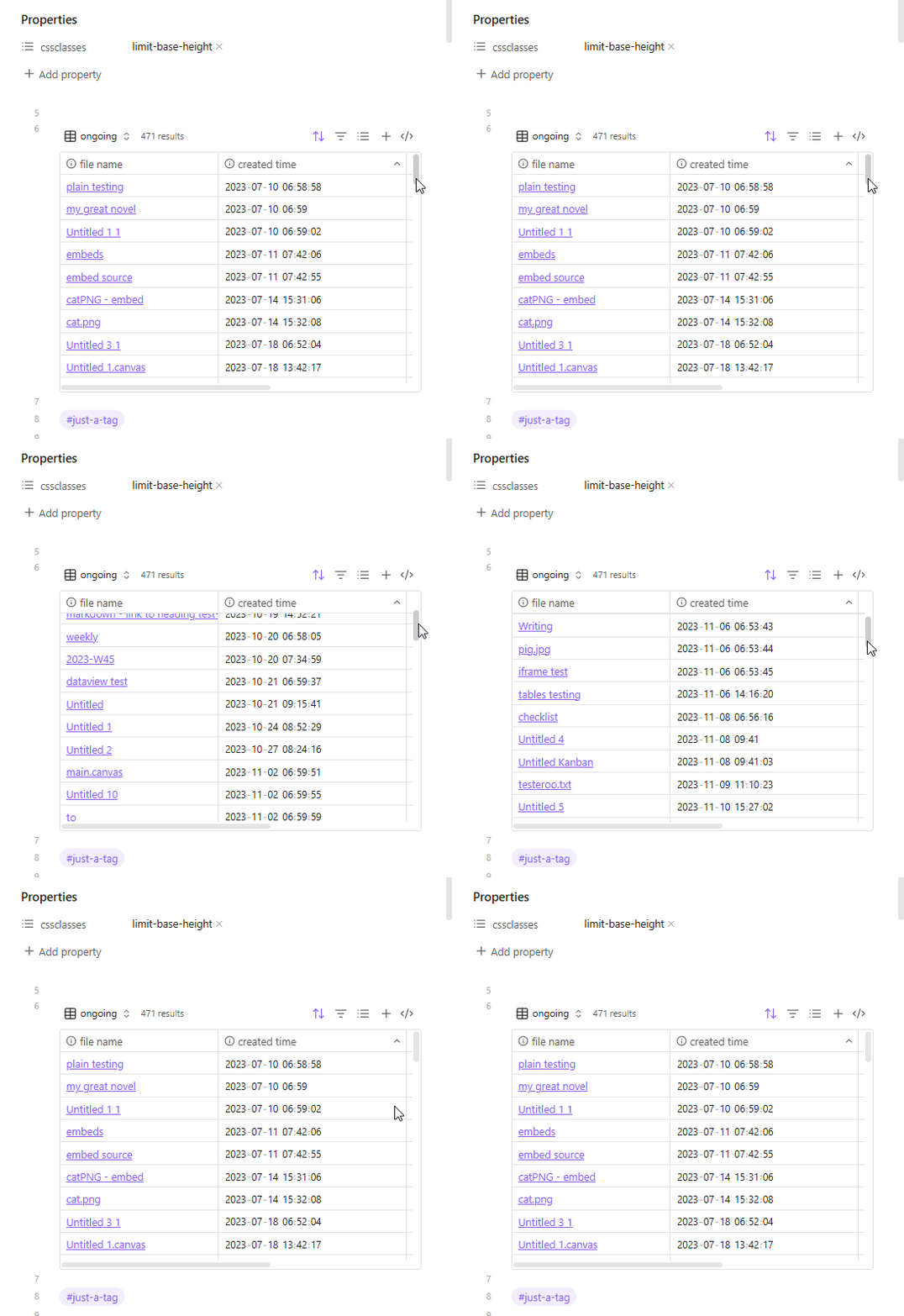
I am currently using Obsidian version 1.9.12 and I am really enjoying the new Bases functionality, especially being able to embed a table view of a base into a note. However, I would like to be able to limit the space that a table takes within a note without adding a limit to the number of results.
For example, I have a table view of a base which lists the most recently modified files of a particular kind. This can include hundreds of files, but I don’t want to have the entire list displayed at once. I can add a limit to (for example) 10 rows, which makes the table view a nice size, but then I cannot see more than the 10 most recently modified files without editing the base.
My request is a “scroll-limit,” or something similar, where I can specify a number of rows for the table view to display and, if there are more rows included in the results, to have those accessible by scrolling down.
I found a similar post about this on this forum called “Bases: table view vertical scroll bar to scroll down all the results while limit table rows.” However, it was posted in “Help” and there were unfortunately no replies. I’m hoping that making this a feature request might attract more attention.
and the link is written as ![[my.base|limit-base-height]]
The limit-base-height class can be changed to whatever, something shorter, etc., (as long as it’s not used elsewhere in your theme or other CSS snippets).
Also, I just picked 320px for the height because I thought that looked alright, but can be changed to 30vh, for example, to be a bit more dynamic and fill 30% of your view port. (CSS Unit Guide: CSS em, rem, vh, vw, and more, Explained).
Thanks! This is even more than I was hoping for as it is very customizable.
In case anyone comes across this and also isn’t very familiar with using CSS with Obsidian, I found it a bit confusing to figure out how to make and edit snippets as, based on the post Enable use of hidden files and folders starting with a dot/dotfiles/dotfolders within Obsidian, there still is no native way to see snippets directly in Obsidian. Luckily, the post Can’t find snippets folder on iOS led me to find the amazing plugin CSS Editor which adds commands to the command prompt to make new snippets and open a search to find and edit existing snippets right in Obsidian.