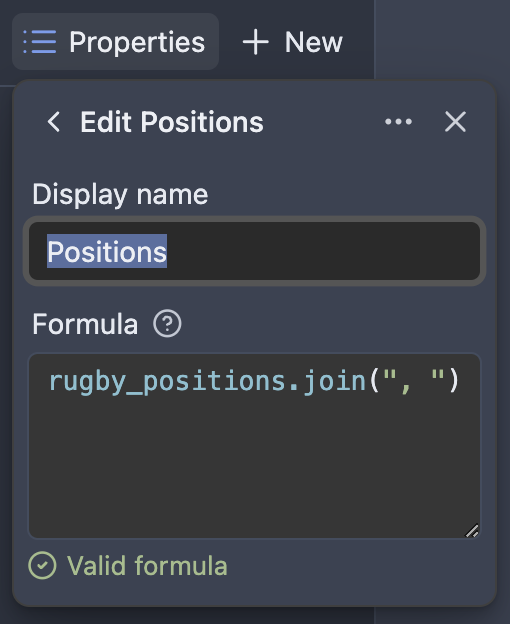
When using the new Bases in cards view, showing a list property leads to the list items being concatenated into one line that gets cut off. I would like to see the lists items.
Proposed solution
Give us an option to arrange list items in multiple lines. To avoid huge lists, this can also have a custom limit on how many entries will be displayed.
Current workaround (optional)
I tried using text properties with a linebreak (\n) but this gets undone for the base view
Adding some specific context to why I’m +1 -ing this:
Using the Cards view to display “Epics”.
Cards are any notes in a specified folder that have ‘child’ notes, determined by finding backlinked notes that are in that same folder.
I’ve added a formula property to the cards that pick up those backlinked notes and return them as a list, to effectively give me a list of ‘user stories’ for this ‘epic’.
However, since the card view displays all items in a list as a single text line, this does not work. If it displayed a list property as a list, it would.
I would very much like list properties to be displayed accurately as a list, and not just a concatenated single string of all items on the list, in Obsidian Bases Card View.