Split from https://forum.obsidian.md/t/selecting-text-near-top-bottom-of-screen-to-scroll-is-buggy/113093
Steps to reproduce
- Select any text (On mobile)
- Drag the “Selection Handles” to the top or bottom of the screen.
Did you follow the troubleshooting guide? [Y/N]
Yes.
Expected result
The document gradually scrolls up/down, allowing me to select text farther up/down, like how any other app works.
Actual result
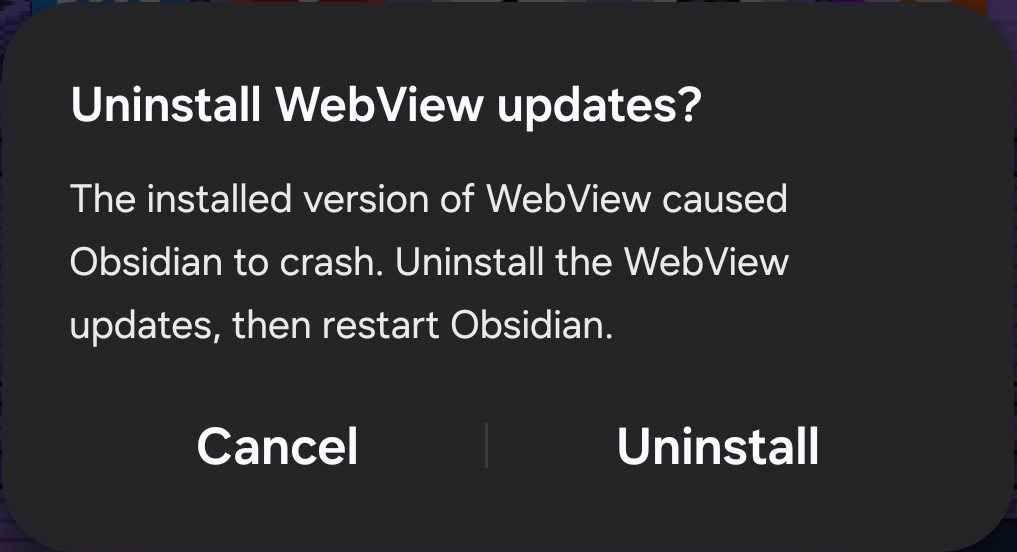
- Scrolling Up - Reading Mode: It suddenly snaps to the top of the document, freezes the app, then crashes. Sometimes (Very rarely) also gives a popup asking to “Uninstall WebView updates” after the crash. (Doing so does not prevent the crash or any of these bugs).
- Scrolling Down - Reading Mode: It suddenly snaps to the bottom of the document.
Environment
SYSTEM INFO:
Obsidian version: 1.12.7 (303)
API version: 1.12.7
Operating system: Android 16 (samsung SM-A256B)
Webview version: 146.0.7680.164
Login status: not logged in
Language: en
Live preview: on
Base theme: adapt to system
Community theme: none
Snippets enabled: 0
Restricted mode: off
Plugins installed: 2
Plugins enabled: 0
RECOMMENDATIONS:
none
Additional information
- Video demonstration:
https://www.youtube.com/watch?v=tb6JGvlwuzY(Timestamps in description for each of the 4 scenarios) - I only started using Obsidian a few days ago so my settings are almost default.
- Changing to a different keyboard has no effect.
- Crash popup: