probably that feature already has been requested, but I couldn’t find it by search, so:
Some of my properties have short names, like “aliases”, some have long names, like “Listenpreis € (brutto)”. The long names are not completely visible (instead you can see “…” as a hint, that the name has been cut), because the size of the properties-column in that frontmatter part is too narrow and the size of that column is also not adjustable.
Feature request:
adjustable size of property-column
Will the increased/adjustable column size be considered for addition later?
The hover option would likely help a bit, but I can see it being tiresome to work with. Especially when you speak a language that heavily use compound word, and thus have several properties that all start with the same and you need to hover over each to figure out which one is which.
Slight correction, I just realized it said 1.4.9 and we’re at 1.4.14 and it’s implemented .
My original point still stands, the tooltip is cumbersome to work with when you speak a compound word heavy language and several of the properties in the same note end up looking identical in the editing view because they start with the same compound words.
Thanks for the tip. It works fine on desktop, however it doesn’t seem to work on mobile app. I tried to sync, make sure to enable the CSS file, reload, restart, however, the property label name column is still too narrow. Is there a way how to make it work on mobile app as well?

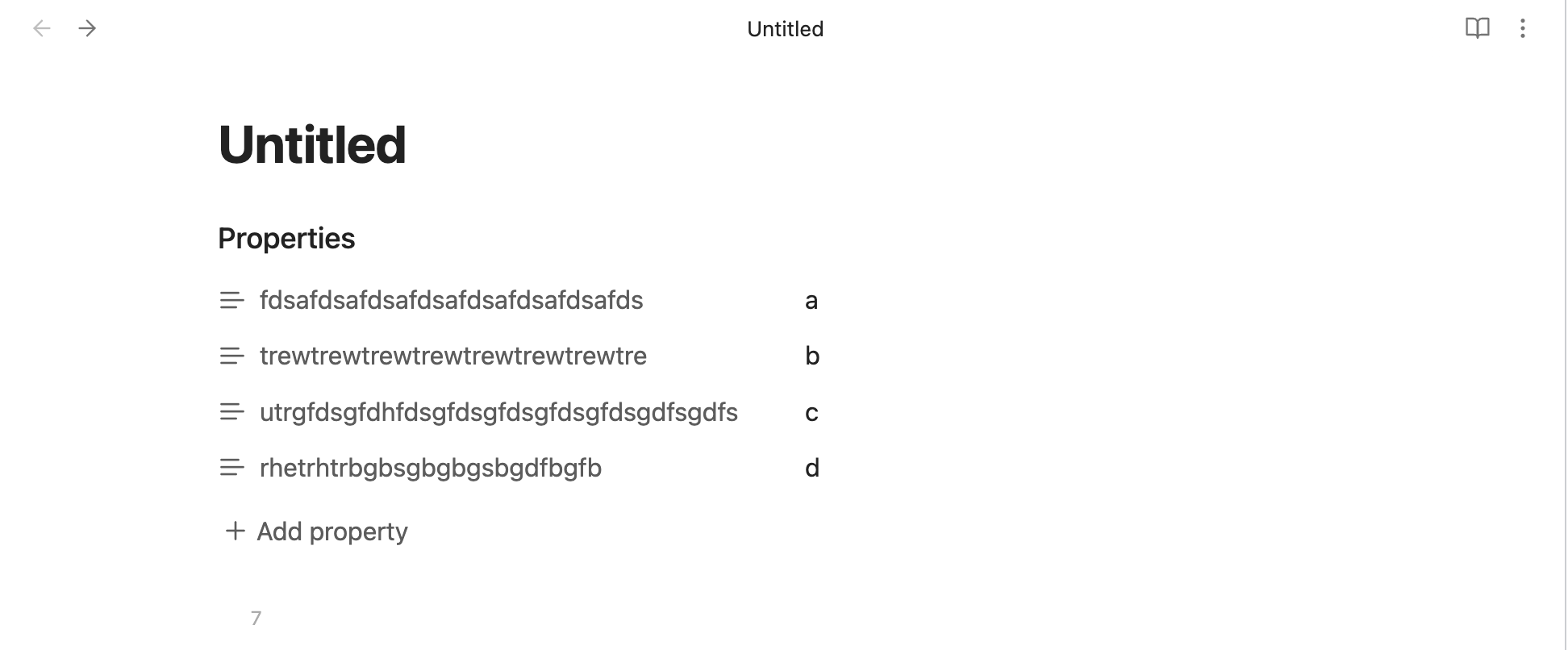
 .
.