Quick and easy way to open a specific note on Android.
Within the 3-dot menu of a note, an option to add that note to the home screen.
None
This would be lovely to have. One-tap dashboards, individual notes on stuff you’re working on atm? Yes please
It’d definitely be nice to have an easier way to set up home screen icons. Here’s a method to do this on Android with some extra tools:
here (including instructions on using Automate, a free app.)
Tasker , an automation app
See also: [Feature] Add widgets for Android app
A small widget could certainly serve the purpose of a shortcut.
JCake
May 3, 2025, 5:21pm
6
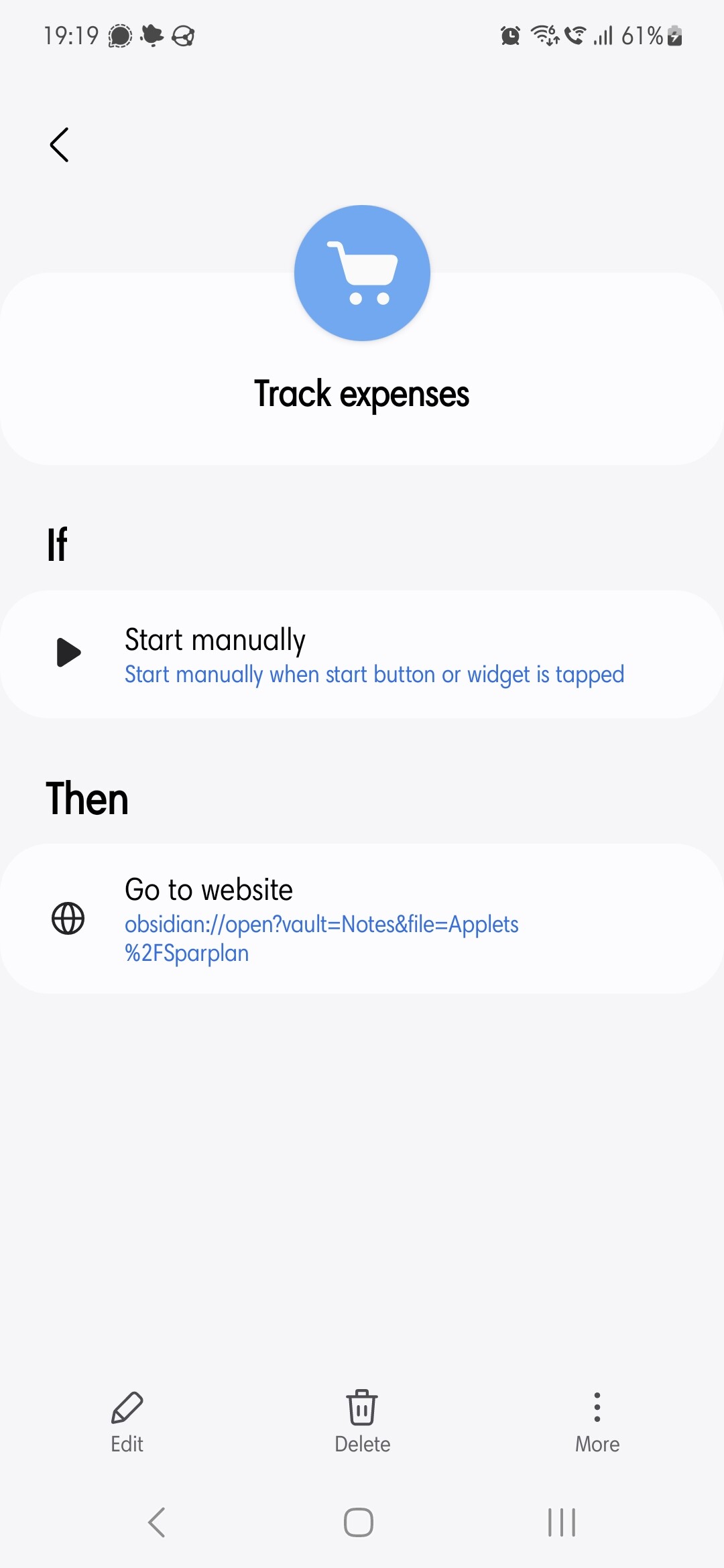
Tip for anyone with a Samsung phone: The Modes and Routines app allows you to create a routine which opens a website. You can copy the URL of the note into there, then set it to trigger manually. You can put manual routines on your homescreen in the form of widgets.
This doesn’t seem to work anymore. The current version of the routines app complains that Obsidian URLs are not valid and rejects them.