First, search the help docs and this forum. Maybe your question has been answered! The debugging steps can help, too. Still stuck? Delete this line and proceed.
What I’m trying to do
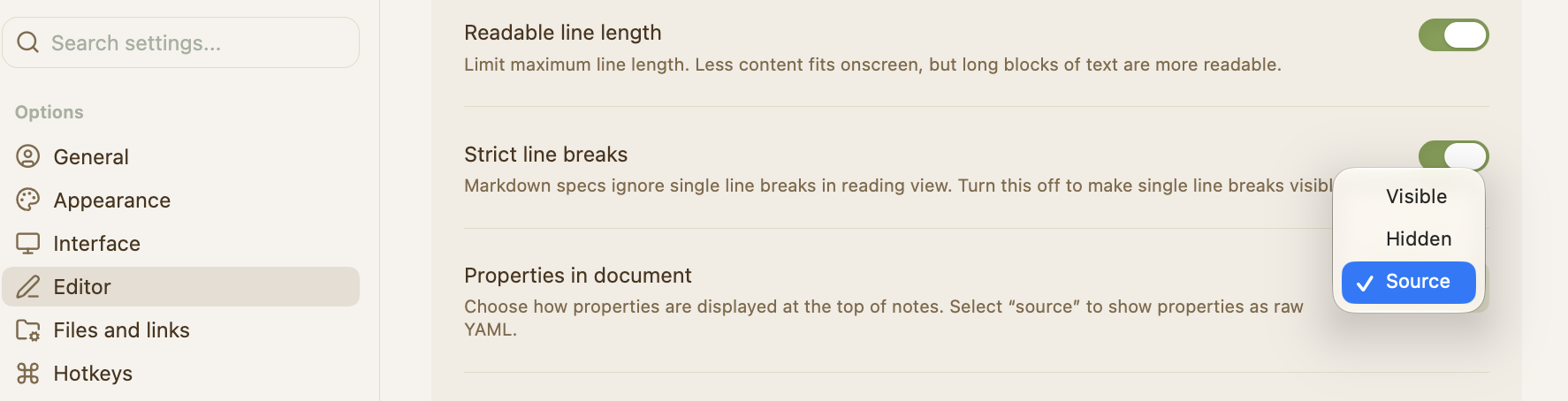
I woke up this morning to find that, while everything else in my theme remains the same, the colors of my YAML fonts have changed. I am using the Prism theme with Style Settings. I have it set to Live Preview mode. Unfortunately, I set everything up years ago and cannot remember how I got my YAML colors the way they were in the first place.
Things I have tried
I checked Style Settings and my YAML was not set up with a CSS snippet. I turned my theme to default mode and back and nothing changed.