"Wrong Vault Key" error on both iPhone & MacBook and when trying to connect/reconnect

What I’m trying to do

I am trying to connect Obsidian on my iPhone to a Remote Vault created using Obsidian Sync. Because I kept getting a ‘Wrong Vault Key Error’, I disconnected the Macbook Remote Vault, and cannot now reconnect on the Macbook either, using the carefully noted Encryption Key (which worked previously)!

Things I have tried

I tried to connect both with blank and my careful noted encryption key, which has worked fine before — neither now works)
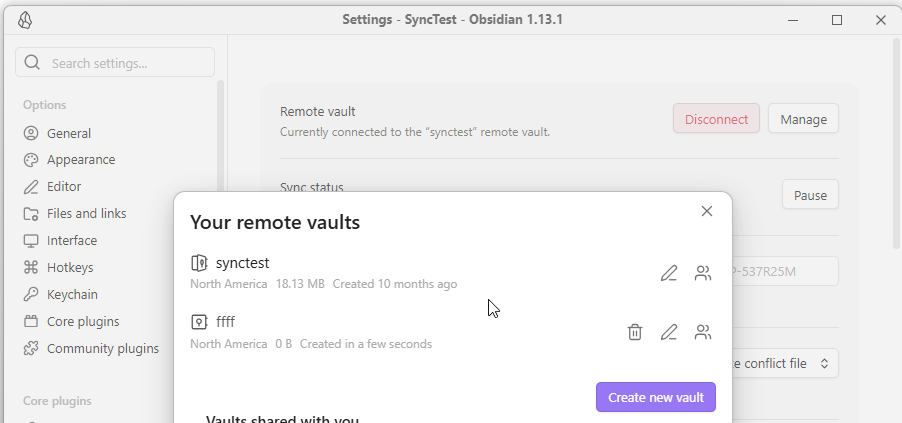
Either you recorded the wrong key, or you are entering the wrong password. If you are using a password manager, sometime they do not fill the passwork correctly.

I would suggest you

  1. Make a backup
  2. Delete the current remote vault (where the password doesn’t work)
  3. Create a new remote vault.

Thank you. How do I make a backup?

the files are in your computer, just make a copy.

Thank you. How do I delete the Remote Vault?

Settings->Sync->Remote Vault->Manage