This was closed and never solved, however I am experiencing the exact same issue. I put so many time in setting up workspaces, left/right sidebars etc etc, only to find that they are never synced between devices.
So basically reopening a probably forgotten topic in the hopes we can shed some light onto this.
If Settings > Sync > Core plugin settings is enabled, Workspaces (the core plugin) do sync and then download to other devices on my end.
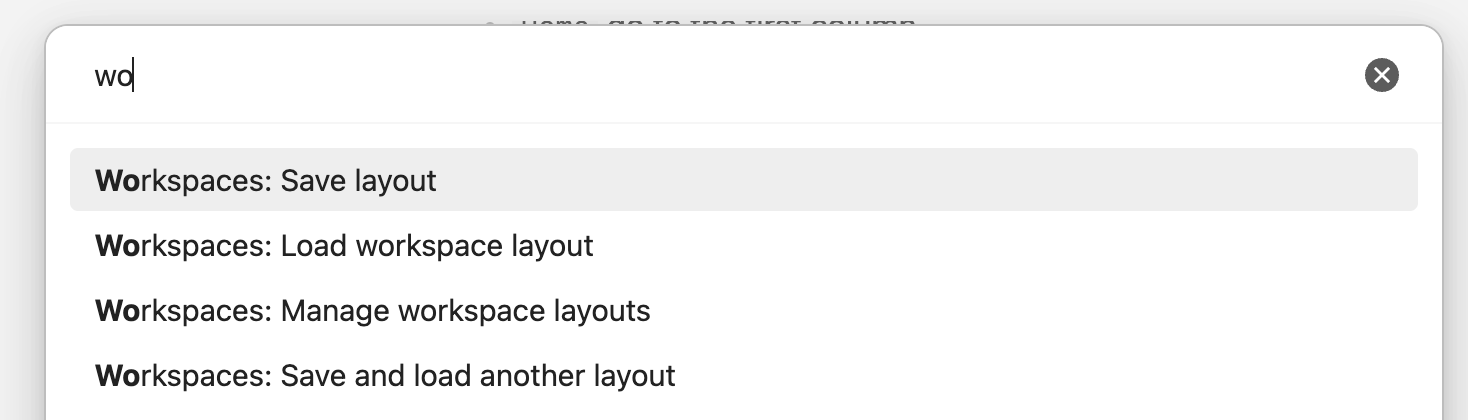
I can open a workspace saved on desktop on my phone, but the open tabs are only the tabs in the first tab group (from desktop) and the mobile sidebars blank out. See:
If you open a workspace saved on one desktop on another desktop, it’s fine. Open a workspace saved on iPad on another iPad, it’s fine, etc.
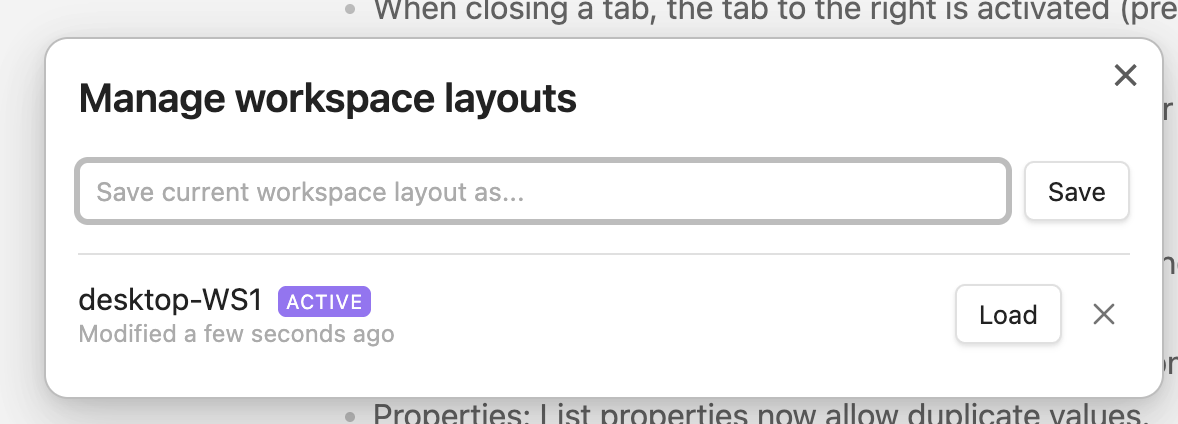
The issue is when you try to open a workspace saved on one type of device on another type of device. I recommend labeling your workspaces per the type of device you save them on. e.g.
I think the issue i’m seeing, is that the workspace files get merged all the time.
So for example, it seems impossible to close a note (on my Desktop for example).
Because as soon as i open the App (same workspace) on another device, that note will get synced/merged back as “opened”.
The thing is, i think someone needs to create a new bug in this forum, and reproduce this issue on a new clean vault… which is an entire mission of course
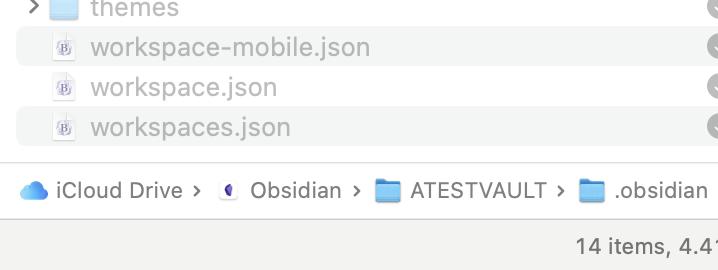
With similar names, it’s confusing, but the core Workspaces plugin uses the workspaces.json file.
The general saved state of things so they are the same when you close-open Obsidian are saved in workspace.json (desktop) and workspace-mobile.json (mobile).
+1 on this. I gave workspaces another try today, and hit the same issue. If I create a new workspace “test 1” and “test 2” on two different desktops, only one of them “survives” the sync/merge.
Same experience. Looking at the workspaces.json, the organization is VERY unmaintainable, contains a bunch of dynamic states, and is very easily broken by syncthing or git. Same for workspace.json (which keeps a state of the active workspace).
Thanks for this. It’s sad to see this is still not fixed, workspaces are such a great thing but not if I have to put in the time to constantly do it on all my devices.
If affects 2 core plugins (sync & workspaces), I could understand if this was a 3rd party plugin issue, but it’s saddening to see this is blatantly being ignored.