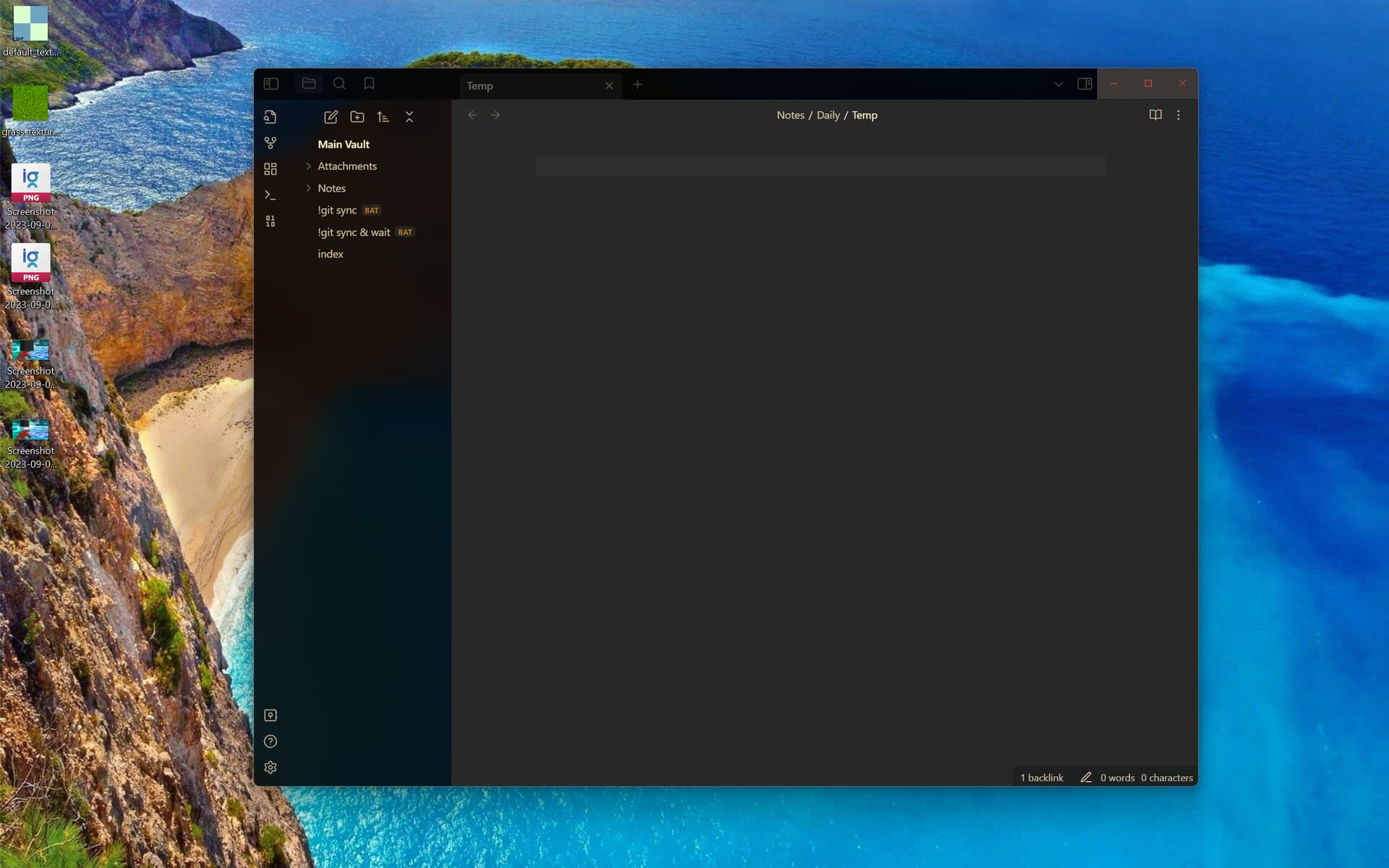
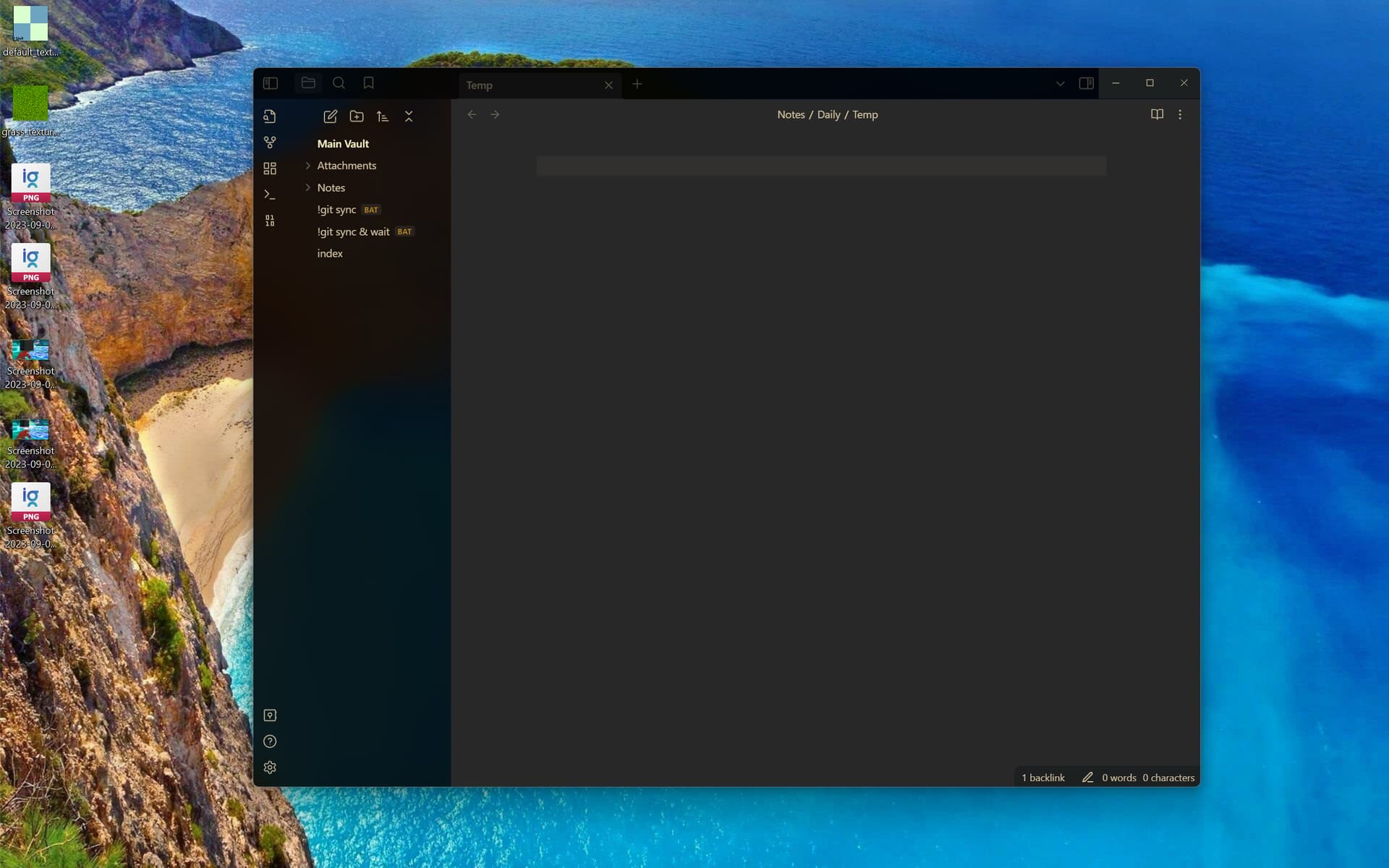
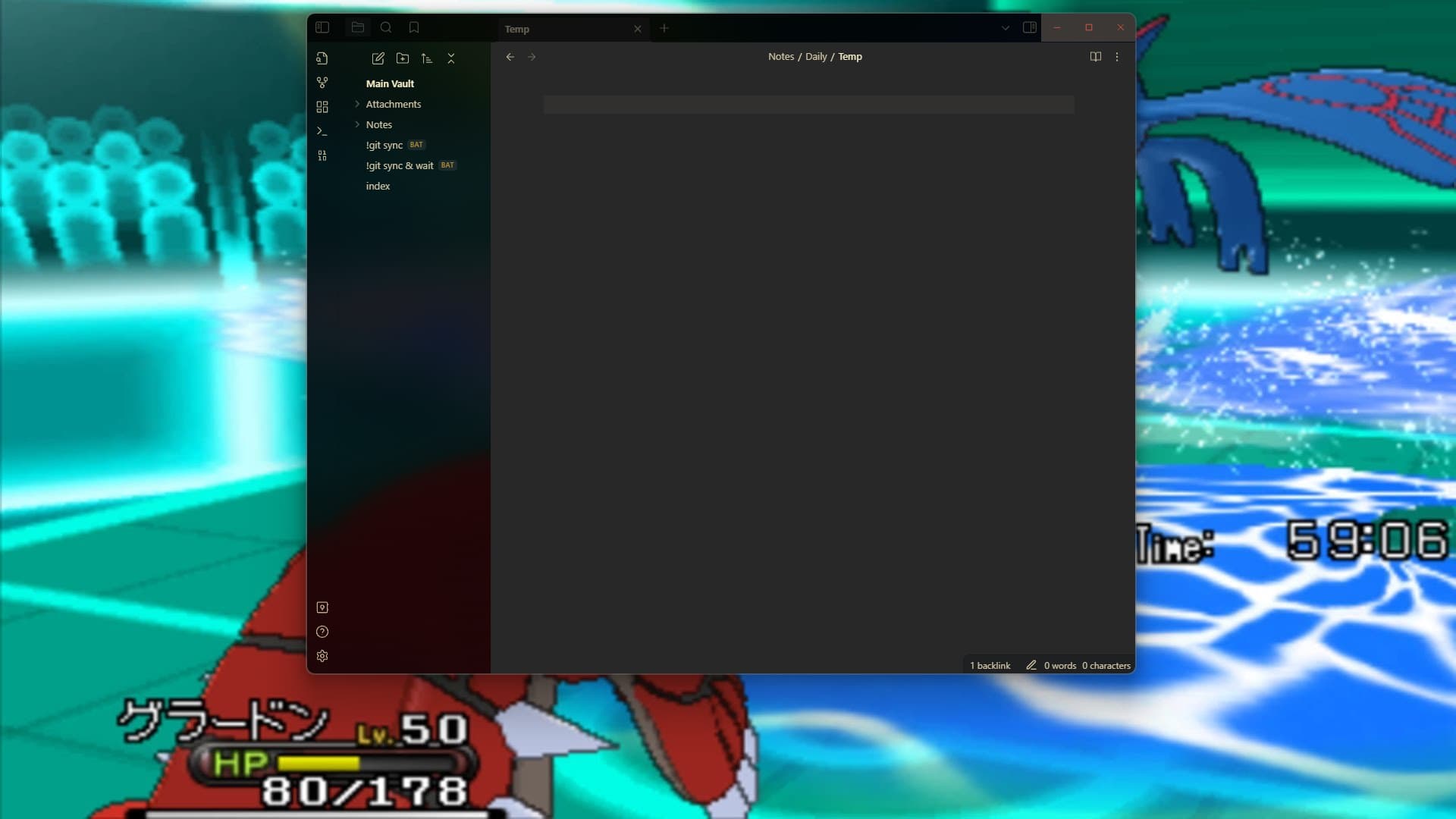
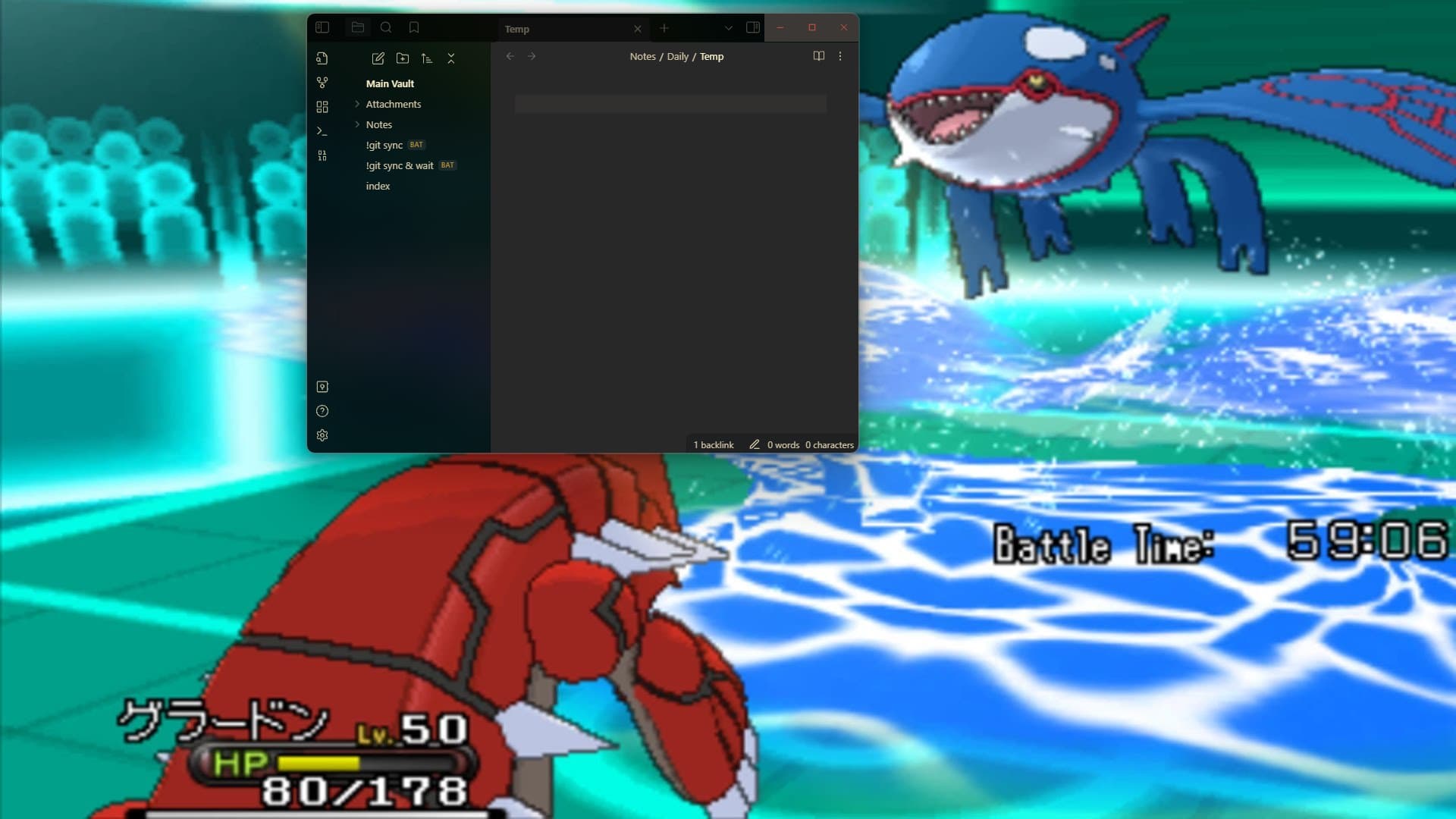
The window size should remain as it was at the end of the previous session upon starting a new session.
Actual result
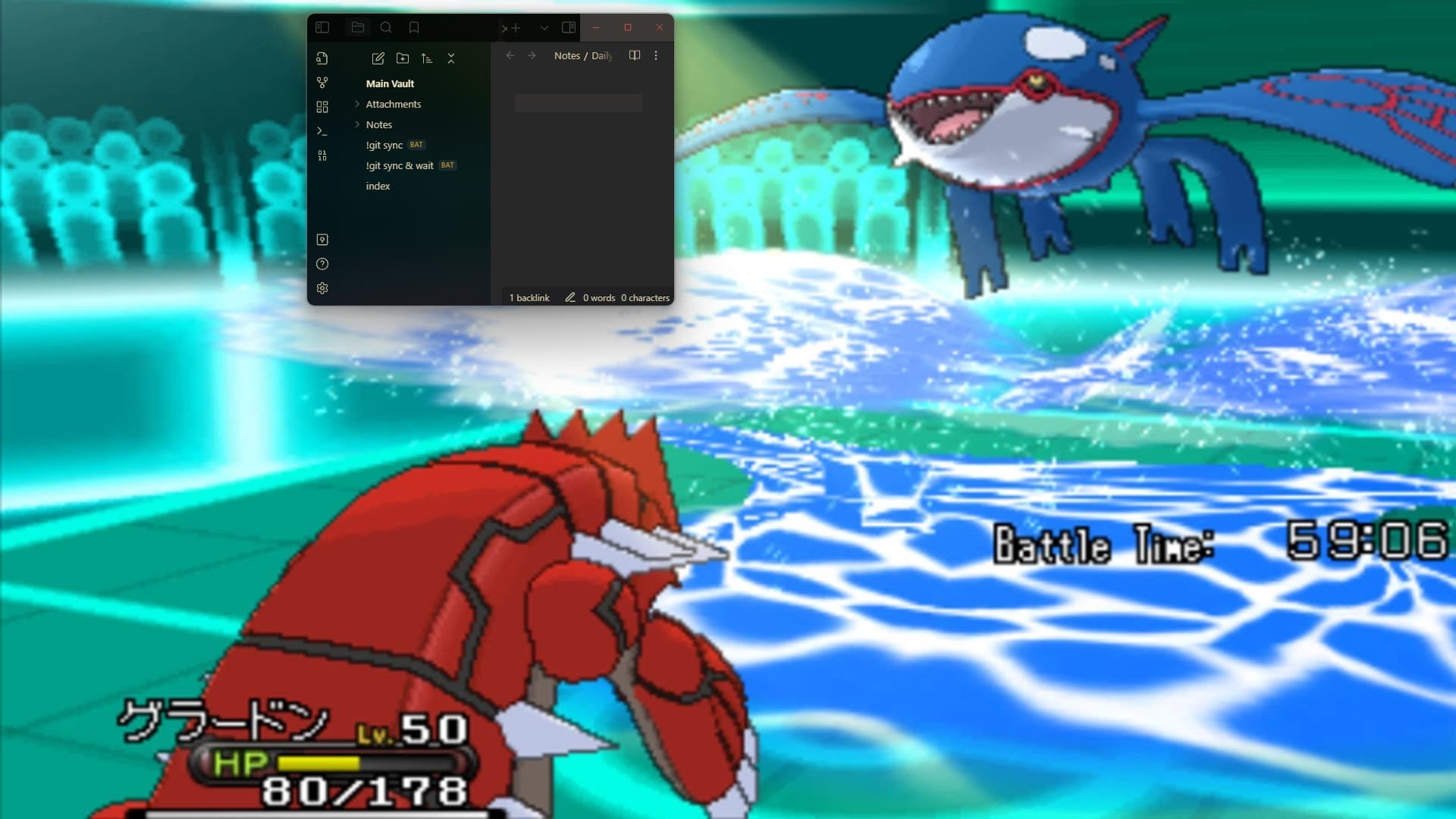
The window size changes (shrinks dramatically, in my case) in relation to the previous session’s window size upon starting a new session.
Environment
SYSTEM INFO:
Obsidian version: v1.4.5
Installer version: v1.3.5
Operating system: Windows 10 Home 10.0.22621
Login status: not logged in
Insider build toggle: off
Live preview: on
Legacy editor: off
Base theme: adapt to system
Community theme: Obsidian gruvbox v0.1.7
Snippets enabled: 0
Restricted mode: off
Plugins installed: 1
Plugins enabled: 1
1: Creases v0.7.0
Additional information
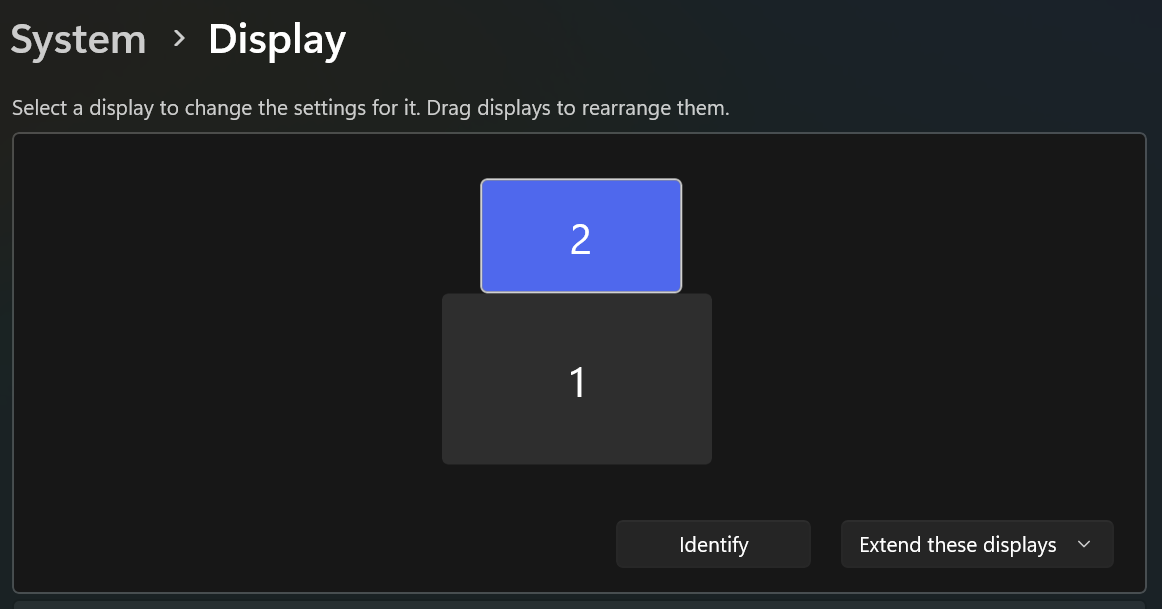
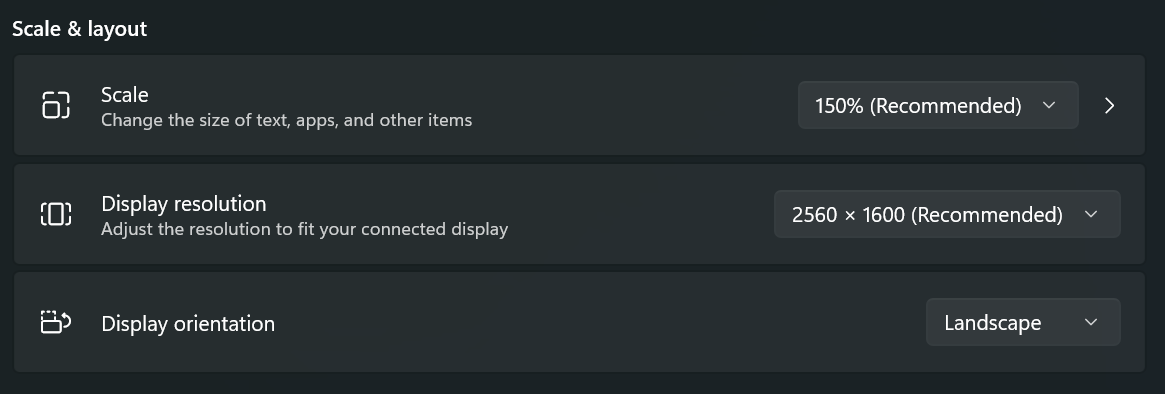
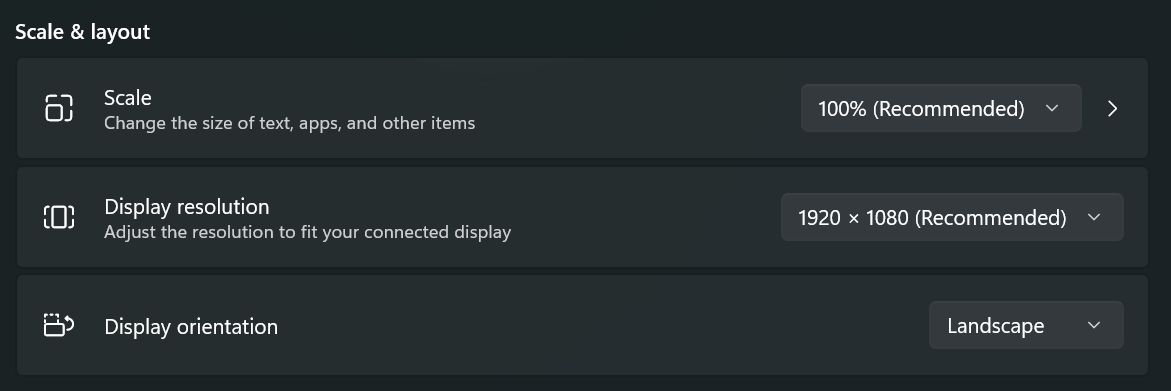
If I position Obsidian onto my main monitor, it retains its size between sessions correctly. My main monitor (2560 x 1600) is scaled to 150% in Windows 11’s System > Display > Scale & Layout > Scale, while my secondary monitor (1920 x 1080) is scaled to 100%. The secondary monitor is the one that’s having trouble retaining proper Obsidian application window size between sessions.
Screenshots on main monitor (non-problematic monitor)
This is STILL a problem in June 2024 - same issue - windows 11 and 10 - obsidian doesn’t start with the same size and position it had when last closed if that was done on a second monitor. Works as it should on the primary. This is not an issue with other programs - firefox for instance works on both monitors so it is definitely an Obsidian issue.
For what it’s worth, I suspect it has something to do with resolutions that are large. I have the same problem on my second monitor (1920x1080), while my primary monitor is 4K
I came here with the same problem: August 2025. Windows 11 Home. Primary monitor is 4K Asus Proart p16 laptop. Secondary monitor (problem) is AOC 27" 4K monitor. Primat scaled 175%, secondary at 100%.
Identical issue as OP, happens 100% of the time, and only with Obsidian.
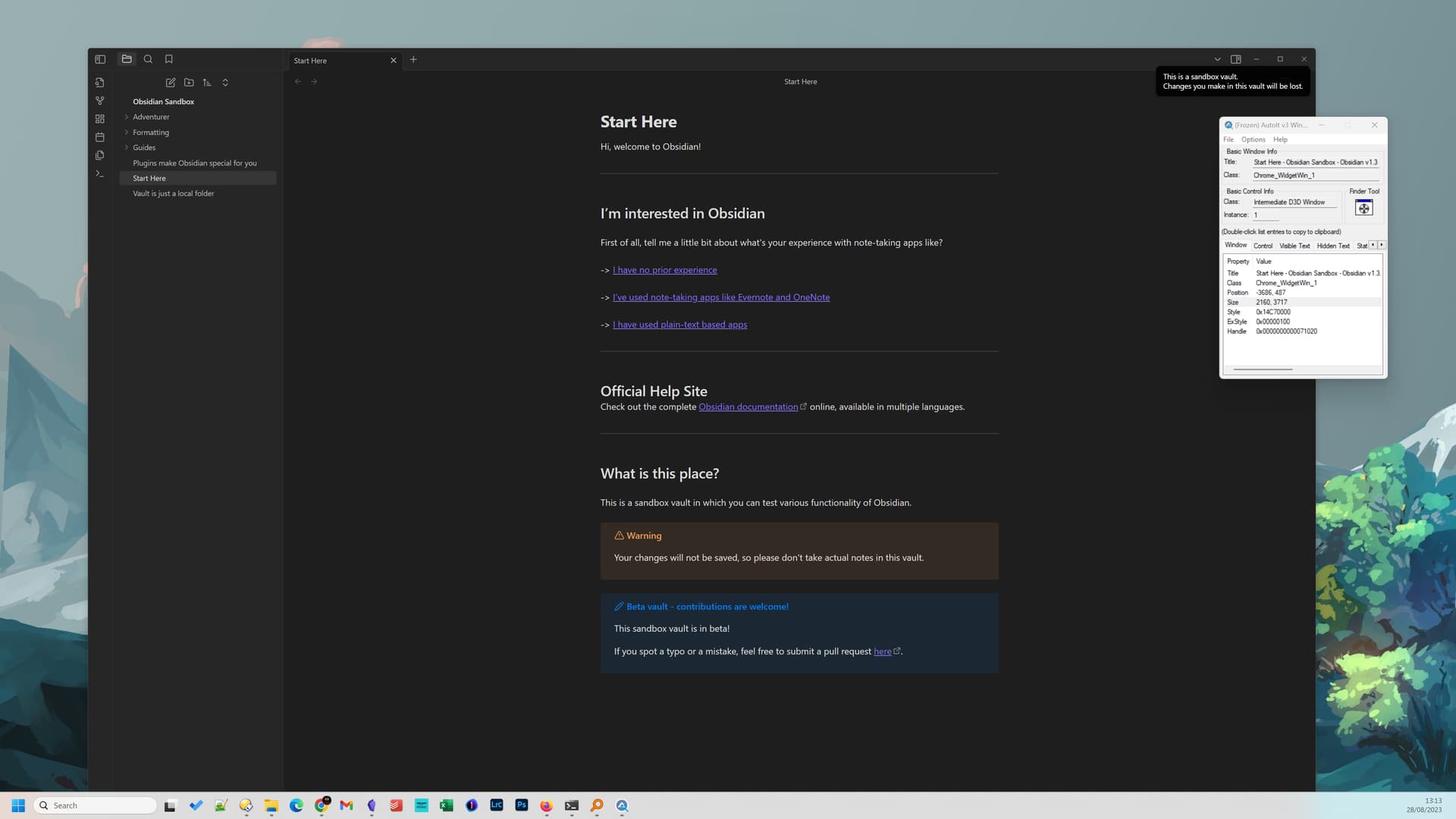
When I open Obsidian the window height is much larger than my screen. I’m running Windows 11 and have 2 monitors, the monitor set as my ‘main display’ is to my right, and a 1440p screen in vertical orientation. The monitor in front of me, that I use to open Obsidian, is a 4k screen in horizonal orientation. The 4k display is set to 150% scaling, the 1440p monitor set to 100% scaling.
Another forum post below looks like the same issue, but is posted in the bug graveyard, though I can’t see any solution.
Using the following command line results in the Sandbox opening with the same issue.
Obsidian.exe obsidian://open?vault=“Obsidian Sandbox”
Expected result
Obsidian to open with a window size that fits within the available screen space.
Actual result
Obsidian window height substantially larger than the height of the monitor.
Environment
SYSTEM INFO:
Obsidian version: v1.3.7
Installer version: v1.1.9
Operating system:
Login status: logged in
Catalyst license: none
Insider build toggle: off
Live preview: on
Legacy editor: off
Base theme: dark
Community theme: none
Snippets enabled: 0
Restricted mode: on