Steps to reproduce
Install Obsidian 1.12.4 by running the command in the code snippet below. The command must be run with administrator privileges:
Obsidian-1.12.4.exe /S /allusers
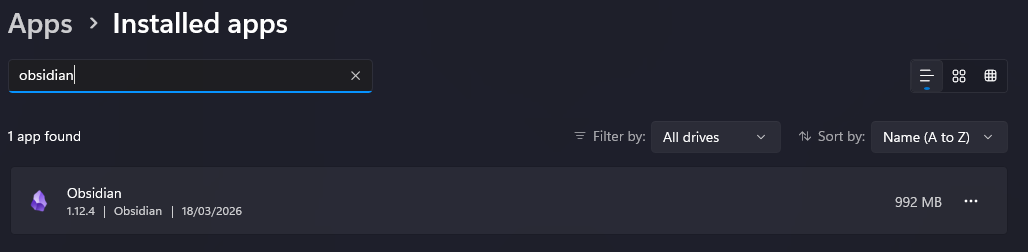
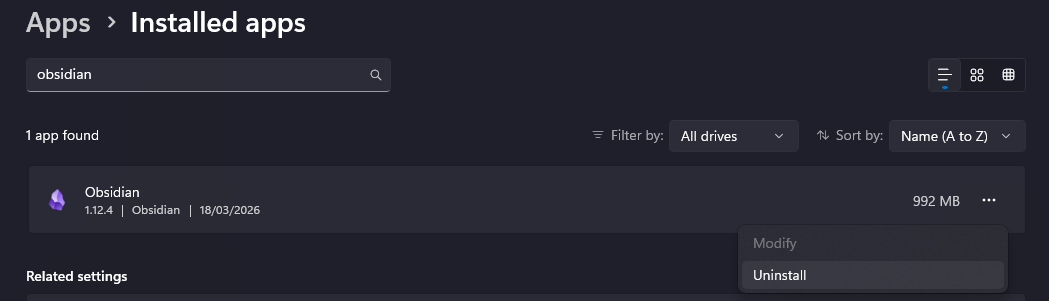
Now uninstall Obsidian through Windows settings.
Expected result
Obsidian is uninstalled.
Actual result
Obsidian starts uninstalling everything in C:\Program Files.
Environment
Windows 11. For a specific version number, please contact me through other means, as I am not allowed to disclose it publicly.