Commander is a very handy plugin that I use heavily and come to rely on; however, bugs and necessary updates have begun to pile up, and it’s reached the point where the plugin is becoming a liability to my workflow. Based on the GitHub repo it appears development has stalled, and I’m starting to wonder if it has been abandoned. I’ve seen too many useful plugins fade and die because their developers couldn’t keep them up, and I would be happy to pay a moderate subscription fee if that’s what is needed.
Does anyone know what is up with the plugin and its developers?
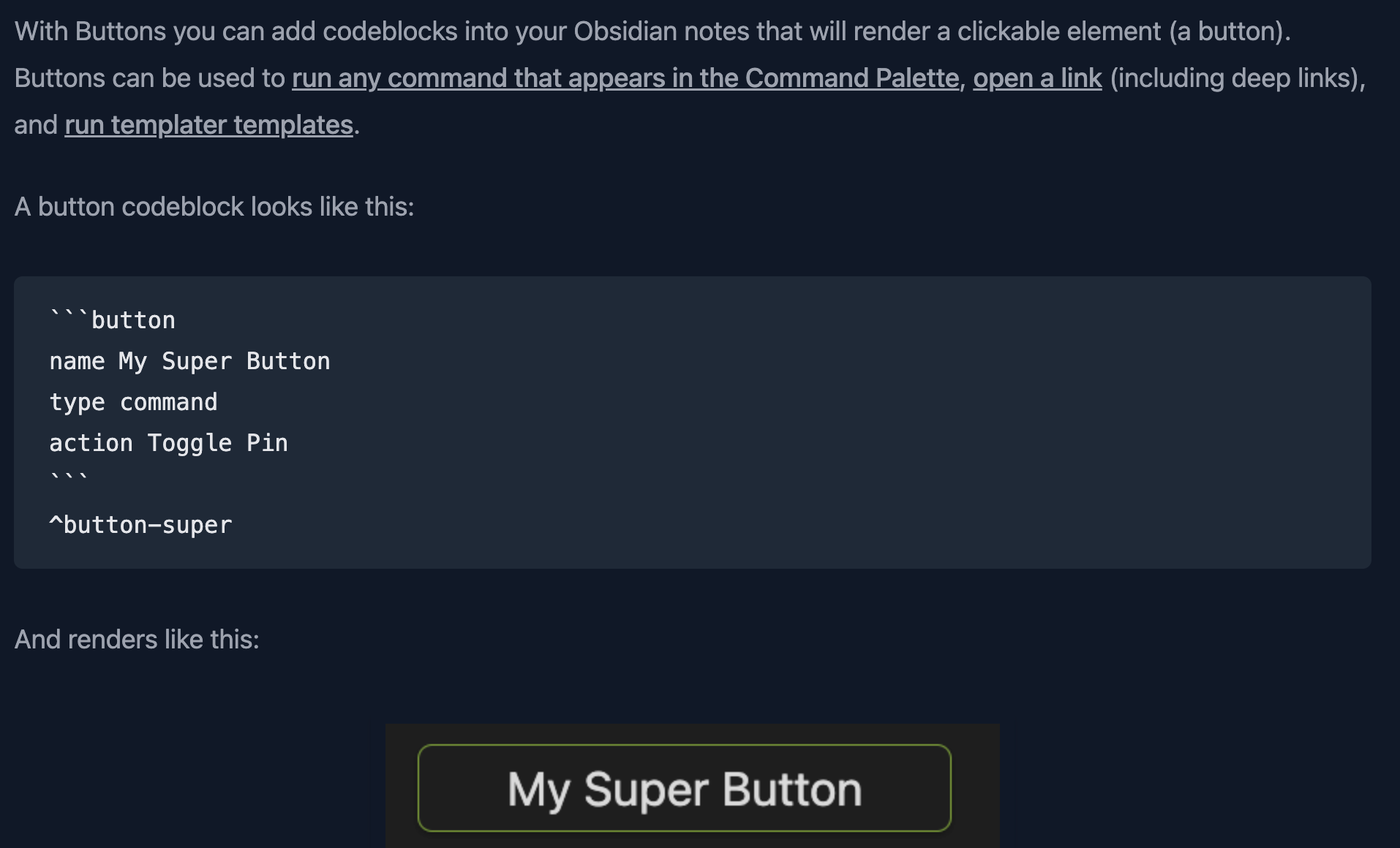
Are there other plugins that offer similar functionality?
I use ribbon commands the most but could access those elsewhere or adapt native features—e.g. pinned commands in the command palette. I also use a few macros for publishing, which I could likely move to one of the scripting option you linked. I already am comfortable with Templater scripting, so hopefully that won’t be a heavy lift.
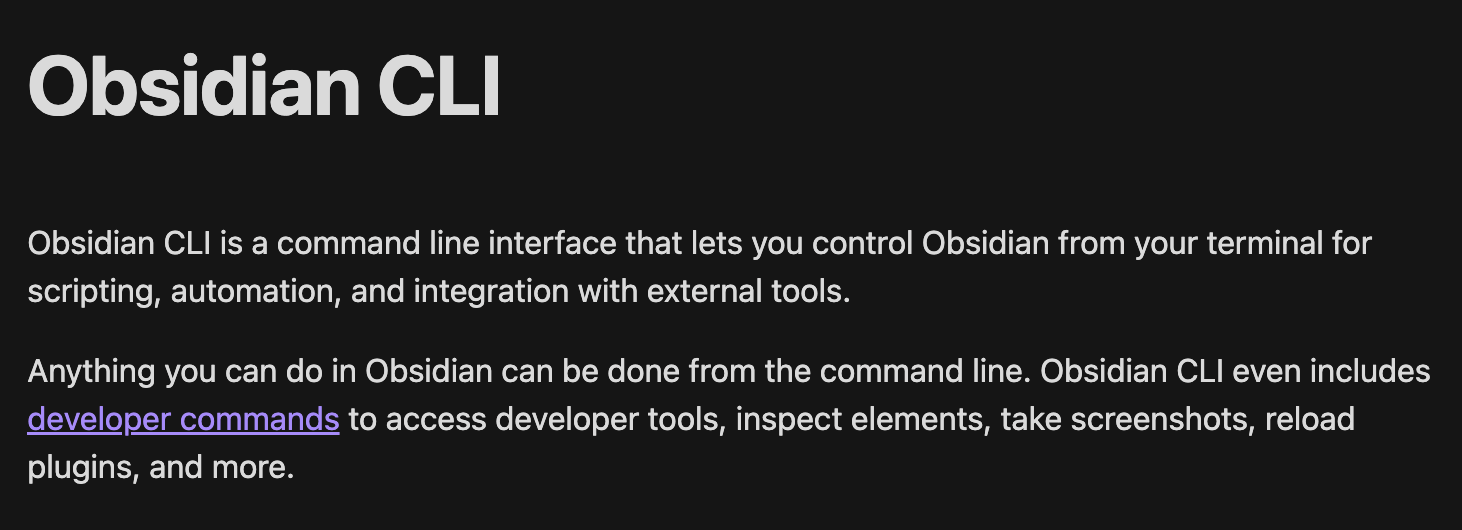
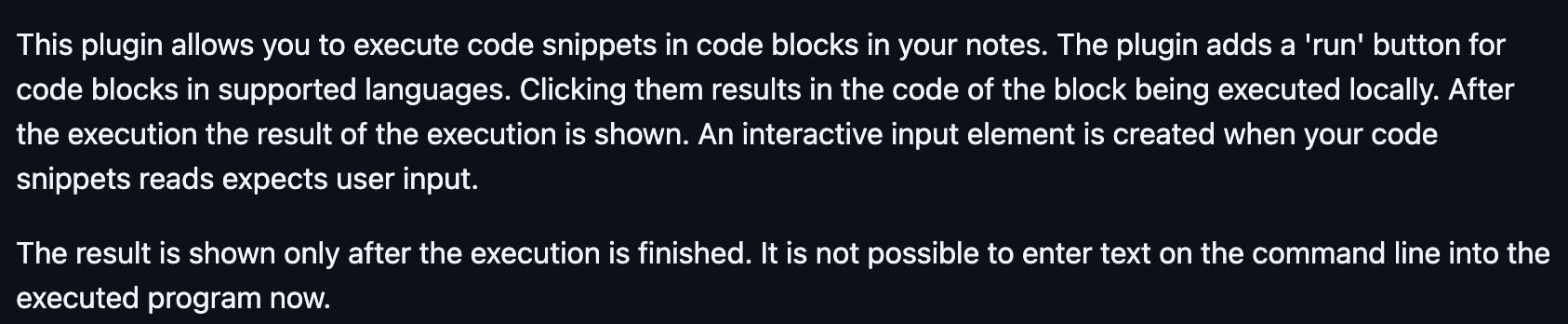
I checked the documentation for Obsidian CLI to see if there were any overlap with the solutions I mentioned. It seems that Obsidian CLI is not directly accessible within the Obsidian itself unless you use one of these plugins. Check also this plugin: Terminal.
Other option is to use some URI to launch the terminal like
On mac you can use this command to create new shortcut
open "shortcuts://create-shortcut"
You can also use Shortcuts with Obsidian CLI. You don’t need to access terminal in daily use to utilize Obsidian CLI. Hence Terminal plugin is not as useful as other options where you use predefined configuration which gives you huge powers.