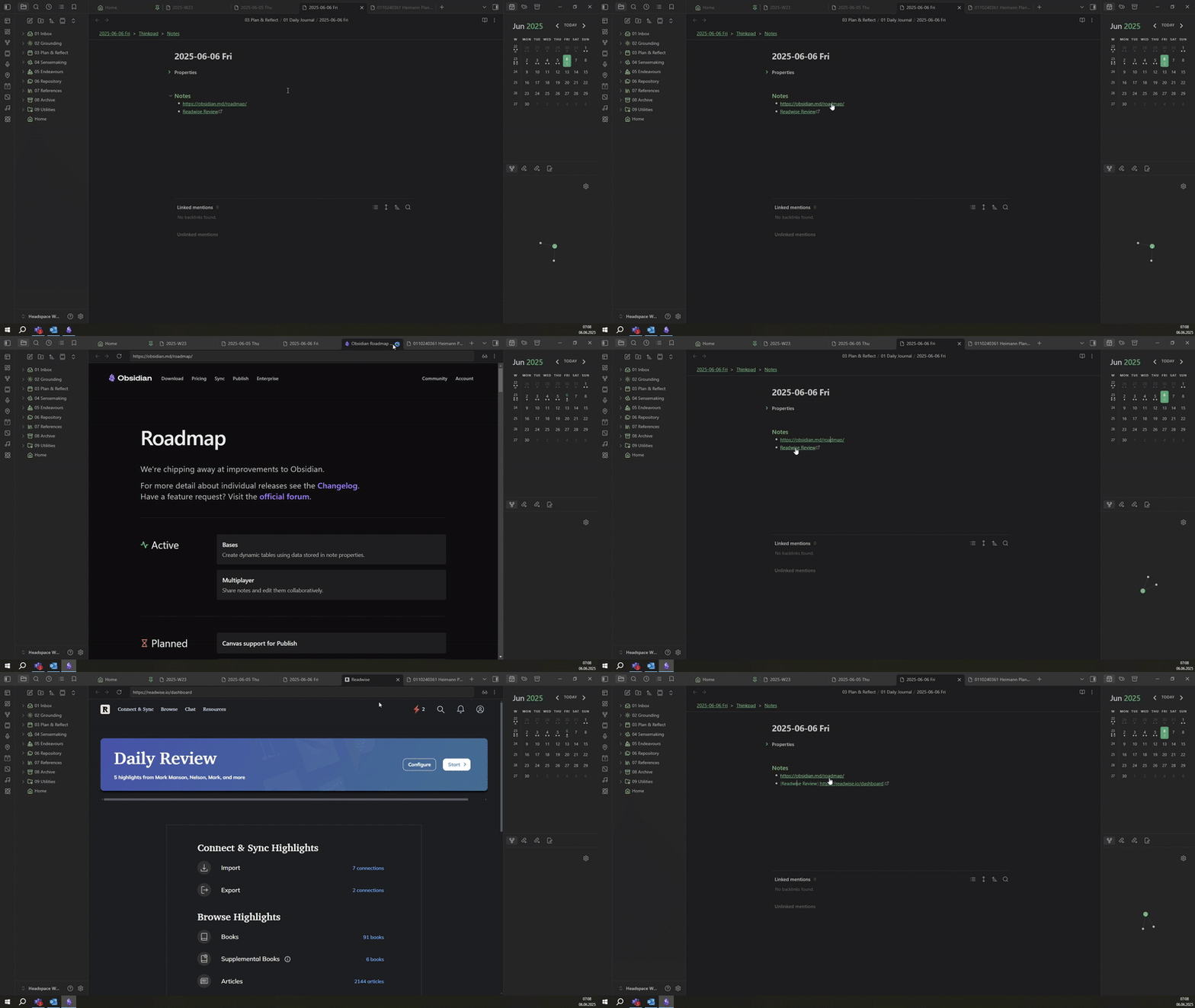
On most of my devices (the exception is an Eink-Tablet) I use Obsidian in dark mode.
I noticed that the web-viewer does not seem to have a “dark-mode” - I can of course use webpages in darkmode (if they have it), but during the short loading time the web viewer will be “blindingly white” which is kind of uneasy on the eyes - especially in dark environments.
Proposed solution
I think the webviewer should have an optional dark mode.
It should also automatically “follow” the “Base Color Scheme” of Obsidian - be automatically set to dark/light matching the Obsidian config.
Nice to have would be a function/option to “force” dark mode even for webpages that don’t support it
Expected opening a browser window to retain background color until the webpage loaded.
Actual result
Background color was replaced with God’s smiting light.
Environment
SYSTEM INFO:
Obsidian version: 1.12.4
Installer version: 1.9.14
Operating system: Darwin Kernel Version 25.4.0: Sun Feb 8 23:39:39 PST 2026; root:xnu-12377.100.591.501.2~2/RELEASE_ARM64_T8103 25.4.0
Login status: logged in
Language: en
Catalyst license: none
Insider build toggle: off
Live preview: on
Base theme: adapt to system
Community theme: none
Snippets enabled: 0
Restricted mode: on
RECOMMENDATIONS:
none
Additional information
https://discord.com/channels/686053708261228577/694233507500916796/1483302079048057023
Here I am showing the issue with my current build and
https://discord.com/channels/686053708261228577/694233507500916796/1483365369908564051
here it is in Sandbox mode.
This has forced me to stop working on several occasions due to light sensitive migraines