Disclaimer
Is this project open source? Yes
Is this project completely free? Yes
Is this project made with AI beyond the author’s ability to comprehend how it works? No
Hi everyone. I built Vault Cortex, an open-source server that connects your vault to AI tools like Claude. It speaks the Model Context Protocol (MCP), the open standard that lets AI apps use outside data. It’s not a plugin, and nothing gets installed in Obsidian. The server works directly with the .md files on disk, so Obsidian can stay closed, and it’ll take any folder of markdown files.
I built it because I wanted a few things: to use Claude with my vault from my phone without keeping Obsidian running on my laptop at home, to have that same structured access when I’m working locally, and to have flexible options for configuration and access control. At the time I built this, every setup I looked at needed my machine on, and most needed Obsidian itself running with a plugin installed. It was more moving parts than I wanted. No plugin or tool on its own provided all the functionality I was looking for.
After trying a variety of Obsidian plugins, I went the direct route, pointing Claude Desktop or Cowork straight at my vault, and even built a skill that teaches agents Obsidian’s syntax and conventions. It helped, and it still works alongside this, but a skill doesn’t limit what an agent can touch. With Claude (and most AI agent tools), you can run it in a stricter permission mode and approve every edit, or limit access to specific sub-folders, or invest in building out hooks, skills, and other configurations to control how AI interacts with your vault. None of that felt right to me, and I didn’t like giving an agent full, unstructured access to my vault either.
At this point there are a lot of tools that connect Obsidian to AI. But many require multiple plugins or need Obsidian running on your computer for remote access, their search often stops at keyword matching, and non-markdown files get little or no support. Vault Cortex supports two modes, local and remote (either via a VPS or a hosting platform). Both modes provide secure, authenticated access to your vault via a single Docker container, with support for both markdown and non-markdown files, hybrid search that matches on keywords and semantic meaning, structured memory, task management, and more. Local mode lets you connect your vault to Claude Desktop, Claude Code, Cursor, or any other AI tool that speaks MCP. Remote mode works on a small server and runs Obsidian Sync in the same container, so the same vault that syncs to your laptop and phone is also readable and writable by Claude from anywhere, including claude.ai on mobile (Perplexity and other AI apps with remote connector support work from a phone too).

What my agent does with my vault
My vault holds 800+ notes: project docs, Kanban task boards, session logs, travel guides, and memory files that agents maintain. Day to day, Claude works with all of it the way I would inside Obsidian:
- It completes tasks properly. Checking off a card means the checkbox flips, the done date gets stamped in Tasks plugin format, and the card moves to the Done lane on my Kanban board.
- It writes new notes with real frontmatter, wikilinks, and callouts, and it makes targeted edits to existing ones instead of rewriting whole files.
- It finds notes I can’t. Search combines keywords with meaning, so asking about “career goals” turns up the note I titled “Targets”.
- It remembers things between chats. Preferences land as dated bullets in plain markdown files inside the vault, and I can read and edit them in Obsidian like any other note.
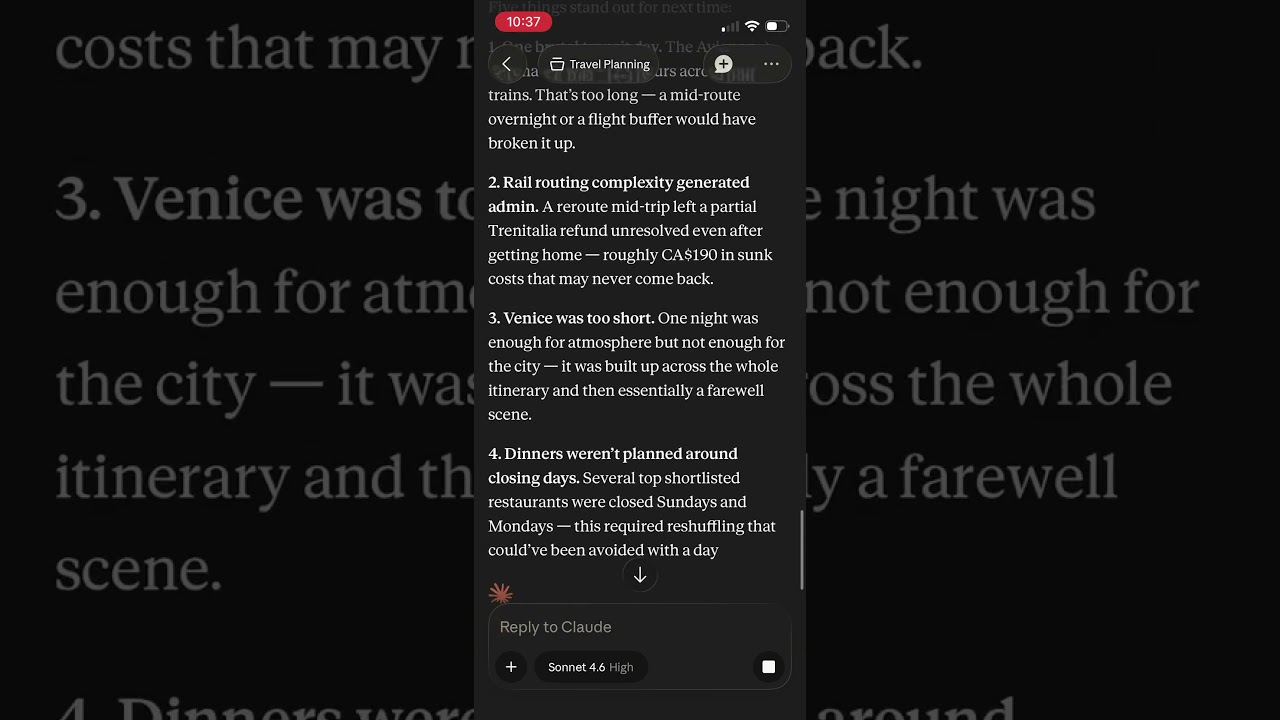
I leaned on it for 15 days travelling through France and Italy with my laptop in the suitcase. One example that stood out: I took a photo of the arrivals board in Torino instead of departures, and Claude caught it and pulled our actual train, carriage, and seats from the day’s travel note.
Setup
The local setup takes a few minutes with Docker and Node.js installed:
npx vault-cortex@latest init
The CLI asks for your vault path, generates the config, and starts the server. Keyword search works immediately and the semantic index builds in the background. The local guide walks through connecting Claude Desktop, Claude Code, and other apps, and it includes a plain Docker Compose path if you’d rather skip Node.
For access from other devices, the remote setup runs the server and Obsidian Sync together in one container (Sync is a paid Obsidian subscription, which the local setup doesn’t need). And if you’d rather not touch a terminal at all, that’s what the one-click deploys for Render and Railway are for: you click deploy, then sign in with your Obsidian account on a page served by your own server. The sign-in goes straight to Obsidian, and the syncing itself runs on obsidian-headless, Obsidian’s official Sync client. The whole thing lives under your own account, so you can delete it whenever you want, and your vault stays on your devices.
Where your notes go
When Claude reads a note, the contents go to the AI you’re chatting with, exactly as if you’d pasted the note into the chat yourself. Everything else stays on the machine you run it on, your laptop or your own server. The search index and the embedding models run inside the container, so indexing never sends your notes anywhere.
Your vault stays a folder of plain markdown files no matter what an agent does to it, so every edit is an ordinary file change that version history and your backups can see. If you want tighter limits, there’s a read-only mode where Claude can read and search but never edit, switches to turn off individual tools, and protected paths that keep agents from deleting or moving notes in folders you name. Hidden folders like .obsidian are off limits entirely, the same way Obsidian itself treats them.
Link handling matches Obsidian: wikilinks with aliases and heading anchors, markdown links, embeds, links in frontmatter properties, and all three “New link format” modes.
I use Vault Cortex every day, and most of the functionality came from needs I ran into myself while using it. The memory files, the task tools, and the section-level edits were all fixes for my own workflow first. But each piece is built to be accessible and useful for any Obsidian user, whether you’re deeply technical or just want a customizable home for your notes.
That’s also why just as much work has gone into making it simple to set up. I want it to work for anyone connecting an AI tool to their vault while keeping control of what it can touch. That’s what the setup CLI, the one-click deploys, the read-only and per-tool switches, and the other configuration options are for. If something doesn’t fit the way you use Obsidian, I’d genuinely like to hear about it.
I hold the project to a high bar for stability, security, and quality. It carries the OpenSSF Best Practices silver badge, there’s a public roadmap, and I’m committed to maintaining and improving it. If you want to change how something works or add to it, there’s a contributing guide and a build-from-source path.
Repo: GitHub - aliasunder/vault-cortex: Standalone MCP server that gives AI agents access to your Obsidian vault — hybrid search, memory, tasks, files, OAuth 2.1. Run locally, self-host, or one-click deploy for remote access. · GitHub
The longer write-up of the trip and the memory layer: I Gave Claude Access to My Entire Second Brain
Happy to answer questions.